
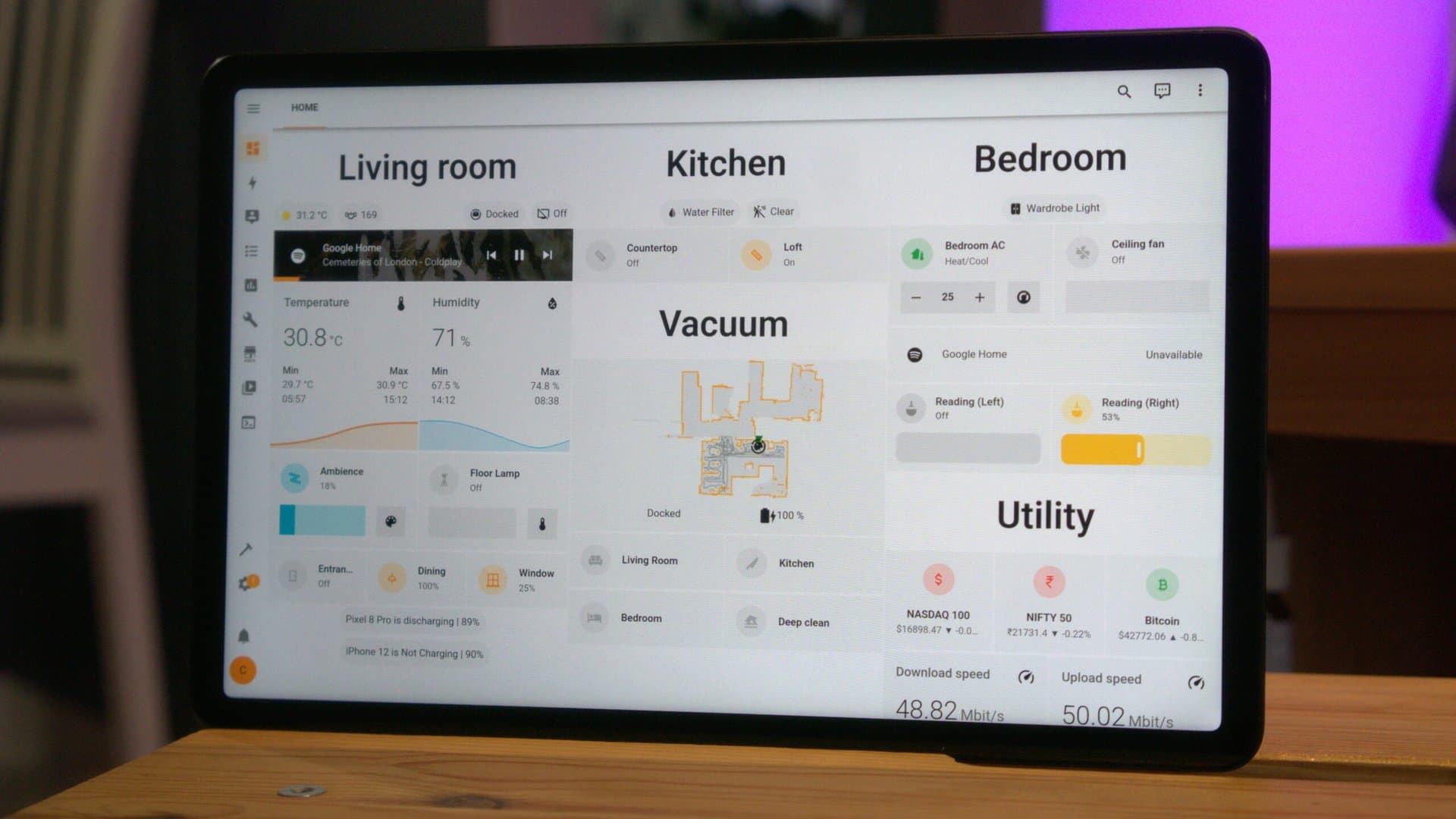
Home Assistant OS 18.0 is here, and the standout improvement is a major drop in memory usage. This change should enhance performance on budget hardware like the Raspberry Pi 3 and other low-spec devices.
Home Assistant is an open-source smart home platform that allows users to control lights, thermostats, cameras, and many other connected devices from one dashboard. Millions run it on small, affordable computers, often tucked away in a closet or on a shelf. So, memory efficiency really matters.
What Changed in Version 18.0
The biggest change focuses on how the OS manages RAM, which is the short-term memory your device uses for active programs. Previous versions often consumed too much memory, leading to slowdowns and instability on devices with 1GB or 2GB of RAM. With Home Assistant OS 18.0, updates to its Linux kernel and system services cut down the baseline memory footprint across all devices.
As noted by XDA Developers, these memory improvements benefit high-end hardware as well, not just budget setups. If you’re running Home Assistant on a newer Raspberry Pi 5 or a dedicated mini PC with 8GB of RAM, expect a leaner memory profile after the update.
Raspberry Pi Support Gets an Upgrade
This version also enhances Raspberry Pi support, which is crucial since it’s the most common hardware for running Home Assistant. The update improves compatibility with newer Pi models and fixes some boot-related issues that affected specific configurations.
Setup has been made simpler too. According to Android Authority, the onboarding process—what you go through when setting up Home Assistant for the first time—now takes less time and is less frustrating, requiring fewer manual steps to achieve a working installation.
Under the Hood
If you’re technically inclined, this update features a newer Linux kernel version, updated system libraries, and changes in how the OS handles background services. Think of it as upgrading a car’s engine while keeping the interior intact. You might not notice a huge visual difference, but everything should run more smoothly.
Security also sees improvements through updated components, which is important for anyone using Home Assistant to manage door locks, security cameras, or alarm systems.
| Metric | Detail |
|---|---|
| Release date | June 23, 2026 |
| Version number | Home Assistant OS 18.0 |
| Primary benefit | Reduced RAM usage on all hardware tiers |
| Key hardware supported | Raspberry Pi 3, 4, 5, and generic x86-64 machines |
| Update type | Free, over-the-air via Home Assistant interface |
What This Means for Everyday Users
If you’re already using Home Assistant, you should definitely install this update. The memory improvements mean your dashboard will load faster, integrations (like Philips Hue or Google Nest) will respond more reliably, and you’re less likely to experience sluggishness after the system has been running for days without a restart.
For anyone who previously abandoned Home Assistant because it struggled on a Raspberry Pi 3 or similar older hardware, version 18.0 is a compelling reason to give it another shot. The platform has always been powerful, but it hasn’t worked well on devices with less than 2GB of RAM. That standard appears to be dropping.
If you’re new to Home Assistant, this release makes the initial setup much more approachable, addressing a common barrier for those interested in self-hosted smart home control.
Community Reactions
“Finally. My Pi 3 was basically a space heater for the past six months. Installed 18.0 last night and the dashboard actually loads in under two seconds again.”
“The onboarding changes are subtle but real. Showed my dad how to set it up this weekend and he didn’t ragequit. That’s a first.”
How to Get It
If you’re already running Home Assistant OS, the update should show up automatically in your Supervisor panel under Settings. You can also manually check for it. The update is free, like all Home Assistant OS updates. It’s always a good idea to back up before updating, and Home Assistant makes that easy from the same settings menu.
For more details, check out the full coverage from Android Authority and XDA Developers.
What To Watch
- Home Assistant 2026.7 core release: This OS update is separate from the Home Assistant core software. Expect a monthly core update in early July, typically bringing new device integrations and UI improvements.
- Raspberry Pi 5 optimization: The Pi 5 is now the recommended hardware for new Home Assistant installs. Look for more optimizations for that hardware in future releases as it becomes more popular.
- Voice assistant development: Home Assistant’s local voice control features, like Wyoming protocol and local wake word detection, are growing rapidly. Future OS updates will likely enhance performance for these features on lower-end hardware too.

Maya Torres
Maya Torres is the Consumer Tech Editor at Explosion.com with 7 years covering product launches for major technology publications. She has reviewed over 300 devices across smartphones, laptops, wearables, and smart home products. Maya specializes in translating spec sheets into real-world buying advice and attends CES, MWC, and Apple keynotes as press. Her reviews focus on helping readers decide what to buy, not just what specs look good on paper.


