
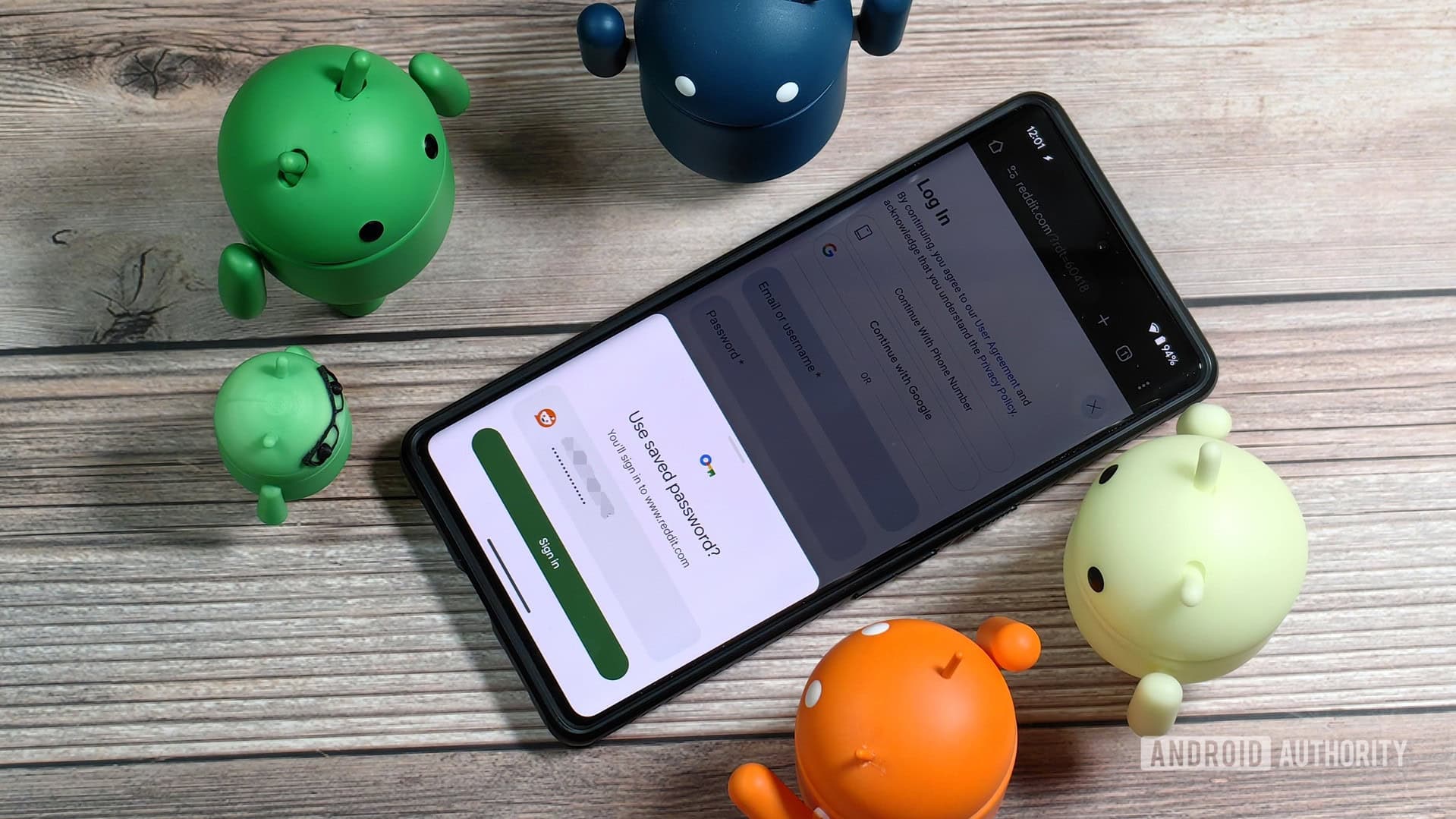
Recently, a writer found out that 140 of their online accounts had been compromised because they reused the same password across many websites. The solution isn’t quick but can definitely be tackled this weekend.
How Reused Passwords Can Lead to Trouble
The main issue is simple: most people choose one or two memorable passwords and use them everywhere. This is fine until one of those sites gets hacked. Once attackers have your email and password from a breached forum, they use automated tools to try that same combination on other sites like Gmail, your bank, Amazon, and PayPal. This method is known as credential stuffing — using stolen login details from one site to access others.
Think of it like a master key. If you use the same key for your house, car, office, and storage unit, losing one key doesn’t just unlock one door — it opens them all.
According to a report from Android Authority, the author had unknowingly built up 140 accounts, all using variations of the same password. When one breach occurred, the consequences were immediate.
Step One: Assess the Situation
Before fixing anything, you need to understand the extent of the problem. Two free tools can help you quickly:
- Have I Been Pwned (HaveIBeenPwned.com) — Enter your email address, and it’ll show you which known data breaches included your credentials.
- Your browser’s built-in password checker — Chrome, Firefox, Safari, and Edge have settings that identify reused or compromised passwords. In Chrome, go to Settings > Privacy and Security > Check Passwords.
If you find a long list of warnings, don’t worry. You can fix this.
Step Two: Get a Password Manager
A password manager is an app that securely stores all your passwords in an encrypted vault (a digital safe that only you can access) and automatically generates long, random, unique passwords for every site. You only need to remember one strong master password to access it.
Some popular options include:
- Bitwarden — Free, open-source, works on all devices
- 1Password — $3/month, known as one of the best options
- Dashlane — Offers a free tier and strong breach monitoring features
- Apple Passwords — Free, built into iPhones and Macs, no extra app needed
- Google Password Manager — Free, integrated into Chrome and Android
The writer from Android Authority utilized their password manager’s built-in audit tool, which ranked passwords by risk, starting with the most critical accounts like email and banking.
Step Three: Change Your Passwords Methodically
This is the part that many dread. You’ll need to log into each compromised account and set a new unique password generated by your password manager. The good news? You don’t have to do all 140 in one go.
Here’s how to prioritize:
- Email accounts (hackers can use these to reset everything else)
- Banking and financial accounts
- Shopping sites with saved credit cards
- Social media accounts
- Everything else
Spending just 20-30 minutes a day for a week can help you clear most of a long list.
Step Four: Enable Two-Factor Authentication
Two-factor authentication, or 2FA, adds an extra verification step when you log in — usually a code sent to your phone or generated by an app like Google Authenticator or Authy. Even if someone gets your password, they can’t access your account without that second code.
Turn it on wherever it’s available, especially for email, banking, and social media accounts.
| By The Numbers: Password Reuse Risk | |
|---|---|
| Accounts compromised in this case | 140 |
| Percentage of people who reuse passwords | ~65% (according to a Google survey) |
| Cost of top password managers | $0 – $3/month |
| Time to audit passwords with a manager | Under 5 minutes |
| Most common reused password globally (2024) | “123456” |
What This Means for You
If you’ve been using the same password on more than a couple of sites, your credentials might already be on hacker forums — and you probably don’t even know it. The average data breach remains undetected for 204 days before being discovered and reported, meaning your information could be sold and used long before you receive a warning email.
The solution is free if you use a password manager like Bitwarden or your device’s built-in tools. The time investment is just a few hours spread over a week. The alternative? Dealing with 140 hacked accounts, which can take a lot longer to resolve.
What People Are Saying
“I put off using a password manager for years because it seemed complicated. It took me 15 minutes to set up Bitwarden, and now I can’t believe I waited so long. Every password I have is now 20+ random characters.”
“The scary part of this article is the credential stuffing explanation. I never thought about how one breach at a random forum could unlock my actual bank account. I’m changing everything this weekend.”
Further Reading
- My 140 reused passwords finally came back to bite me — Android Authority
- Have I Been Pwned — Check if your email was in a data breach
- Bitwarden — Free, open-source password manager
What To Watch
- Right now: Run your email through HaveIBeenPwned.com — it takes 30 seconds and tells you exactly where you stand.
- This week: Major browsers like Chrome and Safari are expanding their built-in password health features, making it easier to spot and fix reused credentials without needing a third-party app.
- Longer term: Passkeys — a new login technology that completely replaces passwords with device-based authentication — are being adopted by more services throughout 2025 and 2026. Google, Apple, and Microsoft are all pushing this standard. As more sites support passkeys, the reused-password issue will become less common for early adopters.

Ava Mitchell
Ava Mitchell is a digital culture journalist at Explosion.com covering social media platforms, streaming services, and the creator economy. With 4 years reporting on TikTok, Instagram, YouTube, and the apps that shape daily life, Ava specializes in explaining platform policy changes and their impact on everyday users. She previously managed social media strategy for a tech startup, giving her firsthand experience with the platforms she now covers.


