
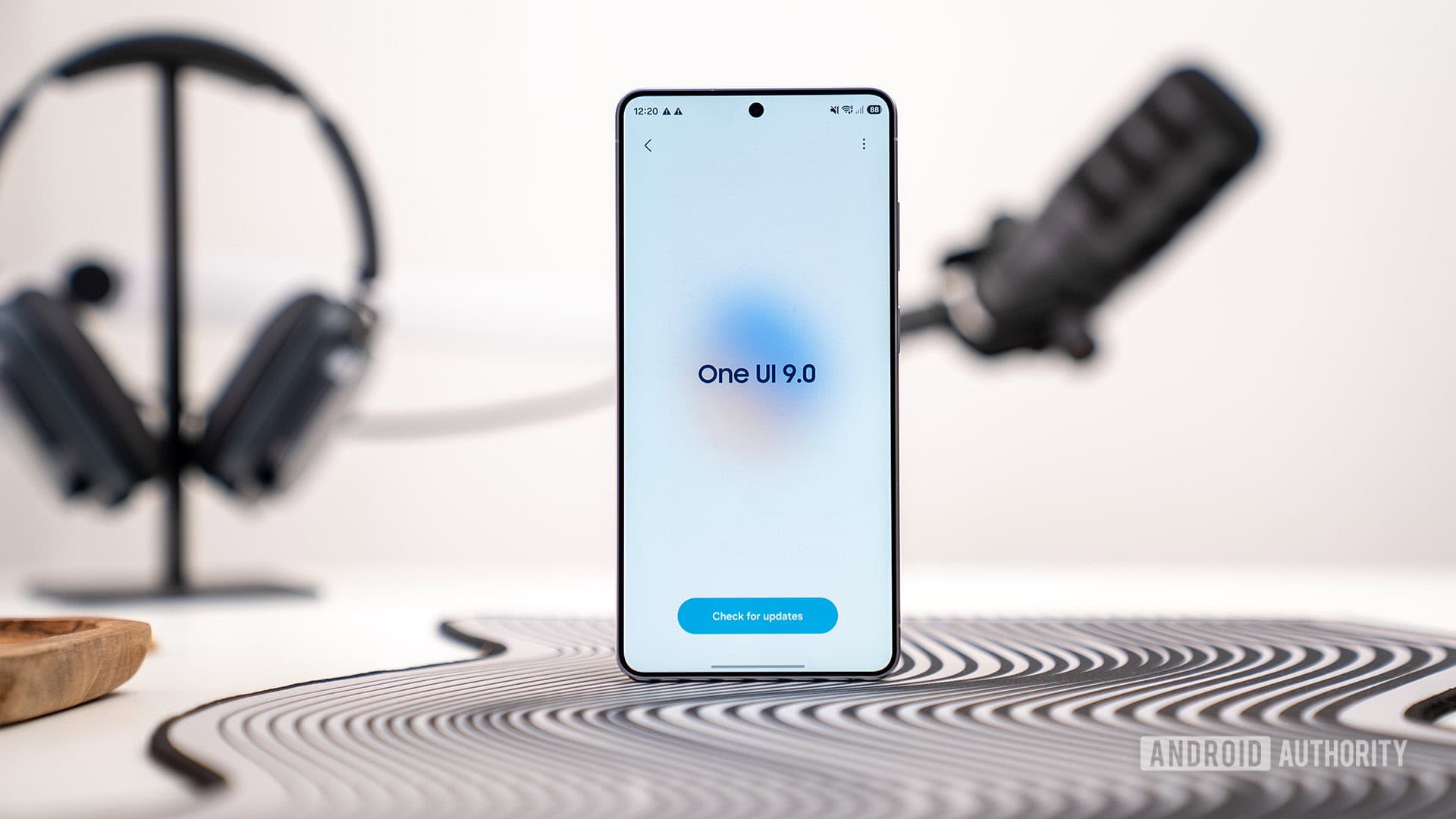
Samsung is introducing a strict security feature for Galaxy phones with One UI 9. If you enter your PIN or password incorrectly 13 times, your phone will automatically reset to factory settings.
A document from Samsung, verified by Android Authority, details this new feature coming with the One UI 9 update. This policy is one of the most rigorous security measures any major Android brand has rolled out. It targets anyone who forgets their passcode or hands their phone to someone who might guess it incorrectly.
How the New Lockout Works
Currently, Galaxy phones with older One UI versions slow down after multiple incorrect PIN attempts, increasing the wait time between tries. This can be frustrating, but you can still recover your data. With One UI 9, that changes dramatically.
Once you reach 13 incorrect attempts, the device will automatically perform a factory reset. This means it wipes all data, apps, photos, and settings without warning. There’s no grace period or way to cancel this once you hit the limit. Your phone essentially starts fresh.
Imagine it like a bank vault with a self-destruct feature. Enter too many wrong codes, and everything inside is gone—completely erased.
Why Samsung Is Doing This
The reason behind this change is clear: it’s all about preventing theft. If someone steals your Galaxy phone, they currently have virtually unlimited chances to guess your PIN if they’re patient. Limiting attempts to 13 makes it much harder for thieves to brute-force their way in.
Apple’s iPhone has had a similar feature called “Erase Data,” which wipes the phone after 10 incorrect passcode attempts. That option is optional on iOS. Samsung’s One UI 9 seems to make the factory reset automatic and mandatory after 13 failed attempts. However, Samsung hasn’t clarified yet if there’s an option to disable this feature.
Google’s Pixel phones also have a lockout system, but they typically lock the device and require you to recover it through a Google account, rather than wiping everything.
What About Biometrics?
Attempts at fingerprint and face unlock seem to be counted separately. Samsung has its own limits for biometric failures, which require switching to PIN entry after several unsuccessful tries. The 13-attempt limit applies only to PIN and password inputs—the fallback methods you’d use when the fingerprint or face unlock isn’t working.
| Detail | Info |
|---|---|
| Wrong attempts before wipe | 13 |
| Apple’s equivalent limit (opt-in) | 10 attempts |
| Samsung OS version | One UI 9 |
| Feature confirmed via | Internal Samsung document |
| Data recovery after wipe | Not possible without prior backup |
What This Means
For most users, this change won’t be an issue. If you use your PIN daily, hitting 13 attempts is unlikely.
However, there are scenarios where this could become problematic. Parents who let young kids use their phones may end up with a curious toddler entering wrong numbers repeatedly. Someone who forgets a PIN they rarely use, because they depend on fingerprint recognition, could lose everything. Anyone who doesn’t back up their phone regularly risks losing important photos, contacts, and app data forever.
The best advice? Enable automatic backups before One UI 9 hits your device. On a Galaxy phone, go to Settings, then Accounts and Backup, and choose Back up data. Make sure it’s set to back up automatically over Wi-Fi. This way, even in the worst-case scenario, you can recover your data.
Community Reactions
“13 is actually reasonable. I’ve seen people set their PIN to something dumb and then genuinely forget it. At least this forces you to have a backup. The real lesson is back up your phone.”
“My nephew got into my old Galaxy and hammered the PIN screen like it was a game. If this was One UI 9 that phone would be a brick. Samsung needs to at least show a warning at attempt 10 or something.”
What To Watch
- One UI 9 rollout timeline: Samsung hasn’t announced a specific release date for One UI 9 across all Galaxy devices. Flagship models like the Galaxy S25 series and Z Fold/Flip devices usually get major updates first.
- Opt-out option: Samsung hasn’t confirmed if users can disable the auto-wipe feature in settings. This will be crucial when the update arrives.
- Warning prompts: Keep an eye out for whether Samsung includes alerts as users near the 13-attempt limit. A message like “You have X attempts remaining” could help prevent accidental wipes.
- Google and other Android makers: If Samsung successfully rolls this out, expect other Android brands to consider similar hard lockouts as phone theft continues to be a focus for regulators in the US and EU.

Ava Mitchell
Ava Mitchell is a digital culture journalist at Explosion.com covering social media platforms, streaming services, and the creator economy. With 4 years reporting on TikTok, Instagram, YouTube, and the apps that shape daily life, Ava specializes in explaining platform policy changes and their impact on everyday users. She previously managed social media strategy for a tech startup, giving her firsthand experience with the platforms she now covers.


