
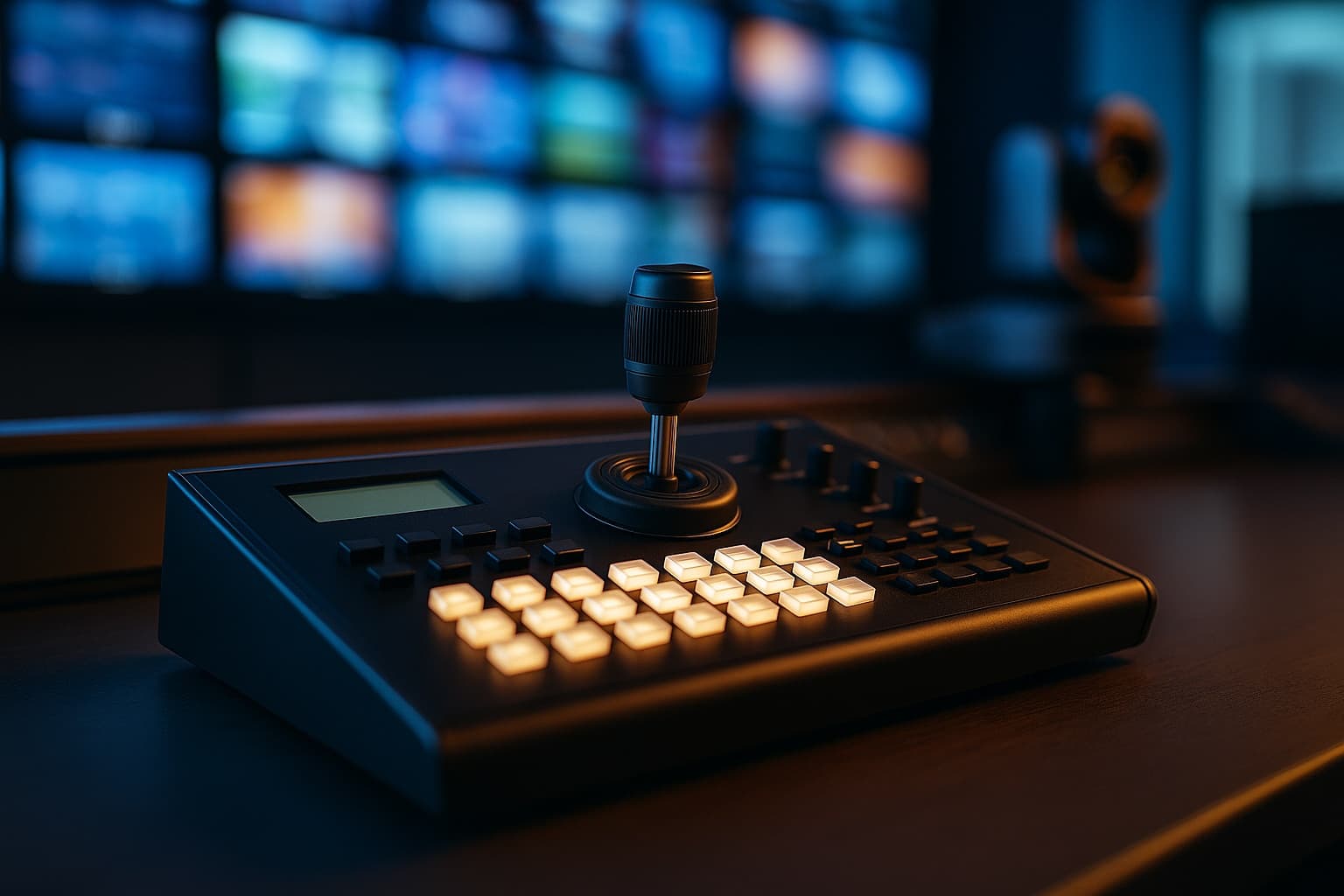
A capable pan-tilt-zoom camera deserves equally capable control. The way an operator drives the camera has a direct effect on how a production looks, and a dedicated hardware controller is what makes precise, repeatable movement possible. Choosing the right one starts with understanding what it does and which features matter for your setup, because the wrong match can leave a great camera underused.
What the Controller Brings to a Production
A joystick controller for ptz camera gives operators precise pan, tilt, zoom, and preset control from one dedicated device. Whether you run a single camera or a large multi-camera rig, it centralizes command so framing stays smooth and transitions stay clean. Productions that rely on live camera work gain real advantages from tactile control:
- Smoother, more natural camera movement on air
- Faster recall of saved presets during a live show
- Centralized control of one or many cameras at once
- Improved production efficiency and consistency
- More reliable operation than software-only or basic remotes
Where a Joystick Controller Helps Most
Tactile control proves its value anywhere live, professional video is produced and every camera move is seen by an audience in real time. Typical settings include:
- Broadcast studios and live event venues
- Conference rooms and classrooms
- Worship spaces and hybrid meeting environments
- Corporate AV workflows and lecture capture
The Features That Matter When Choosing
Before you buy, make sure the controller matches your cameras and the way you work. Focus on these details:
- Camera compatibility and supported control protocols
- The number of cameras it can manage
- Connectivity options and programmable buttons
- Joystick sensitivity and overall ease of use
- Room for future scalability as your rig grows
Compatibility should be your first checkpoint. Confirm that the controller speaks the same protocols as your cameras before anything else, since even the best hardware is useless if the two cannot communicate.
Ease of use matters just as much for teams where volunteers or rotating staff sit at the controls, since an intuitive layout shortens training and reduces mistakes on air. Weigh those factors against your production needs, and the right controller will serve as a dependable hub for years of clean, confident camera work.

Nick Guli
Nick Guli is the founder and editor-in-chief of Explosion.com, which he launched in February 2012. With over a decade of experience in digital publishing, Nick oversees editorial direction across entertainment, gaming, technology, and lifestyle content. He is an avid gamer and movie enthusiast who brings a critical eye to coverage of industry trends, game reviews, and entertainment news.


