
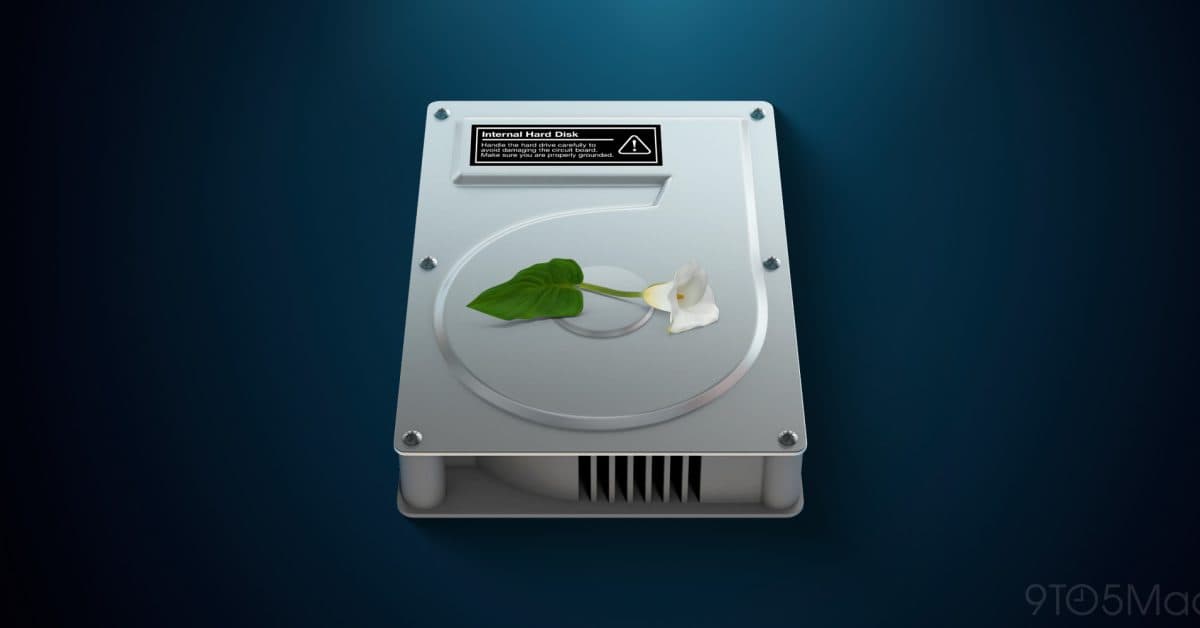
Apple has updated its macOS 28 migration guidance, allowing users to convert encrypted HFS+ drives directly to APFS without needing to decrypt them first. This change removes a time-consuming step that often prevented many Mac users from upgrading smoothly.
What Changed and Why It Matters
Previously, anyone with an older Mac using an encrypted HFS+ drive faced a frustrating two-step process to upgrade to macOS 28. They had to fully decrypt the drive, wait for that to finish, and then convert it to APFS, Apple’s modern file system introduced in 2017. APFS handles encryption, speed, and storage space much more efficiently.
Imagine having to unpack every box in your home before moving, only to repack everything in the same boxes once you arrive. The new guidance eliminates that unnecessary step entirely.
Apple’s updated documentation states that macOS 28 now supports direct conversion from encrypted HFS+ to APFS. Users can start the upgrade process without adjusting their encryption settings first.
Who Is Actually Affected
This update specifically helps Mac users still running older machines with spinning hard drives or early-generation SSDs formatted as HFS+ with FileVault encryption enabled. FileVault is Apple’s built-in full-disk encryption tool.
Since 2017, newer Macs have shipped with APFS as the default file system. If you’ve bought your Mac in recent years, you probably already converted or started on APFS, so this change won’t affect you directly. However, if you’re holding onto an older machine or an external drive with legacy formatting, this update removes a significant hurdle to upgrading to macOS 28.
The previous workaround also carried risks. Decrypting large drives could take hours, and if anything interrupted that process—a power outage or a system crash—data loss was a real possibility. By skipping decryption entirely, Apple reduces that risk.
macOS 28 and the Bigger Mac Picture
Apple is promoting macOS 28 as a major release, and this file system update is part of a larger effort to modernize the Mac’s storage infrastructure. APFS brought several improvements over HFS+: faster file operations, better handling of solid-state drives, stronger encryption integration, and features like space sharing, where multiple volumes use the same storage pool instead of fixed partitions.
Meanwhile, reports from Mashable indicate that Apple is preparing new Mac hardware, including a device known as the MacBook Neo, with more RAM and new color options. The timing suggests Apple wants to advance both software and hardware together, although they haven’t made any official announcements about new hardware yet.
| Apple — Company Snapshot | |
|---|---|
| Ticker | AAPL |
| Stock Price | $308.91 (-7.35%) |
| CEO | Tim Cook |
| Headquarters | Cupertino, CA |
| Founded | 1976 |
| Sector | Big Tech |
What This Means for Everyday Users
If you’re looking to upgrade to macOS 28 but have been hesitant due to the encrypted drive conversion hassle, it just got easier and safer. You won’t need to set aside an entire afternoon to decrypt your drive and monitor the process before running the conversion.
This change simplifies the upgrade path to macOS 28, reducing opportunities for things to go wrong. Less time exposed means less risk and less friction. For IT administrators managing fleets of older Macs in schools or small businesses, this update makes rolling out macOS 28 across older hardware much less labor-intensive.
If you’re unsure which file system your Mac is using, you can check by opening Disk Utility (found in Applications, then Utilities), selecting your drive, and looking at the format listed. If it says “Mac OS Extended (Journaled, Encrypted),” you’re using HFS+ with FileVault. If it says “APFS,” you’re already on the modern format.
Community Reactions
“Finally. I’ve been sitting on an old iMac with a 3TB HFS+ drive, and the thought of decrypting it before upgrading was a nightmare. This actually makes it worth trying.”
“This is a small change in the docs but a huge quality of life improvement for anyone managing older Macs at scale. Decryption on a full spinning hard drive can take 12+ hours. Skipping that step is significant.”
What To Watch
- macOS 28 release timeline: Apple hasn’t announced a final public release date for macOS 28, but based on past patterns, a fall 2026 launch alongside new iPhone hardware seems likely.
- MacBook Neo announcement: Reports indicate new Mac hardware is on the way. Keep an eye on Apple’s fall event for official announcements.
- Further migration documentation updates: Apple’s updated guidance may see more revisions as the macOS 28 beta cycle continues. Check Apple’s support pages before starting any major drive conversion.
Sources: 9to5Mac — Apple updates macOS 28 guidance | Mashable — Apple prepares new MacBook Neo

Daniel Park
Daniel Park covers AI, cloud infrastructure, and enterprise software for Explosion.com. A former software engineer who transitioned to technology journalism 5 years ago, Daniel brings technical depth to his reporting on artificial intelligence, startup funding rounds, and the companies building the future of computing. He breaks down complex AI developments and business strategies into clear, actionable insights for readers who want to understand how technology is reshaping industries.


