
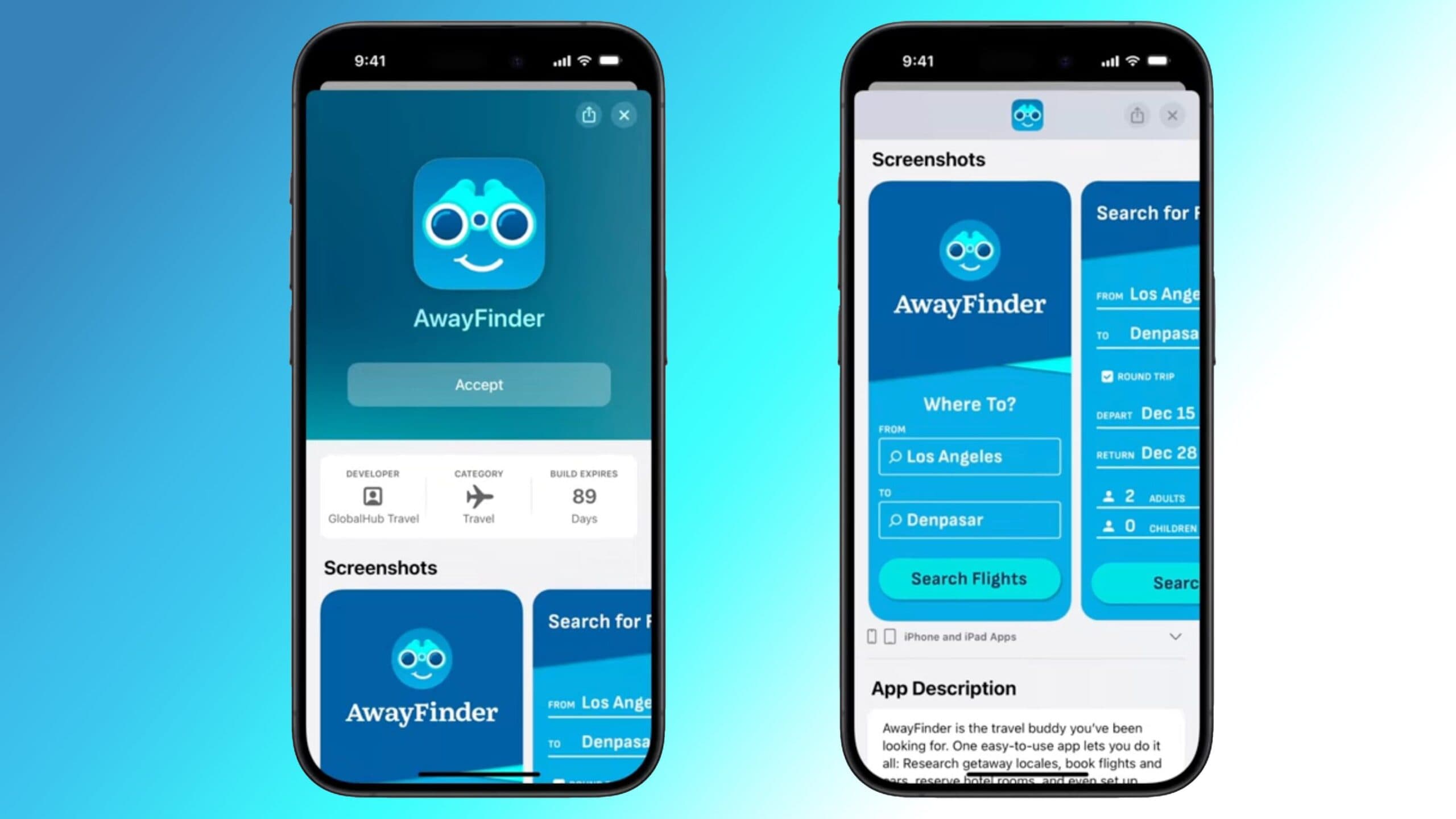
Apple has rolled out an update for TestFlight, its app designed for testing pre-release software. This update introduces a search field, which helps users quickly locate specific beta apps. It’s a small change, but it really helps those managing numerous test builds.
What Changed in TestFlight
The new search bar is located at the top of the TestFlight app list. You can now type in an app name and go straight to it, instead of scrolling through a long, messy list of betas. Previously, finding a specific app required manual scrolling, which became a hassle the more beta apps you had installed.
Think of it like searching through a contact list on your phone versus flipping through a disorganized stack of business cards. Both contain the same information, but the experience is completely different.
This update, version 3.7.0, launched on July 21, 2026, and you can find it now on the App Store. According to MacRumors, the search field is the standout feature of this release.
Who Actually Uses TestFlight?
TestFlight serves as Apple’s official platform for sharing beta versions of iOS, iPadOS, macOS, tvOS, and watchOS apps before they hit the App Store. Developers use it to distribute early builds to testers, who then report bugs and provide feedback.
Casual users often have just one or two beta apps installed. However, dedicated testers, developers, and tech enthusiasts might have 20, 30, or even more beta apps active at the same time. For these users, sifting through an unordered list to find a specific app was a real headache.
As 9to5Mac points out, a small change can create a big impact, and this definitely fits that description.
| Company | Apple Inc. |
| Ticker | AAPL |
| Stock Price | $333.43 (-1.41%) |
| CEO | Tim Cook |
| Headquarters | Cupertino, CA |
| Founded | 1976 |
| TestFlight Version | 3.7.0 |
| TestFlight Release Date | July 21, 2026 |
What This Means for Everyday Users
If you only have one or two beta apps installed through TestFlight, you probably won’t notice much of a difference. This update really targets power users: developers testing multiple apps, avid beta testers, and anyone who frequently runs pre-release software on their devices.
For this group, the search field gets rid of a minor but annoying issue. Instead of scrolling past 40 app icons to find the one you want, you can just type a few letters, and it pops up. It’s a quality-of-life fix that might not grab headlines, but it makes a difference for daily use.
This update also signals something bigger. Apple has been gradually modernizing TestFlight over the last few years. This suggests they’re paying more attention to the developer and tester experience as competition in the app ecosystem heats up.
Community Reactions
“Finally. I have like 60 apps in TestFlight and finding one was genuinely annoying. This should have been there from day one.”
— u/appdev_daily, Reddit
“Small update but massive QoL improvement for anyone doing serious beta testing. Appreciate Apple pushing this out.”
— YouTube commenter on 9to5Mac’s coverage
What To Watch
- Further TestFlight improvements: Apple has been rolling out updates for TestFlight more frequently. Keep an eye out for additional features like sorting or grouping options in future updates.
- Developer tools expansion: Earlier in 2026, Claude Code gained the ability to build and test iOS apps directly in Apple’s Simulator. This indicates growing momentum around iOS development tools, and more integrations could be on the way.
- App Store policy changes: Apple’s Services segment has faced pressure from App Store rule changes. How Apple evolves TestFlight and its developer ecosystem will be important to follow as broader policy shifts continue.

Ava Mitchell
Ava Mitchell is a digital culture journalist at Explosion.com covering social media platforms, streaming services, and the creator economy. With 4 years reporting on TikTok, Instagram, YouTube, and the apps that shape daily life, Ava specializes in explaining platform policy changes and their impact on everyday users. She previously managed social media strategy for a tech startup, giving her firsthand experience with the platforms she now covers.


