
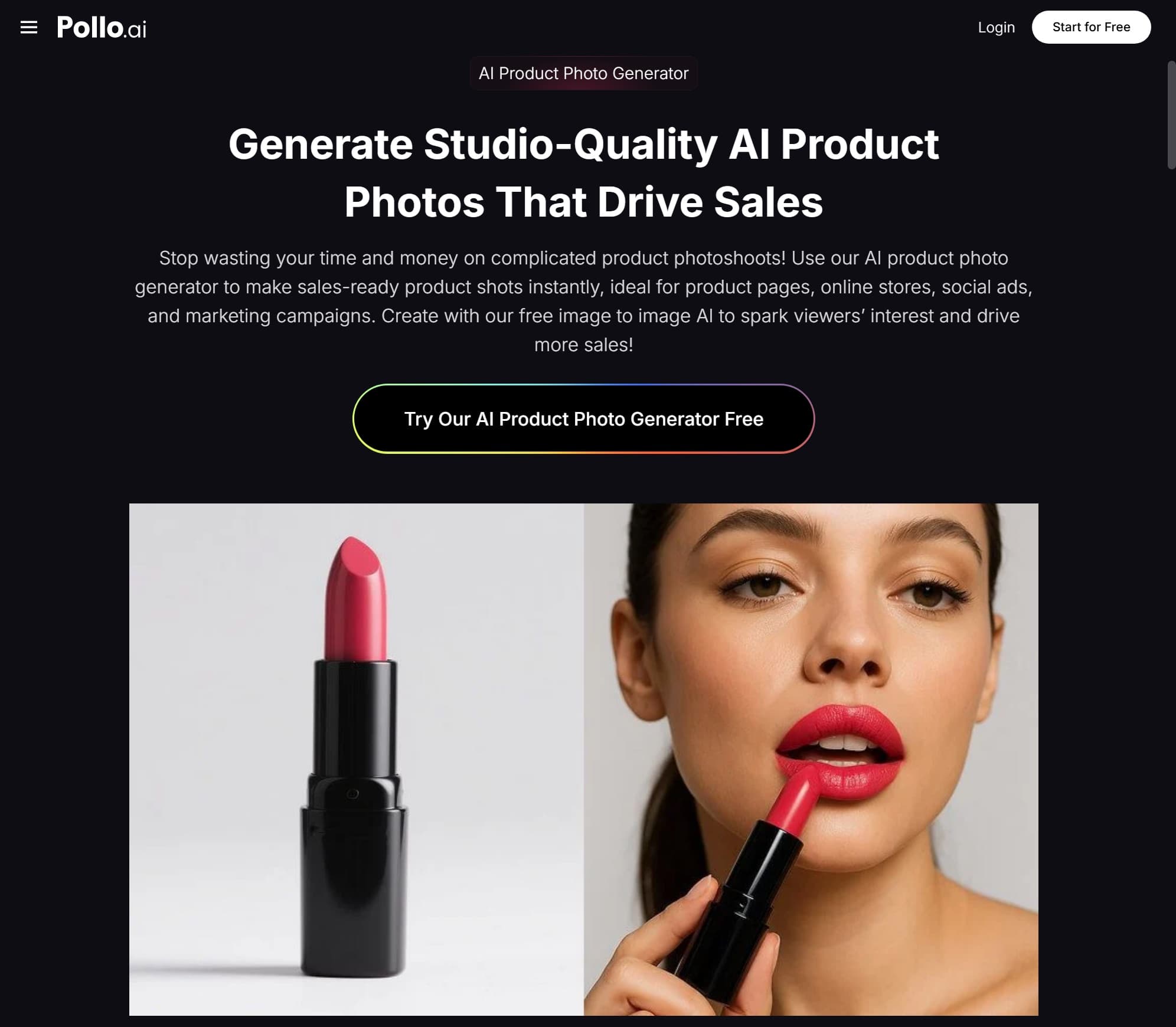
Anyone who's tried to sell products online knows the painful truth: photography eats your margin. A proper studio shoot for a small product line can run you $500 to $2,000, and that's before you factor in the reshoots when you realize the lighting is off or the background doesn't match your brand. For a solo founder or a small Shopify store, that math just doesn't work — especially when you need fresh visuals every single month to stay competitive on Meta ads and TikTok Shop.
In 2026, AI product photo generators have finally crossed the threshold from "interesting demo" to "actually replaces a real photoshoot." I've spent the last six months testing the major players, and I want to share what's working, what isn't, and how to build a workflow that produces ecommerce-ready images in under an hour.
Why AI Product Photography Hit Its Stride in 2026
A year ago, the biggest complaint about AI product photos was the "uncanny" effect — bottles with weirdly distorted labels, fingers melting into the product, reflections that didn't make physical sense. Those problems have largely been solved. The current generation of models can preserve label text, render accurate reflections, and place your product into realistic environments without obvious tells.
This matters because the bar on ecommerce platforms has risen. Amazon, Shopify, TikTok Shop, and Temu all reward listings with multiple high-quality images. A single white-background photo isn't enough anymore — you need lifestyle shots, scale references, in-use scenes, and seasonal variants. Producing all of that traditionally was impossible for most small brands. With AI, it's now a one-afternoon project.
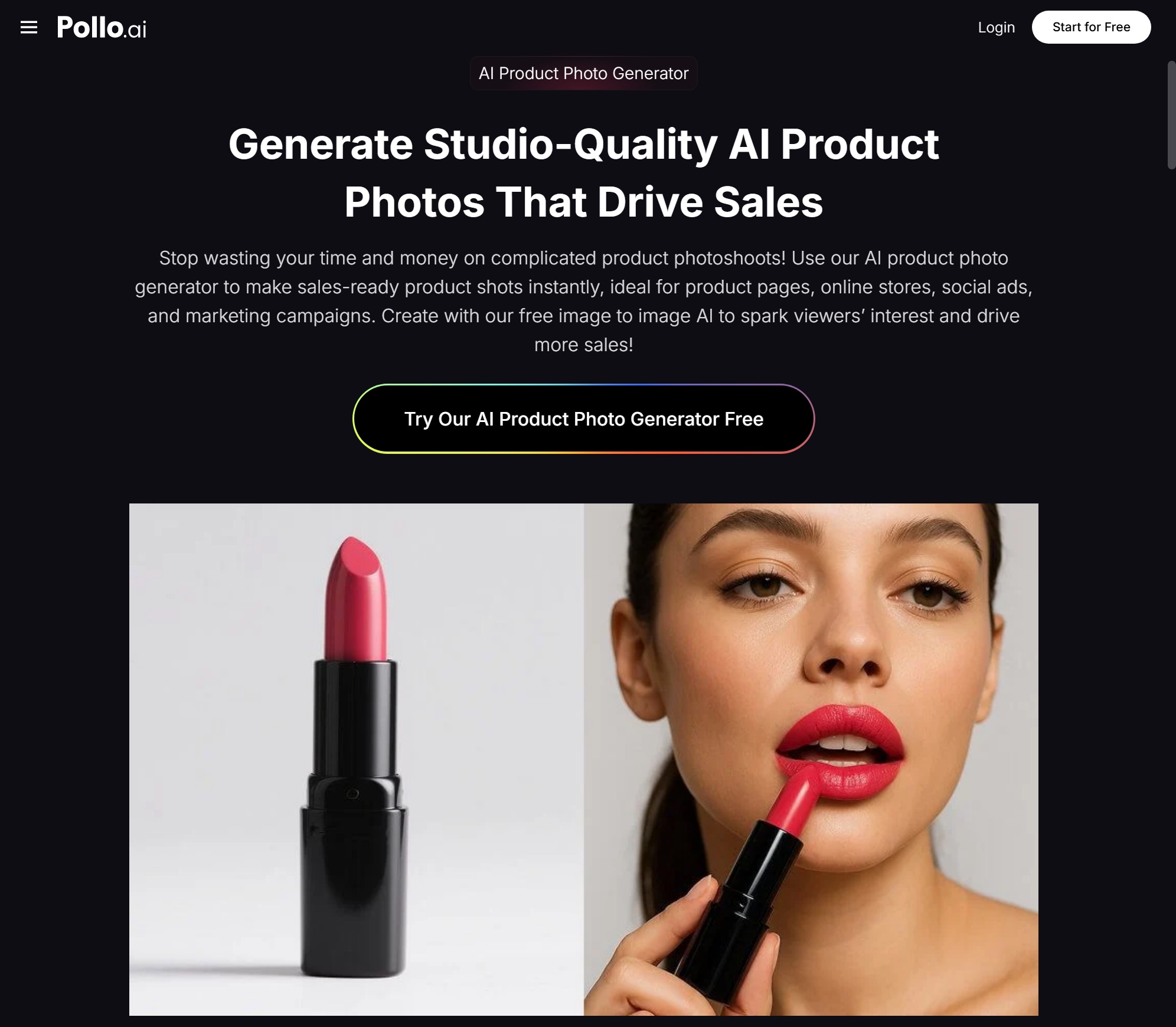
If you want a starting point, Pollo AI's AI Product Photo Generator is part of their Commerce Studio and is specifically built for this use case. You upload a packshot of your product, choose a scene template (or write your own prompt), and the system returns multiple variations that preserve your product accurately while restyling everything around it. Because Pollo AI uses a shared credit system across its studios, you can move from product photos into video, posters, or social graphics without juggling separate subscriptions — which has become one of the biggest hidden costs for small ecommerce teams in 2026.
What Separates a Usable Product Photo from a Throwaway
After generating thousands of images this year, I've noticed a few patterns that consistently determine output quality.
Your source image is everything. A clean packshot with even lighting and a neutral background gives the AI the best chance of preserving your product accurately. Phone snapshots with cluttered backgrounds force the model to guess what's product and what's environment, and the results show it.
Specificity beats vibes. "On a marble countertop next to a small bowl of citrus, soft morning window light from the left" produces consistently better results than "luxurious kitchen scene." Treat your prompts like you're briefing a real photographer.
Match the scene to the platform. A square lifestyle shot for Instagram, a tall vertical for TikTok Shop, a clean white background for Amazon's main image, a moody atmospheric shot for your DTC landing page. Generate variants designed for each context rather than trying to reuse one image everywhere.
Always generate in batches. Even with identical prompts, every generation is slightly different. Budget five to ten variations per scene and pick the strongest one or two.
Building a Full Product Catalog in an Afternoon
Here's the workflow I now recommend to small ecommerce brands. Let's say you sell a candle line with four scents and you need a refreshed catalog for your fall campaign.
Start by capturing one clean reference photo per product — even an iPhone shot in a window-lit room is fine, as long as the product is sharp and well-exposed.
Next, define your scene library. For a candle brand, that might be: cozy reading nook, autumn coffee table, bedside table with linen sheets, bathroom self-care setup, and outdoor porch in golden hour. Five scenes, four products, three variations each — that's 60 finished images from a single hour of generation.
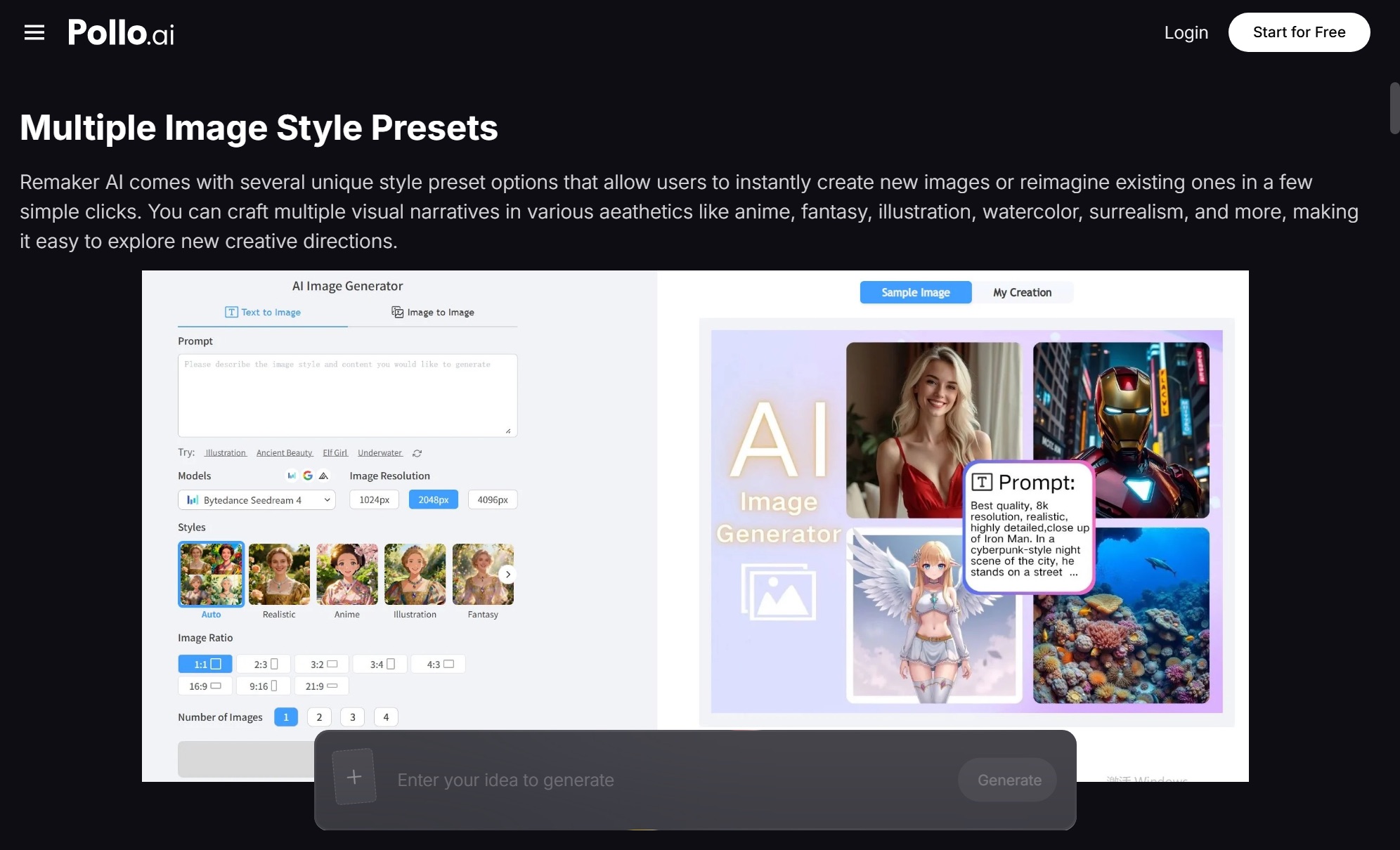
Then move into post-processing. Even great AI outputs benefit from a quick touch-up. If you need to swap a face, refine a model's expression, or do a targeted retouch, a tool like Remaker AI integrates well into this stage — Pollo AI offers it alongside their core image suite so you can stay inside one workflow instead of exporting and re-importing across apps.
Finally, build out motion versions of your hero shots. This is where things get interesting in 2026: turning a static AI product photo into a 5-second animated clip for ads is now a one-click step inside the same Commerce Studio. The same hero image becomes your product page banner, your Meta ad creative, your Reels content, and your email header — all from one generation session.
When AI Product Photos Aren't the Right Answer
I want to be honest about the limits, because over-promising is what gives AI tools a bad reputation.
If your product has unusual materials — iridescent finishes, complex transparent packaging, or intricate metallic engravings — AI can still struggle with accuracy. You may need to combine AI scene generation with a real product shot composited in.
If you're selling apparel where fit and drape matter, AI model generation has improved dramatically but isn't yet bulletproof. Tight bodycon items or technical activewear still benefit from real model shoots for hero imagery, even if you generate the lifestyle context with AI.
And if you're in a regulated category — supplements, beauty claims, food — be careful about generating scenes that imply unverified benefits. The tool doesn't know your compliance rules; that's still on you.
For everything else — home goods, accessories, beauty packaging, consumer electronics, food and beverage, lifestyle products — AI is now genuinely competitive with mid-tier traditional photography at a fraction of the time and cost.
Common Mistakes That Tank Your Results
The biggest mistake I see new users make is generating once, getting a mediocre result, and concluding the tool doesn't work. Iteration is the entire game. The second most common mistake is using AI photos that look nothing like your brand — generic warm-toned kitchens for every product, regardless of whether the brand is moody and minimalist or playful and bright. Build a consistent visual identity and prompt toward it every time.
The third mistake is skipping the human review step. Always zoom in on labels, edges, and reflections before publishing. The 90-second QA pass is what separates "looks like a real shoot" from "obviously AI-generated."
Final Thoughts
For small ecommerce brands in 2026, AI product photography isn't a "nice to have" anymore — it's the difference between updating your catalog monthly and being stuck with the same tired images you shot a year ago. Platforms like Pollo AI have made the workflow accessible enough that even a solo founder can produce a full seasonal refresh in an afternoon. Start with one product, generate ten variations, pick your two favorites, and ship them this week. The compounding effect on your store's conversion rate will surprise you.

Nick Guli
Nick Guli is the founder and editor-in-chief of Explosion.com, which he launched in February 2012. With over a decade of experience in digital publishing, Nick oversees editorial direction across entertainment, gaming, technology, and lifestyle content. He is an avid gamer and movie enthusiast who brings a critical eye to coverage of industry trends, game reviews, and entertainment news.


