
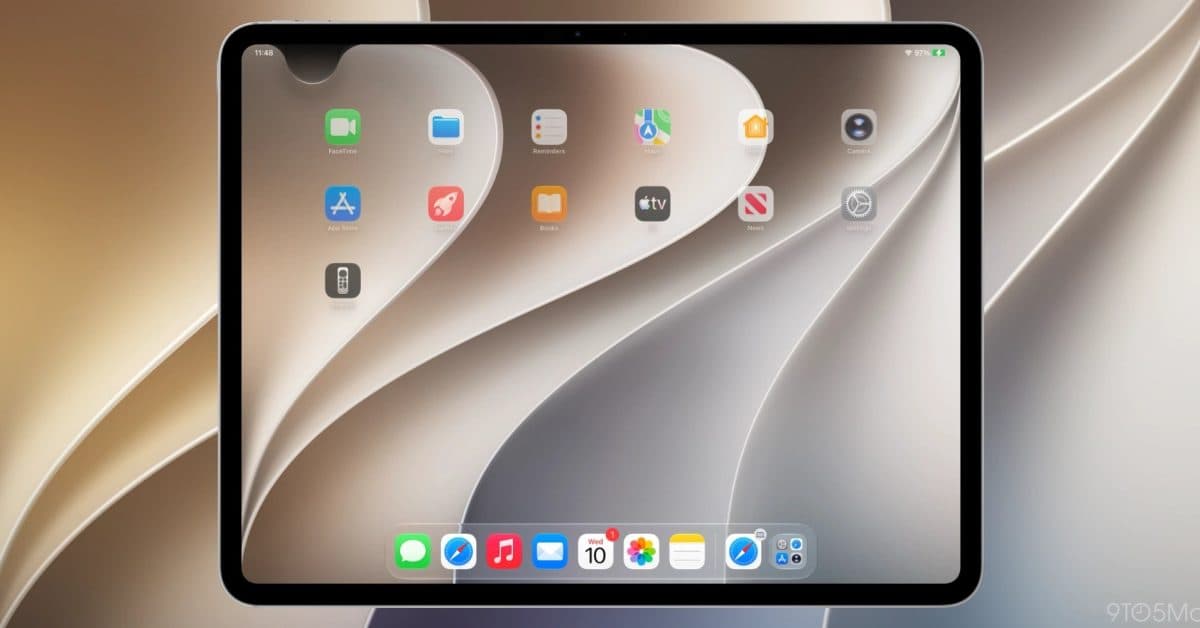
Apple’s iOS 27 has removed Notification Center as a standalone swipe-down feature, marking the end of a core iPhone interaction that’s been around since iOS 5 back in 2011. If you’ve used an iPhone over the last 15 years, you’re likely familiar with swiping down from the top of the screen to check your notifications. That gesture is now gone, replaced by a Siri-integrated system that functions quite differently.
What Changed
Since the launch of iOS 5 in 2011, iPhones and iPads featured Notification Center, allowing users to pull down a panel from the top of the screen to view alerts from various apps. This was one of the first major updates Apple introduced after Steve Jobs famously criticized Android for having it first. It quickly became one of the most popular gestures on the platform.
With iOS 27, Apple has integrated notification management into its revamped Siri interface. Instead of a passive list to scroll through, notifications now appear contextually through Siri’s awareness system. Imagine it less as a mailbox and more like a smart assistant that shows you information based on your current activity and timing.
The lock screen still displays notifications as it did before, so you haven’t lost everything. However, the familiar swipe-down gesture on the home screen, which millions of people perform dozens of times a day, no longer brings up the same panel.
Why Apple Made This Change
Apple’s decision aligns with its broader push towards on-device AI (artificial intelligence that runs directly on the phone instead of relying on cloud servers). The new system aims to prioritize, summarize, and surface notifications based on context, rather than simply presenting everything in chronological order.
From Apple’s perspective, Notification Center had turned into a graveyard. Research shows that many users either ignore notification panels or feel overwhelmed by them. Apple believes that an active, AI-curated approach will work better than a passive list that most people tend to tune out.
Whether this bet will pay off remains to be seen.
The Issue for Older iPhones
Here’s the catch: the best features of the new system require Apple Intelligence, which only runs on the iPhone 15 Pro, iPhone 16, and newer models. If you’re using an older device that supports iOS 27, like an iPhone 11 or iPhone 12, you’ll experience the interface change without the AI benefits that are supposed to make it worthwhile.
CNET pointed out in its coverage that iOS 27 feels hollow on older hardware. You lose the familiar interaction model, but you don’t gain the smarter replacement. This leaves many users in a tough spot.
| By The Numbers: iOS 27 Notification Change | |
|---|---|
| Year Notification Center launched | 2011 (iOS 5) |
| Years the swipe-down gesture existed | 15 years |
| Oldest iPhone that supports iOS 27 | iPhone 11 |
| Oldest iPhone that gets full AI notification features | iPhone 15 Pro |
| iPadOS version with same change | iPadOS 27 |
What This Means for You
If you decide to update to iOS 27, be prepared for an adjustment period. That swipe-down reflex is ingrained after years of use, and retraining it will take time. Early beta testers have reported reaching for Notification Center instinctively for weeks after making the switch.
On a newer iPhone 15 Pro or iPhone 16, the trade-off may seem worthwhile once you’ve adapted. The AI-curated notification feed is said to be better at highlighting time-sensitive alerts while quietly grouping less important ones, much like how Gmail’s tabbed inbox filters promotional emails from critical messages.
For those using older supported devices, the situation is trickier. You’re losing a reliable, familiar tool and getting a less capable version of its replacement. If you own an iPhone 11 through iPhone 14 and find this change frustrating, you might want to think carefully about whether to update right away.
iPad users are in the same boat. iPadOS 27 includes the same change, which means that the swipe-down habit many have developed across both devices is gone on both fronts.
Community Reaction
“I’ve unlocked my phone and swiped down before I even remembered they changed it. Then nothing happens and I just stand there. Fifteen years of muscle memory doesn’t just disappear.”
“If you have a 15 Pro or 16 this actually works pretty well after a week. But telling someone on an iPhone 12 to just ‘adapt’ when they get nothing in return is wild.”
What To Watch
Apple typically rolls out its first major iOS update in the fall, so you can expect iOS 27 to reach general release around September 2026. In the meantime, developer and public betas will continue to be available, and feedback from those builds could prompt Apple to make adjustments before the final release.
Keep an eye out for whether Apple adds any accessibility or legacy options to restore a classic Notification Center view, as they’ve done before in response to user feedback. Also worth watching is how Android 17 handles notifications, since Google has recently expanded its notification controls across more devices. If iPhone users find the new system lacking, competitive pressure might push for a fix.
For now, if you’re considering the public beta, it’s wise to try it cautiously on a secondary device before committing your main phone to a gesture change that 15 years of habit will resist. You can follow the full iOS 27 beta coverage at 9to5Mac.

Daniel Park
Daniel Park covers AI, cloud infrastructure, and enterprise software for Explosion.com. A former software engineer who transitioned to technology journalism 5 years ago, Daniel brings technical depth to his reporting on artificial intelligence, startup funding rounds, and the companies building the future of computing. He breaks down complex AI developments and business strategies into clear, actionable insights for readers who want to understand how technology is reshaping industries.


