
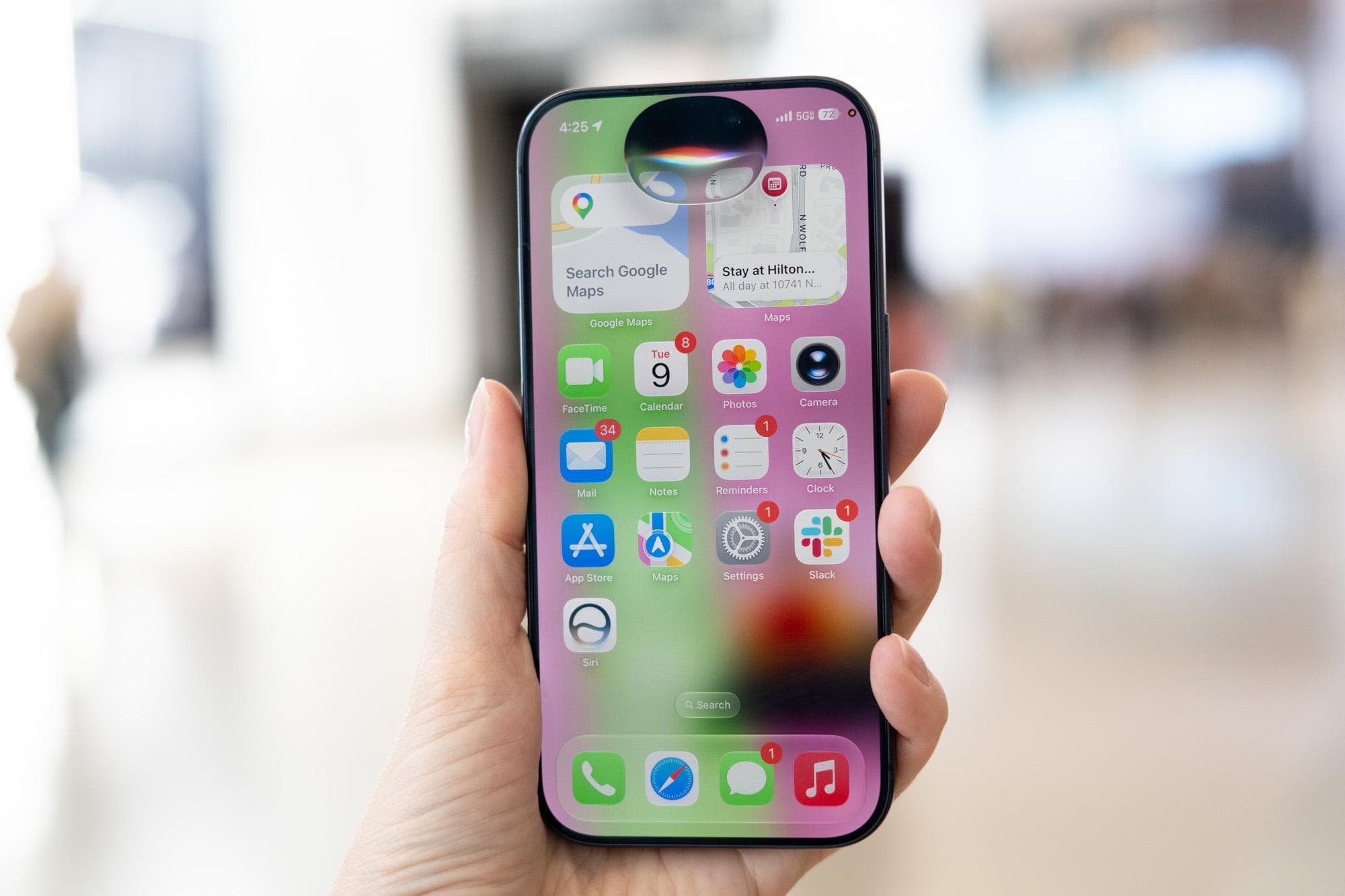
Apple’s long-awaited AI-driven Siri is finally stepping up to do what millions have wanted: reading a messy email or a photo of a flyer and automatically adding all events to your calendar, no typing required.
This is the standout conclusion from early hands-on tests of the new Siri coming in iOS 27, previewed at Apple’s WWDC developer conference. After years of jokes about Siri being outperformed by Google Assistant and Amazon’s Alexa, Apple Intelligence (the umbrella for its on-device and cloud AI features) seems to be offering something that truly changes how people use their phones daily.
The Soccer Schedule Problem, Solved
Picture this all-too-familiar scenario for parents: your kid’s school sends home a wrinkled flyer listing eight Saturday soccer games or a spirit week schedule with different themes for each day. You need all that on your calendar. Previously, you’d have to open your calendar app and input each event manually.
According to The Verge’s hands-on testing, the new Siri can handle this in one go. Snap a photo of the flyer or forward the email to Siri, and it reads the details, populating your calendar automatically. This task seems simple, but voice assistants have struggled with it for years because it requires understanding context, dates, and unstructured text.
Imagine the difference between a librarian who can only find books with an exact ISBN and one who can figure out what you want from a vague description. The old Siri was like the first librarian. The new Siri is beginning to act more like the second.
What’s Actually New Under the Hood
The upgraded Siri in iOS 27 operates on Apple’s enhanced Apple Intelligence system. This combines on-device processing (AI that works directly on your phone without sending data to a server) with optional cloud processing for more complex tasks. Throughout, Apple has focused on privacy, ensuring that sensitive requests stay on your device whenever possible.
The improvements extend beyond calendar functions. Early testers report that Siri can now:
- Pull context from your emails, messages, and photos to answer follow-up questions
- Complete multi-step tasks across various apps in a single request
- Understand natural, conversational phrasing instead of needing rigid command formats
That last point is more important than it sounds. For years, using Siri effectively meant learning to phrase requests in a specific way. Saying “remind me about the dentist thing” wouldn’t work; you had to say “remind me to call the dentist at 3 PM.” The new system can handle the messy way people actually communicate.
The Honest Caveat
TechCrunch raises a valid concern: when does relying on an AI assistant start to impact how we function independently? The convenience of having Siri manage your schedule, draft messages, and organize your information is real. But we also need to consider what we might be giving up by offloading those tasks.
This tension mirrors the one that came with GPS navigation. Many would agree that turn-by-turn directions improved their lives, even if it means fewer people can read a paper map. AI assistants appear to be a similar trade-off, and it’s definitely something to think about before fully committing.
| Metric | Detail |
|---|---|
| iOS 27 announcement | WWDC 2026 |
| Apple Intelligence availability | iPhone 15 Pro and later, all iPhone 16 models |
| On-device vs. cloud processing | Privacy-sensitive tasks stay on device; complex requests use Apple’s Private Cloud Compute |
| Key new Siri capability | Cross-app context awareness and multi-step task execution |
| iOS 27 public release (expected) | Fall 2026 |
What This Means for Everyday Users
If you’ve tried Siri before and given up, iOS 27 is worth checking out again. The ability to create calendar events from flyers alone will save parents and busy professionals valuable time each week. More broadly, an assistant that understands context means fewer frustrating moments where you have to repeat or rephrase requests multiple times.
The downside? These features need an iPhone 15 Pro or newer, or any iPhone 16 model. If you’re using an older device, you won’t have access to Apple Intelligence without an upgrade. That’s a significant limitation for many iPhone users still on older models.
If you’re already using a supported iPhone, you won’t need any extra subscription or setup. These features will arrive with the iOS 27 update this fall.
What People Are Saying
“If Siri can finally read a school newsletter and just… put everything on my calendar, I’ll forgive Apple for every bad Siri interaction I’ve had since 2011.”
“I’ll believe it when I see it on my actual phone. Every year they demo something great at WWDC, and then the real version is way more limited. Cautiously hopeful though.”
That second reaction is likely the right perspective. Early impressions are positive, but WWDC demos showcase Apple’s best-case scenarios. The real test will come when millions of users try the feature on their actual phones with their actual messy emails this fall.
Sources
- I tried Siri AI, and so far it actually works — The Verge
- Hey Siri, here’s what I actually want from AI — TechCrunch
What To Watch
- Fall 2026: iOS 27 public release. This is when we’ll see if real-world performance matches the WWDC demo.
- Beta testing period: Developer and public betas will roll out over the summer. Early adopters will start sharing how well the calendar and context features perform in daily use.
- Older device support: Keep an eye out for announcements regarding whether Apple will expand Apple Intelligence to more hardware, especially the standard iPhone 15.
- Competitor response: Google and Samsung are diving deep into their own AI assistant upgrades. How Google Assistant and Galaxy AI respond to Siri’s new features will shape the larger discussion about which phone ecosystem handles AI best.

Ava Mitchell
Ava Mitchell is a digital culture journalist at Explosion.com covering social media platforms, streaming services, and the creator economy. With 4 years reporting on TikTok, Instagram, YouTube, and the apps that shape daily life, Ava specializes in explaining platform policy changes and their impact on everyday users. She previously managed social media strategy for a tech startup, giving her firsthand experience with the platforms she now covers.


