
You can now use free AI chatbots to score better airline and stadium seats without shelling out for premium upgrades — and it works surprisingly well if you know how to ask.
Most travelers choose seats based on gut feeling or what the airline’s seat map shows. But AI assistants like ChatGPT, Claude, and Google Gemini have gathered enough data about aircraft layouts, stadium designs, and seat quirks to offer genuinely helpful advice — the type that once required hours of digging through forums like SeatGuru.
Why AI Is Great at This
Think of AI chatbots as having read every Reddit travel thread, aviation forum, and stadium guide ever published. They can answer follow-up questions in plain English. For instance, they know that seat 11A on a Boeing 737-800 might have a misaligned window, or that row 34 in a specific MLB stadium puts the foul pole right in your sightline.
The key is to be specific. Vague questions lead to vague answers. The more details you provide the AI — airline, aircraft type, flight duration, whether you have kids or a bad back — the more precise the recommendation.
How to Ask the Right Questions
For Airplane Seats
Start by identifying your aircraft type. You can usually find this in your booking confirmation or on the airline’s seat selection screen (look for something like “Boeing 737-900ER” or “Airbus A321neo” — these specific models determine the exact seat layout). Then, you might ask the AI something like:
“I’m flying on a United Airlines Boeing 737-900ER. I want a window seat, I’m 6’2″, and I have a 4-hour flight. Which seat rows should I avoid and which are the best options without paying for an upgrade?”
Good AI assistants will point out:
- Seats that don’t recline because they’re in front of an exit row
- Rows near lavatories that see heavy foot traffic
- Bulkhead seats (the first row of a cabin section) that have more legroom but no under-seat storage
- Exit row seats with extra legroom that are often available for free at check-in
For Stadium and Arena Seats
You can use the same approach for live events. Tell the AI the venue name, the event type, your budget, and what matters most to you — shade, sightlines, proximity to exits, or easy bathroom access.
Try something like: “I’m going to a night game at Dodger Stadium, sitting somewhere in the $40-60 range. What sections offer the best sightlines without being too far from the action, and which ones are in the shade by the 5th inning?”
AI tools have gathered enough crowd-sourced knowledge to give you section-specific shade and sun advice. They can warn you about obstructed views from support columns and tell you which sections tend to fill with the loudest fans (helpful or awful, depending on your preference).
The Limitations You Should Know About
AI chatbots do have a knowledge cutoff — a date after which they haven’t received new information. So they might not know about a stadium renovation finished last month or an airline that recently changed its fleet. Always double-check the AI’s seat recommendations with a current source like SeatGuru for flights or the venue’s official seating chart for events.
AI also can’t access real-time availability. It might tell you that row 12 on your aircraft is great, but it can’t confirm if those seats are already taken. You still need to check that on the booking platform.
| Platform | Best For | Cost |
|---|---|---|
| ChatGPT (free tier) | Detailed follow-up Q&A on aircraft layouts | Free |
| Google Gemini | Quick stadium section advice with Google search backing | Free |
| Claude (free tier) | Long, detailed seat analysis with caveats | Free |
| SeatGuru | Real-time aircraft seat maps with color coding | Free |
| Airline upgrade fees | Skipping all of the above | $30–$150+ |
What This Means for Everyday Travelers
Airlines and ticketing platforms have long charged “preferred seat” fees — often $15 to $50 per flight — for seats that aren’t actually better, just better positioned. AI gives budget-conscious travelers a free way to find those spots themselves and grab them at check-in or during standard seat selection.
The same logic applies to stadium seats. Resale platforms like StubHub show you prices, but not whether the afternoon sun will be directly in your eyes for three hours. AI can fill that gap in a quick conversation.
This isn’t about gaming the system — it’s about having access to the same insider knowledge that frequent flyers and season ticket holders have built up over years.
Community Reactions
“Tried this for a Southwest flight last month. Asked ChatGPT about the 737 MAX 8 layout and it nailed the advice about avoiding the last few rows near the engines. Genuinely useful.”
“The stadium seat tip is underrated. I described my section budget for a Rams game and it told me which side of the field gets afternoon shade. Saved me from a sunburn situation.”
What To Watch
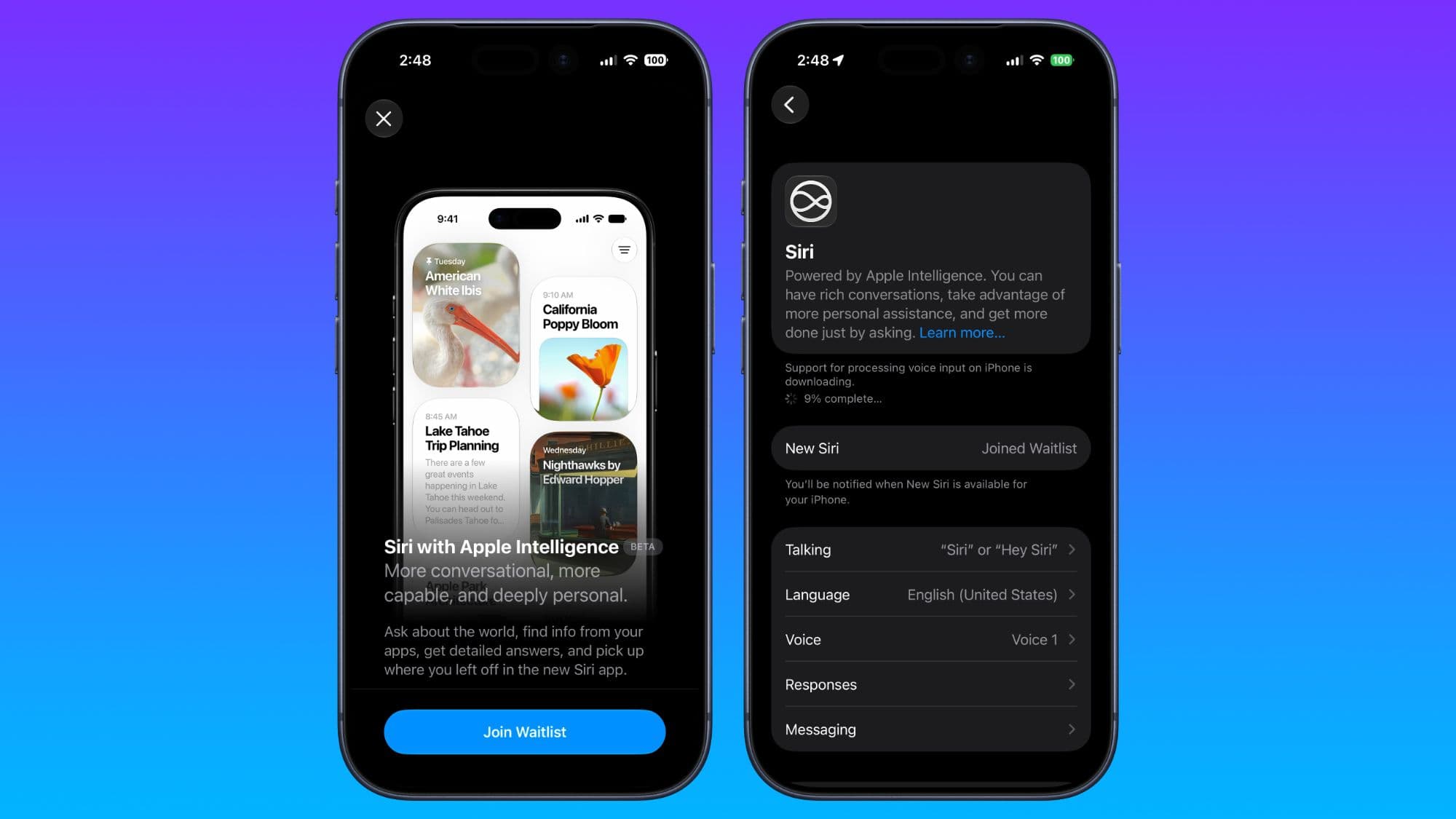
- Apple’s new Siri (coming with iOS 27): Apple’s updated AI assistant, currently in beta and available via waitlist, is designed for practical, real-world task assistance. If it can provide live seat availability alongside layout advice, it could be the most seamless option for iPhone users.
- AI tool knowledge cutoffs: As airlines continue to adjust fleets post-pandemic, AI training data will lag. Watch for AI platforms that start integrating live data sources — that’s when this trick gets even more reliable.
- Airline pricing responses: If AI-assisted seat selection becomes common, airlines might change how they manage “preferred” seat inventory. For now, the window is open.

Ava Mitchell
Ava Mitchell is a digital culture journalist at Explosion.com covering social media platforms, streaming services, and the creator economy. With 4 years reporting on TikTok, Instagram, YouTube, and the apps that shape daily life, Ava specializes in explaining platform policy changes and their impact on everyday users. She previously managed social media strategy for a tech startup, giving her firsthand experience with the platforms she now covers.


