
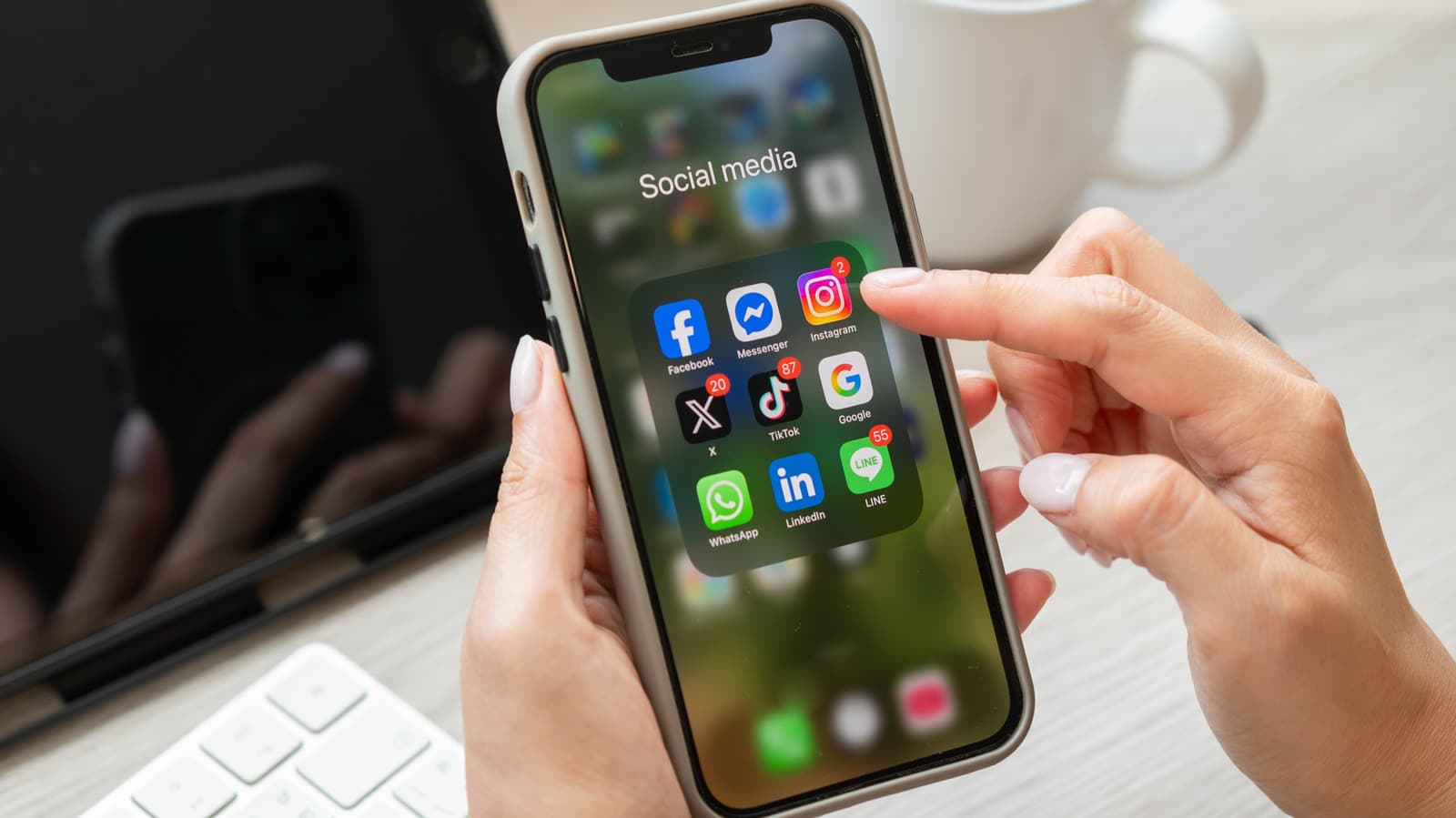
Instagram has finally rolled out the ability to rearrange posts on your profile grid for all users globally. This comes almost a year after the feature was initially revealed. Starting June 8th, anyone using the Instagram app on Android or iPhone can now drag and drop their posts in any order they prefer. No more being stuck with a reverse-chronological feed of your entire posting history.
What Took So Long?
Instagram first announced grid reordering back in 2024, but it remained limited to small test groups for months. This slow rollout is typical for Meta, Instagram’s parent company. It allows them to identify bugs and see how users interact with a feature before releasing it to over a billion users. As of June 8th, that testing phase is officially over.
Before this, your Instagram profile grid resembled a time capsule. Posts appeared in the order you uploaded them, starting with the newest. There was no flexibility. If you had an embarrassing post from three years ago sitting awkwardly on your grid, your only options were to delete it or archive it, moving it to a hidden section of your account. Now, you can push it to the back of the line.
How It Actually Works
You can find this feature in the Instagram mobile app, but it’s not available on desktop. To reorder your grid, head to your profile, tap the grid view, and use the drag-and-drop interface to move posts around. Think of it like rearranging apps on your phone’s home screen, but for your photos and videos.
This feature is especially handy for creators and small business owners who use their Instagram profiles like portfolios. Want your best work front and center? Now you can do that. Running a seasonal promotion? Pin those posts to the top temporarily, then shuffle them back once the sale wraps up.
What This Means
For casual users, this upgrade improves the overall experience. That awkward photo from 2021 that somehow ended up at the top of your grid? Just move it. Want to group your travel photos together instead of having them scattered across your feed? Easy.
For creators and businesses, this change is more impactful. Your profile grid acts like a storefront — it’s what potential followers see first. Controlling that layout allows you to showcase your strongest content, create visual themes across the grid, and maintain a polished look rather than a haphazard chronological dump.
Plus, it eliminates one major reason people used to delete posts. If a post felt out of place or hurt your grid’s aesthetic, deletion was often the only clean fix. Now, you can simply move it without losing the likes, comments, and engagement that came with it.
Community Reactions
“Finally. I’ve been archiving posts for years just to keep my grid looking clean. This changes everything for small creators.”
— Reddit user, r/Instagram
“Cool feature but also kind of wild that this took until 2025 to ship. TikTok and Pinterest have had profile customization for ages.”
— YouTube comment on The Verge’s coverage
What To Watch
The rollout began on June 8th, so if you haven’t seen the feature yet, give it a few more days. These releases usually take one to two weeks to reach every account globally. Make sure your Instagram app is updated to the latest version since older builds won’t include the new tools.
It’ll be interesting to see if Meta expands grid customization further. Rearranging posts is just the beginning. Creators have long been asking for features like pinned posts that stay at the top regardless of reordering, custom grid layouts beyond the standard three-column view, and improved tools for organizing highlights. Instagram hasn’t confirmed any of those requests, but the grid reorder feature shows the company is paying more attention to profile customization than it has in years.

Ava Mitchell
Ava Mitchell is a digital culture journalist at Explosion.com covering social media platforms, streaming services, and the creator economy. With 4 years reporting on TikTok, Instagram, YouTube, and the apps that shape daily life, Ava specializes in explaining platform policy changes and their impact on everyday users. She previously managed social media strategy for a tech startup, giving her firsthand experience with the platforms she now covers.


