
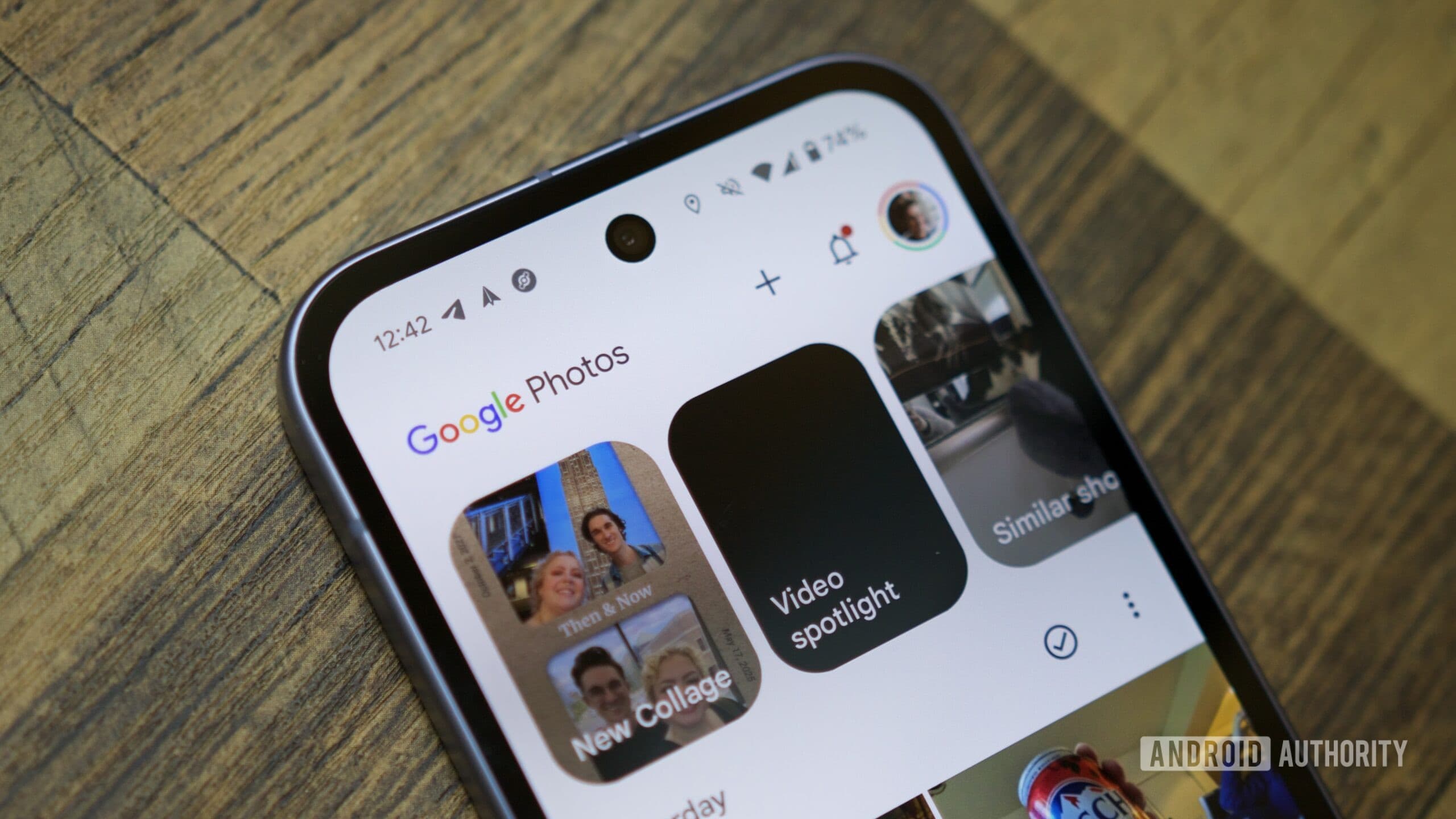
Google Photos is currently testing a new “Copy photo” button. This feature lets you copy an image directly to your clipboard, skipping the share sheet entirely. This change should speed up the process of pasting photos into other apps.
What’s Actually Changing
Right now, copying a photo from Google Photos to a messaging app or email involves several steps. You tap the share icon, wait for the share sheet to load, scroll through options, and then select “Copy to clipboard.” While it works, it’s a bit cumbersome.
As reported by Android Authority, Google is introducing a dedicated “Copy photo” button. With just one tap, the photo goes straight to your clipboard, ready to be pasted wherever you need it. It’s like having scissors readily available, rather than rummaging through a drawer every time you want to cut something.
This feature was discovered in a teardown of the Google Photos app. It shows that Google has built it into the code but hasn’t rolled it out completely yet. These discoveries often indicate that a feature might be weeks or months away from being publicly released.
A Small Change With Real Friction
This might seem like a small tweak, but it addresses a common annoyance. Anyone who’s tried to copy a recipe photo or a screenshot knows the current method feels clunky. The share sheet on Android can take a while to load, and finding “Copy to clipboard” among the app icons isn’t always easy.
A direct copy button also minimizes the chances of accidentally sharing a photo when you really meant to copy it. Many people have found themselves in that situation more times than they’d like to admit.
Meanwhile, Google Shuts Down Pixel Studio
This update comes as Google is also winding down Pixel Studio, their AI image generation app. Engadget reports that Google launched Pixel Studio less than two years ago, aiming to let users create AI-generated images. Now, they’re shutting it down.
Pixel Studio was available on Pixel phones and used on-device AI to generate images from text prompts. Its closure suggests Google is focusing on consolidating its AI image tools rather than keeping a separate app alive. However, the company hasn’t specified where those features will go next.
Together, these moves show that Google is refining its Photos and AI image ecosystem, removing what’s not working and enhancing what is.
| By The Numbers: Alphabet / Google | |
|---|---|
| Stock (GOOGL) | $368.53 (-0.98%) |
| CEO | Sundar Pichai |
| Headquarters | Mountain View, CA |
| Founded | 1998 |
| Sector | Big Tech |
What This Means
If you regularly use Google Photos on Android, you’ll appreciate the copy button as soon as it’s available. Tasks like dropping a photo into a WhatsApp message, pasting an image into Google Docs, or sending a picture via email will take fewer taps and less waiting.
For iPhone users, Google Photos is available, but Apple’s share sheet works differently. It’s unclear if this change will apply to iOS.
As for the Pixel Studio shutdown, it’s a bigger loss for the small group of users who relied on it for AI image creation. If you were using it, now’s the time to find an alternative before access disappears completely.
What People Are Saying
“Finally. The share sheet takes forever to load half the time. Just let me copy the image like I would on a desktop.”
“RIP Pixel Studio. Barely launched and already gone. Classic Google.”
What To Watch
- Copy button rollout: No official release date yet, but the feature is in Google Photos’ code. Keep an eye out for a server-side update or app update in the coming weeks that activates it for your account.
- Pixel Studio shutdown date: Google hasn’t announced a specific cutoff date. Users should export or save any AI-generated images they want to keep as soon as possible.
- Where AI image features land: Google might integrate Pixel Studio’s capabilities into Google Photos, Gemini, or another existing product. Any announcement about this would clarify the future of Google’s on-device AI image tools.
Sources: Android Authority: Google Photos copy button details | Engadget: Pixel Studio shutdown

Maya Torres
Maya Torres is the Consumer Tech Editor at Explosion.com with 7 years covering product launches for major technology publications. She has reviewed over 300 devices across smartphones, laptops, wearables, and smart home products. Maya specializes in translating spec sheets into real-world buying advice and attends CES, MWC, and Apple keynotes as press. Her reviews focus on helping readers decide what to buy, not just what specs look good on paper.


