
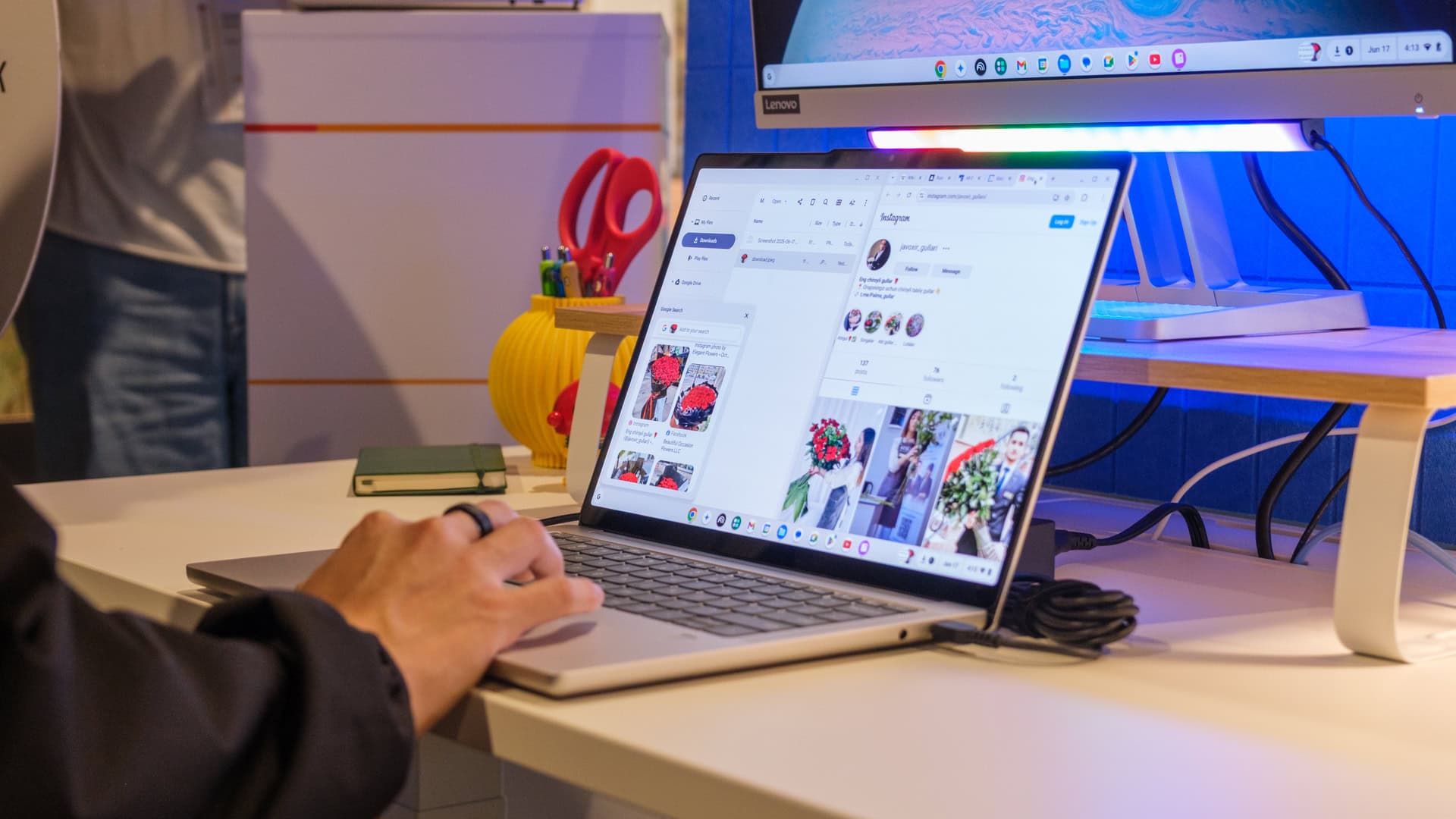
Google is reassuring schools and businesses to keep purchasing Chromebooks. However, they’re also hinting at a shift towards something called Googlebooks, which is raising some eyebrows.
This reassurance comes amid rising concerns among education and business clients about the future of ChromeOS, Google’s operating system for Chromebooks. Google’s response is yes, ChromeOS is here to stay for now, but the details suggest a transition to Googlebooks, a platform that seems to mix ChromeOS with Android in ways that Google hasn’t fully clarified yet.
What’s Actually Happening
Google has confirmed that they won’t abandon Chromebooks anytime soon. Schools and businesses can keep buying them, and existing devices will continue to receive support. This news is a relief for the approximately 40 million students in the U.S. who rely on Chromebooks in their classrooms.
At the same time, Google is rolling out Googlebooks as the next chapter. Think of it more like a software company encouraging you to stick with version 10 while quietly developing version 11. You’re stable for now, but the roadmap clearly leads to something new.
The downside is Google isn’t completely open about what Googlebooks is, what devices will support it, or when the transition will become necessary. This lack of clarity is making IT administrators and school tech directors uneasy.
The New Features Coming to Googlebooks
While the platform remains somewhat of a mystery, Google has started to showcase some features. One of the more user-friendly additions is a “Magic Pointer” tool — an AI-driven cursor that understands context based on what’s on your screen.
According to CNET, the Magic Pointer allows you to highlight text and ask it to perform various tasks. For instance, you could highlight a recipe and instruct the assistant to double all the ingredient amounts. It can also pull data from a table and reformat it, or summarize highlighted content.
This feature aims to compete with Microsoft’s Copilot+ initiative and Apple’s Apple Intelligence. The competition in the AI assistant space is now extending to Chromebook-style devices.
Why the Name Change Matters
Branding changes at Google aren’t just for show. When Google phased out the Pixel Slate, discontinued Google Stadia, or rebranded Google Pay multiple times, those changes had real impacts on users who invested in those ecosystems.
The shift from “Chromebook” to “Googlebooks” indicates more than just a name change. ChromeOS was designed with the web browser as the main interface. If Googlebooks is integrating Android apps more deeply — essentially merging the two operating systems Google has maintained separately for years — that’s a significant change in how these devices operate.
For everyday users, the pressing question is whether their current Chromebook will support Googlebooks or if “transition path” means they’ll need new hardware.
| By The Numbers: Alphabet/Google | |
|---|---|
| Ticker | GOOGL |
| Stock Price | $396.78 (-1.07%) |
| CEO | Sundar Pichai |
| Headquarters | Mountain View, CA |
| Founded | 1998 |
| Sector | Big Tech |
What This Means for You
If you’re a student or teacher with a school-issued Chromebook, nothing changes right now. Your device will keep working, apps will continue to update, and Google isn’t about to pull the plug on ChromeOS support anytime soon.
For parents or administrators considering new Chromebook purchases for a school district, things just got more complicated. Investing in a platform mid-transition is risky, especially since the future — Googlebooks — is still shrouded in uncertainty.
Home users who chose a Chromebook for its simplicity, affordability, and low maintenance should be concerned about whether Googlebooks will complicate things. Adding Android-like features and AI tools could offer more capabilities but might also introduce more configurations, permissions to manage, and a steeper learning curve than the browser-first simplicity that made Chromebooks popular initially.
Community Reaction
“This is exactly how Google killed off Stadia. ‘Keep using it, we totally support it’ and then a year later it’s gone. Why would schools lock into this?”
— u/ChromeSkeptic42 via Reddit
“The Magic Pointer feature actually looks useful. Doubling a recipe by highlighting it is genuinely the kind of thing I’d use every day. But I need to know if my current Chromebook supports it before I get excited.”
— YouTube commenter on CNET’s Googlebooks coverage
What To Watch
- Google I/O follow-up announcements: Google usually uses its developer conference to clarify platform roadmaps. Expect more details on the ChromeOS-to-Googlebooks timeline soon.
- Hardware compatibility list: The big question is which existing Chromebooks will support Googlebooks. A formal list from Google would either ease fears or confirm worries about needing new hardware.
- Enterprise and education responses: School districts and IT departments are crucial to Chromebook adoption. If major districts start delaying purchases or issuing RFPs (requests for proposals) for Windows or iPad alternatives, it signals that Google’s reassurance hasn’t landed well.
- Magic Pointer release date: Google has shown off the feature but hasn’t provided a specific rollout date. When it arrives, it’ll give the first real glimpse of what Googlebooks is like in practice.
Sources: Android Authority | CNET

Daniel Park
Daniel Park covers AI, cloud infrastructure, and enterprise software for Explosion.com. A former software engineer who transitioned to technology journalism 5 years ago, Daniel brings technical depth to his reporting on artificial intelligence, startup funding rounds, and the companies building the future of computing. He breaks down complex AI developments and business strategies into clear, actionable insights for readers who want to understand how technology is reshaping industries.


