
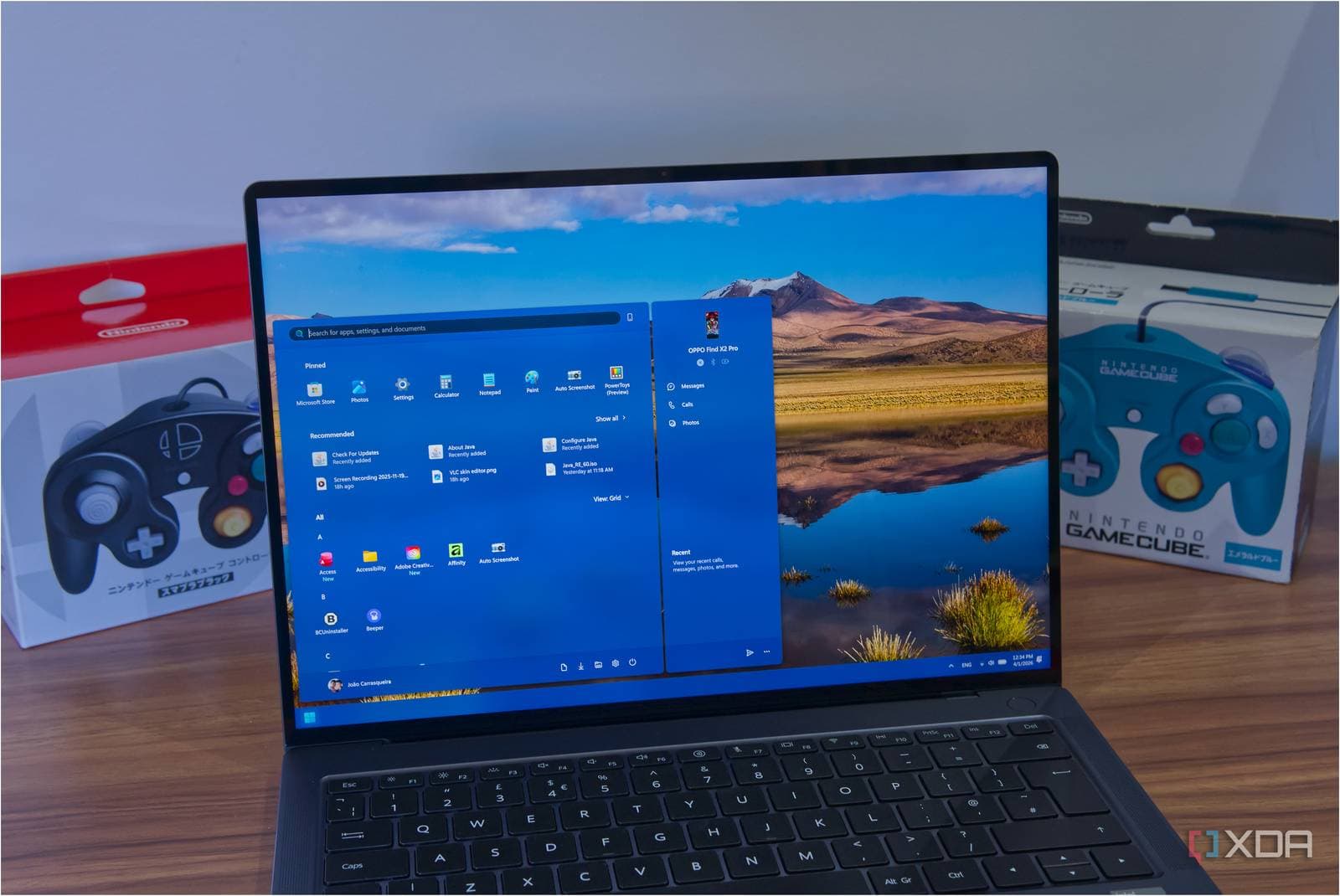
Microsoft has integrated its popular PowerToys Command Palette tool into Windows 11’s built-in Run dialog. The new feature loads in just 94 milliseconds—quick enough that you might not even notice it appearing on your screen.
This update is currently being rolled out to Windows 11 Insiders, who opt into early test builds, through a new Experimental Channel. Besides the impressive speed, the revamped Run dialog now supports dark mode and boasts a cleaner, more modern appearance.
What Is the Run Dialog, and Why Does This Matter?
If you’ve ever hit Win + R on your Windows PC, you’ve used the Run dialog. This small box lets you type commands to swiftly open apps, settings, or system tools. However, this box has looked and functioned nearly the same since Windows 95. That’s over 30 years without a meaningful change.
PowerToys is a free Microsoft toolkit made for power users. It includes a range of extra utilities you can install on top of Windows. One of its standout features is the Command Palette, which acts like a supercharged version of the Run dialog. You can search for apps, run shell commands, and perform quick calculations all from one place. Think of it as Windows’ answer to Spotlight search on a Mac.
Microsoft has now baked that Command Palette experience directly into the operating system’s native Run dialog. You won’t need to install PowerToys separately to enjoy those features anymore.
What’s Actually New
Speed
The new Run dialog opens in just 94 milliseconds. For perspective, the human eye takes about 100-150 milliseconds to blink. Essentially, it feels instantaneous. Microsoft claims this marks a real improvement over the previous performance of the PowerToys Command Palette as a standalone tool.
Dark Mode
The old Run dialog stubbornly remained white, even if your Windows was set to dark mode. The redesigned version now respects your system’s settings and matches the dark theme. While this might seem minor, it’s the kind of inconsistency that annoyed Windows users for years.
Modern Design
The new interface incorporates Microsoft’s Fluent Design language, featuring rounded corners and a clean visual style that’s consistent with modern Windows 11 apps. This update aligns the Run dialog with the rest of the operating system for the first time.
Expanded Functionality
Thanks to its Command Palette foundation, the new dialog offers more than just a text box. Users can now search for apps, run shell commands, and access quick-launch shortcuts all in one convenient location.
| By The Numbers: Microsoft | |
|---|---|
| Stock (MSFT) | $414.20 (+1.51%) |
| CEO | Satya Nadella |
| Founded | 1975, Redmond, WA |
| New Run Dialog Load Time | 94 milliseconds |
| Years Since Last Run Dialog Update | 30+ |
| Availability | Windows 11 Insiders (Experimental Channel) |
What This Means for Everyday Users
If you’re a casual Windows user who rarely uses the Run dialog, this update probably won’t alter your daily routine. However, if you often use Win + R to access apps or system settings, this is a real quality-of-life improvement. The old dialog felt outdated in an otherwise modern operating system, while the new version feels like it truly belongs in Windows 11.
For those who previously installed PowerToys just for the Command Palette feature, this update might lessen the need for that extra software. Microsoft is taking a popular third-party utility and integrating it as a first-party feature, a move they’ve made before with tools like virtual desktops and window snapping.
The update isn’t available to everyone yet. You must be part of the Windows Insider Program and on the Experimental Channel to access it right now. Microsoft hasn’t shared a timeline for broader rollout.
Community Reactions
“Finally. The Run dialog has been the same since I was in middle school. Dark mode alone is worth updating for.”
“94ms is impressive. The old PowerToys Command Palette could lag on first launch. If this is consistently that fast, it’s a real upgrade.”
Further Reading
- XDA Developers: Microsoft moved PowerToys’ Command Palette into Windows 11’s Run dialog
- The Verge: Microsoft tests redesigned Windows 11 Run menu with dark mode and more
What To Watch
- Broader rollout: Microsoft hasn’t announced when the redesigned Run dialog will leave the Experimental Channel and become available to all Windows 11 users. Keep an eye out for updates in upcoming Insider blog posts.
- PowerToys implications: It’ll be interesting to see if Microsoft continues to integrate popular PowerToys features into Windows and what that means for the standalone PowerToys app in the future.
- User feedback from Insiders: Reactions from early testers in the coming weeks will likely influence how quickly Microsoft rolls this out to the general release channel.

Ava Mitchell
Ava Mitchell is a digital culture journalist at Explosion.com covering social media platforms, streaming services, and the creator economy. With 4 years reporting on TikTok, Instagram, YouTube, and the apps that shape daily life, Ava specializes in explaining platform policy changes and their impact on everyday users. She previously managed social media strategy for a tech startup, giving her firsthand experience with the platforms she now covers.


