
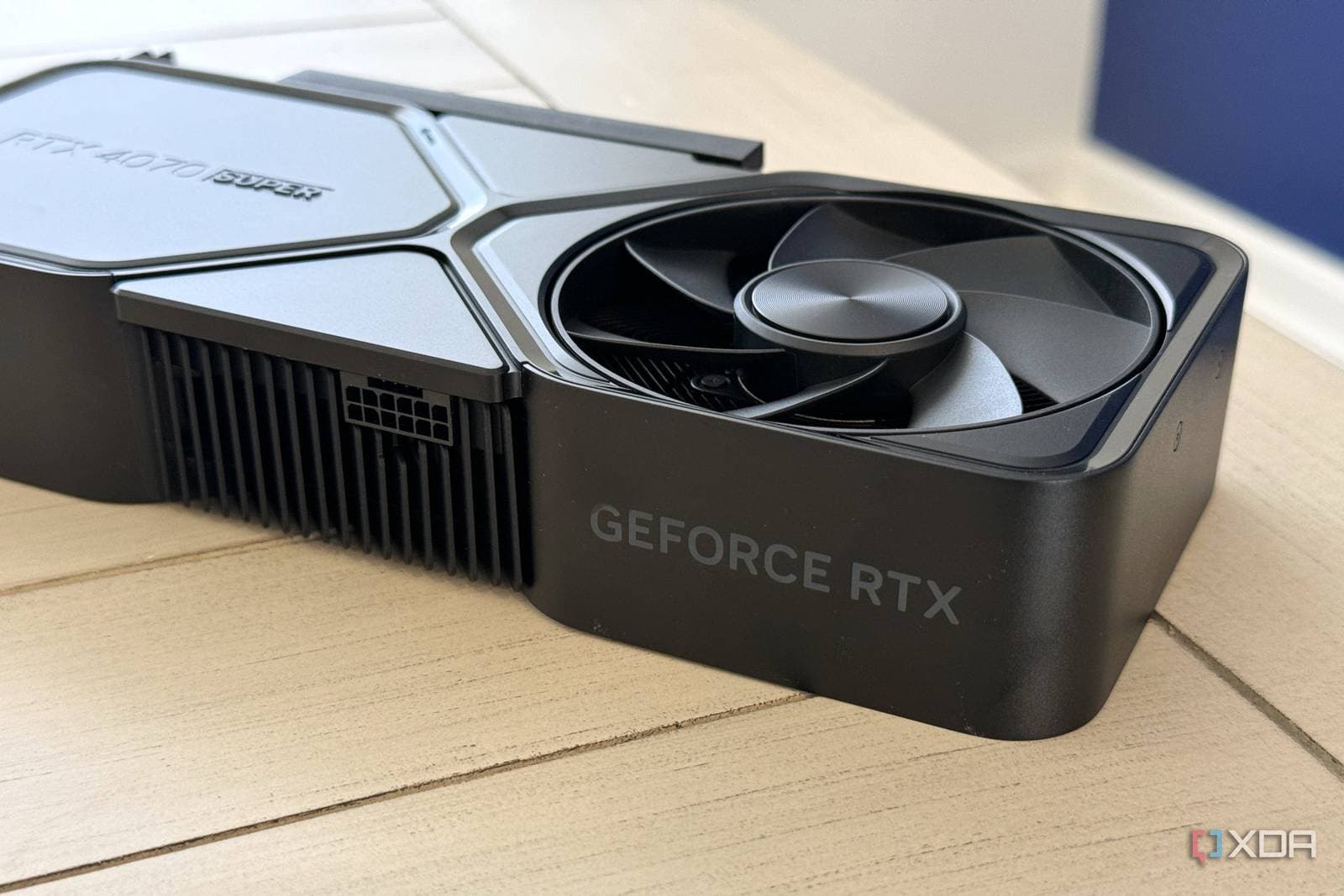
The same graphics card technology that sharpens modern games can also enhance your old, blurry videos — and the results are truly impressive.
Most folks know that Nvidia and AMD GPUs (graphics processing units, the chips that render images on your screen) come with upscaling features designed to improve game performance. Nvidia calls theirs DLSS, while AMD refers to theirs as FSR. However, these tools, along with specialized AI video upscalers, work just as well on older movies, YouTube clips, and home videos from the early 2000s. A growing number of free and paid apps are making this process surprisingly easy.
What Is Video Upscaling, Exactly?
Think of upscaling as a smart zoom button. When you enlarge a 480p video (standard definition, about the quality of an old DVD) to fit a 4K screen, the image appears soft and blocky because there isn’t enough visual information to fill all those pixels. Traditional upscaling simply stretches what’s available.
AI-based upscaling takes a different approach. It uses machine learning models trained on millions of images to intelligently predict what the missing detail should look like and fills it in. The end result isn’t a perfect recreation of footage that was never shot in high resolution, but it looks much cleaner than the blurry mess you’d otherwise see on a modern TV or monitor.
According to XDA Developers, tools that leverage your GPU can process this task much faster than relying on your CPU alone. Graphics cards are specifically designed to handle the type of calculations these AI models require.
Which Tools Actually Do This
Free Options
Several free tools can utilize your GPU for video upscaling. Topaz Video AI is one of the most highly rated, though it does come with a price tag. On the free side, Davinci Resolve (a professional video editing app with a no-cost tier) offers AI upscaling features. Additionally, open-source tools like Real-ESRGAN can be run locally if you don’t mind a bit of setup. Media players such as VLC and mpv also support real-time upscaling using GPU shaders (small programs that run on your graphics card while a video is playing).
Built-In TV and Monitor Features
You might already have upscaling working without even knowing it. Most modern 4K TVs come with proprietary upscaling engines — Samsung calls theirs Neural Quantum Processor, while LG uses AI Picture Pro. These engines automatically enhance lower-resolution signals whenever you connect your TV.
What This Means
If you have a stash of old home videos, camcorder footage from the 90s, or a collection of DVDs that look terrible on your new TV, you now have viable options to enhance them without hiring a pro. A mid-range Nvidia or AMD GPU released in the last three to four years can upscale video in real time or process files faster than it takes to watch them.
It’s important to be realistic, though: AI upscaling can’t create detail that was never captured. Film grain, compression artifacts, and motion blur from the original recording will still be visible. But for everyday viewing, the difference between a raw 480p clip and a GPU-upscaled version displayed on a 1080p or 4K screen is noticeable enough that most viewers think the effort is worth it.
This trend also ties into a larger shift happening on platforms like YouTube. Android Authority reports that YouTube is experimenting with a redesigned home feed featuring dynamic video thumbnail sizes instead of a uniform grid. If thumbnails start appearing at various scales, the visual quality of those preview images becomes even more crucial — pushing for better-looking video overall.
Community Reactions
“I ran some old family VHS transfers through Topaz and my parents literally teared up. It’s not perfect but it’s 10x better than what we had.”
“People sleep on Real-ESRGAN for this. It’s free, it’s fast on a 3080, and the before/after on old YouTube videos is kind of insane.”
| Stat | Detail |
|---|---|
| Standard definition resolution | 480p (720 x 480 pixels) |
| 4K resolution | 2160p (3840 x 2160 pixels) — about 18x more pixels |
| Pixel gap to fill | ~7.9 million pixels added when upscaling 480p to 4K |
| GPU requirement | Mid-range cards from 2020 onward handle real-time upscaling |
| Topaz Video AI pricing | Starts around $299 one-time or ~$99/year |
| Free alternatives | Real-ESRGAN, DaVinci Resolve (free tier), mpv with shaders |
What To Watch
- Nvidia and AMD GPU announcements: Both companies are set to enhance AI upscaling capabilities in their driver software throughout 2026. This may make the process even easier for everyday users.
- YouTube’s feed redesign: The dynamic thumbnail test reported by Android Authority is still in early stages. If it rolls out widely, expect more creators to focus on video and thumbnail quality across different display sizes.
- Streaming platform adoption: Services like Netflix and Disney+ already use server-side upscaling for older catalog titles. Watch for more AI remastering announcements as storage and processing costs decrease.
- Open-source tools maturing: Projects like Real-ESRGAN and similar community-driven upscalers are getting frequent updates. The gap between free and paid tools is closing faster than most people realize.

Daniel Park
Daniel Park covers AI, cloud infrastructure, and enterprise software for Explosion.com. A former software engineer who transitioned to technology journalism 5 years ago, Daniel brings technical depth to his reporting on artificial intelligence, startup funding rounds, and the companies building the future of computing. He breaks down complex AI developments and business strategies into clear, actionable insights for readers who want to understand how technology is reshaping industries.


