
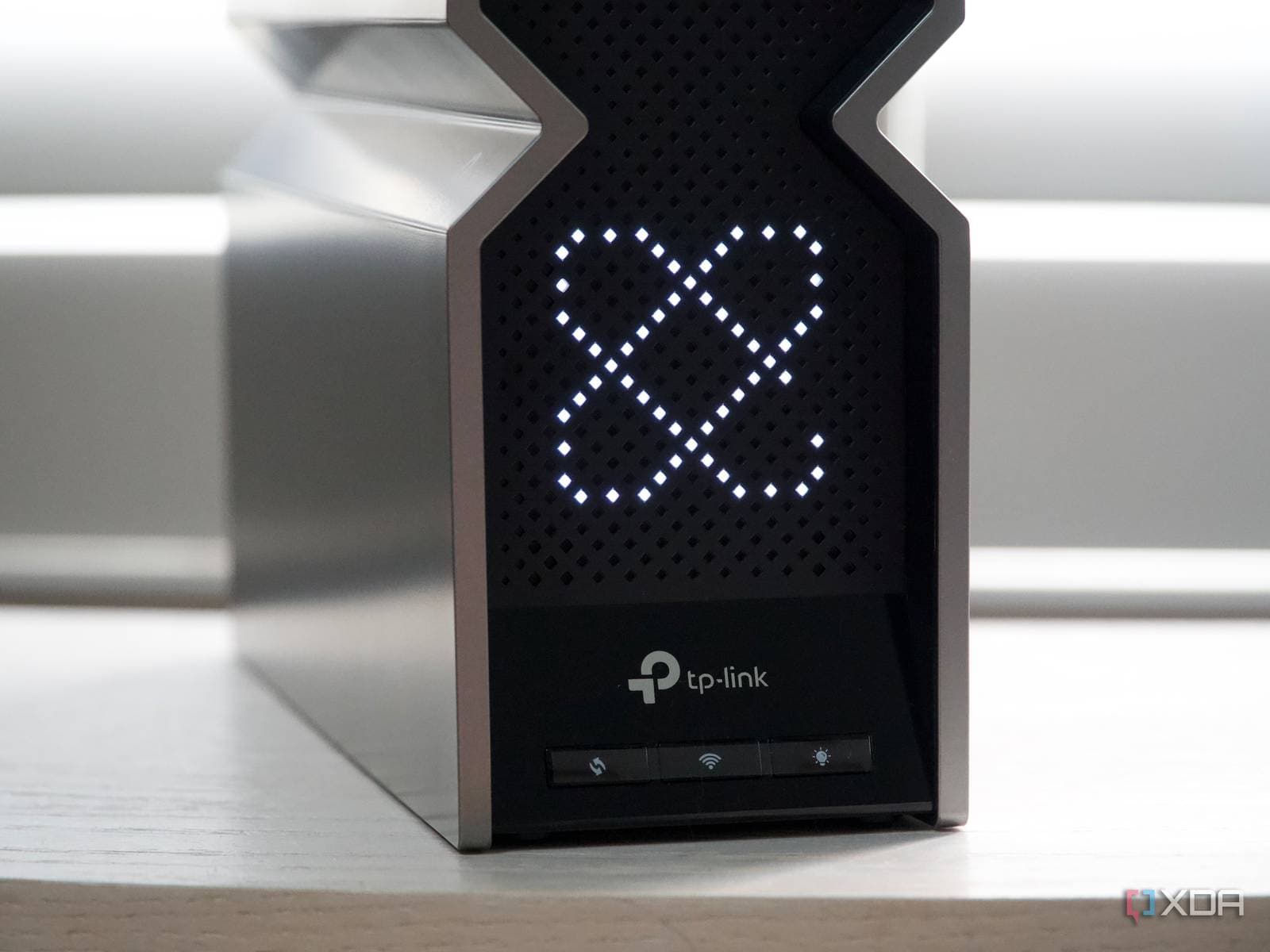
The standout feature of Wi-Fi 7 isn’t just its speed upgrade. It’s a technology called Multi-Link Operation (MLO) that makes your wireless connection much more stable, even in crowded home networks.
What Is MLO, Exactly?
Wi-Fi routers transmit data across different frequency bands — think of these as lanes on a highway. Previous Wi-Fi standards could only use one lane at a time. Multi-Link Operation, or MLO, allows a Wi-Fi 7 device to use multiple frequency bands at once. Instead of having to choose between the 2.4 GHz, 5 GHz, or 6 GHz bands, your phone or laptop can access two or three of them simultaneously.
The real benefit isn’t just about speed. It’s about reliability. If one band gets congested or drops a packet, MLO quickly reroutes that data through another band without you even noticing. Picture it like a GPS that reroutes you around traffic jams before you hit them.
Why Does Reliability Matter More Than Speed?
For most users, raw Wi-Fi speed hasn’t been the issue for years. Your internet plan is often slower than what your router can actually handle. A typical home internet connection runs at 200–500 Mbps, while Wi-Fi 6 routers can already manage several gigabits per second. So, boosting Wi-Fi speed is like widening a highway on-ramp when the highway itself is still congested.
What really disrupts your experience are latency spikes and dropped connections. That annoying half-second freeze during a video call? The rubber-banding in online games? Or that moment your smart TV buffers right at the climax? Those issues stem from reliability, not speed. MLO directly addresses these problems.
As noted by XDA Developers, MLO can greatly reduce latency and improve performance in crowded spaces like apartment buildings or offices, where multiple devices compete for bandwidth.
It Can Still Make Things Faster — Sometimes
Now, to give credit to the speed claims, MLO can boost throughput (the total data transfer speed) in certain scenarios. When multiple bands are working together without congestion, their combined bandwidth can indeed speed things up. Think of it like those highway lanes again; if all are clear, using two at once does get you there quicker. But that’s a bonus, not the main focus.
The consistent advantage lies in MLO’s ability to balance load intelligently. Heavy downloads can use one band while a video call uses another, keeping everything running smoothly.
| Wi-Fi 7 By The Numbers | |
|---|---|
| Maximum theoretical speed | 46 Gbps |
| Frequency bands supported | 2.4 GHz, 5 GHz, 6 GHz |
| MLO bands used simultaneously | Up to 3 |
| Wi-Fi 7 standard finalized | January 2024 |
| Maximum channel width | 320 MHz (vs. 160 MHz on Wi-Fi 6E) |
What This Means
If you’re a casual internet user who mainly browses and streams, you might not notice a big difference between Wi-Fi 6 and Wi-Fi 7. However, you’ll likely experience fewer dropped Zoom calls, smoother gaming, and less buffering when multiple people are online at the same time.
For those who work from home, game online, or rely on smart home devices, MLO could genuinely enhance your experience. It’s not about faster downloads; it’s about everything working more consistently. Imagine upgrading from a car that can hit 120 mph but stalls sometimes to one that maxes out at 130 mph but runs perfectly.
The catch is that both your router and device need to support Wi-Fi 7 to enjoy MLO’s benefits. A Wi-Fi 7 router alone won’t help your older laptop or phone. As XDA Developers notes, you need compatible hardware on both ends to reap the full benefits.
What People Are Saying
“I upgraded to a Wi-Fi 7 router last month, and the biggest difference isn’t speed — my Zoom calls just don’t drop anymore. Before, I’d lose connection during meetings constantly.”
“Finally, someone explains this properly. I’ve been telling people for months that the speed numbers are marketing — the latency improvements are what actually matter.”
What To Watch
- Device adoption: Wi-Fi 7 chips are set to appear in flagship phones and laptops throughout 2024 and 2025. Keep an eye out for MLO support in mid-range devices as the technology becomes more common.
- Router pricing: Wi-Fi 7 routers currently start around $200 and can exceed $500 for mesh systems. Prices should drop as more manufacturers join the market through 2025.
- ISP speeds catching up: Multi-gig internet plans (2 Gbps and above) are slowly becoming available in the U.S. As these plans become more widespread, the speed advantages of Wi-Fi 7 will become more relevant alongside its reliability improvements.

Maya Torres
Maya Torres is the Consumer Tech Editor at Explosion.com with 7 years covering product launches for major technology publications. She has reviewed over 300 devices across smartphones, laptops, wearables, and smart home products. Maya specializes in translating spec sheets into real-world buying advice and attends CES, MWC, and Apple keynotes as press. Her reviews focus on helping readers decide what to buy, not just what specs look good on paper.


