
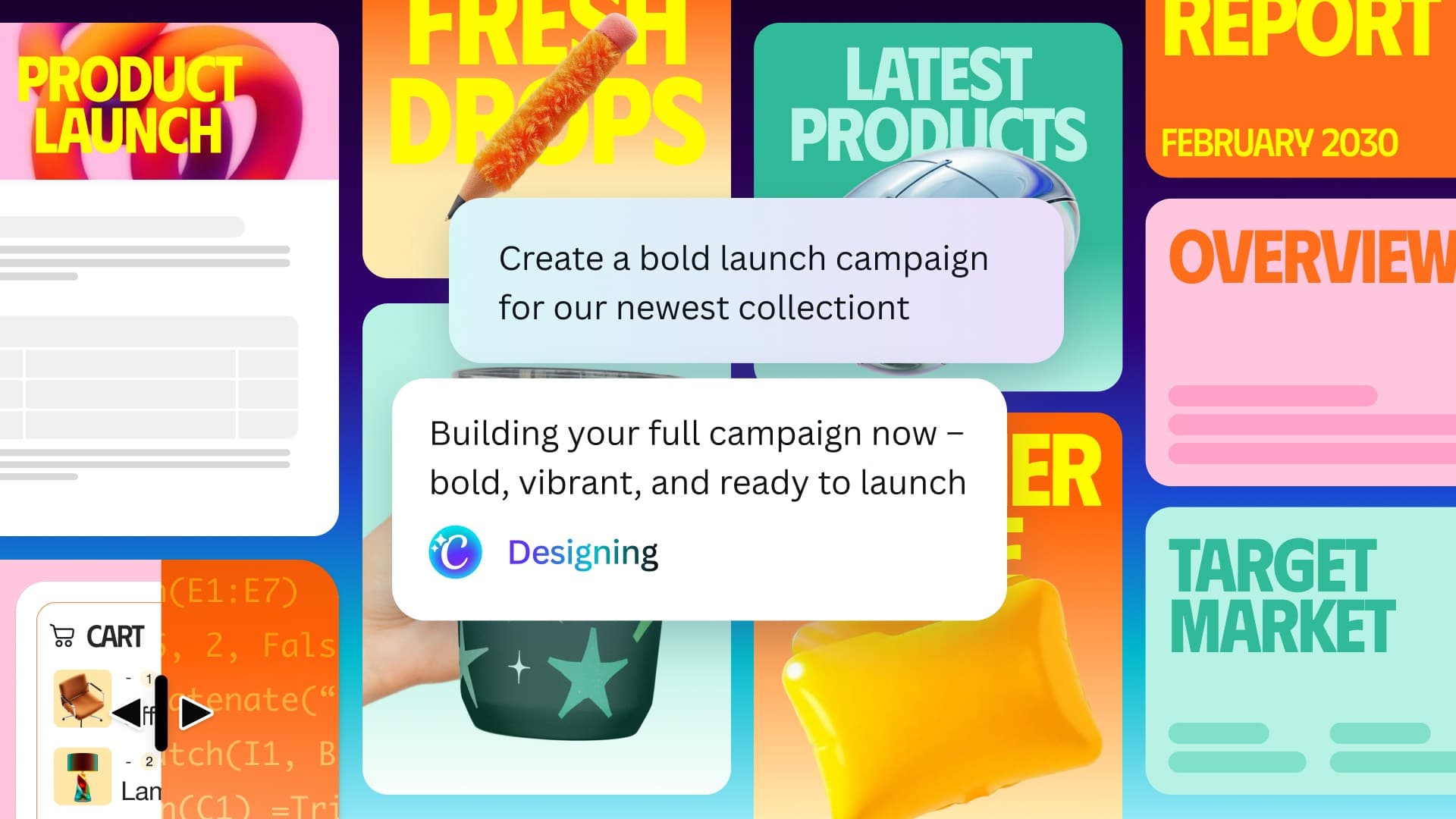
Canva has just launched its most significant update to date: Canva AI 2.0. This major overhaul was unveiled at the annual Canva Create event and brings features like persistent memory, third-party app connectors, automated workflows, and prompt-based editing to the popular design platform.
What’s New in Canva AI 2.0
This update focuses on three main ideas: helping the AI remember information about you, linking Canva to your favorite apps, and automating repetitive tasks.
Memory
Now, Canva’s AI can remember details between sessions. Imagine having a design assistant that recalls your brand colors, preferred fonts, and past projects without you needing to repeat yourself. Before this, you’d start each session from scratch. Now, the platform builds an ongoing profile of your preferences and applies them automatically.
Connectors
Connectors allow Canva to pull in data and assets from other tools, like Google Drive or your company’s product catalog. Instead of downloading images from another app and then uploading them to Canva, this connection is direct. It’s similar to what Zapier does for productivity software, but now integrated right into your design workflow.
Automated Workflows
Canva is stepping into what the tech world calls “agentic” territory. This means the AI can perform a series of actions on your behalf without you needing to click through every single step. For example, you could ask Canva to create social media posts in five different sizes from one design brief, and it takes care of the entire process. The platform acts like a design project manager rather than just a canvas.
Prompt-Based Editing
Users can now give simple instructions to modify designs, like “make the headline bigger and move the logo to the bottom right,” instead of dragging elements around manually. This change makes Canva feel more intuitive, especially for non-designers who have a vision but aren’t sure how to implement it technically.
| Canva — Company Snapshot | |
|---|---|
| Founded | 2012 |
| Headquarters | Sydney, Australia |
| CEO | Melanie Perkins |
| Sector | Design / Productivity Software |
| Key Update | Canva AI 2.0 (announced April 2026) |
| New Features | Memory, Connectors, Automated Workflows, Prompt Editing |
Why Canva Is Making This Move
For years, Canva has aimed to be the go-to design tool for those who aren’t professional designers — including marketers, small business owners, teachers, and social media managers. This audience is huge and overlaps significantly with folks who would really benefit from AI reducing the technical challenges of visual work.
This update also signals a larger ambition: Canva wants to be the main hub for creative work, not just another tool in a long lineup. By adding connectors and automated workflows, it’s competing less with Adobe and more with platforms like Notion, Monday.com, or parts of Microsoft 365 — tools that help teams manage and execute projects.
According to 9to5Mac, Canva is making its strongest move into agentic design. This category includes software that doesn’t just assist but actively carries out multi-step creative tasks.
What This Means for Everyday Users
If you use Canva for work — whether for presentations, Instagram graphics, or marketing materials — you’ll notice some practical changes.
The memory feature alone could save you a lot of time. Currently, maintaining brand consistency requires you to re-enter settings or hope your right template is saved. With memory, the AI should manage that consistency automatically.
Automated workflows mean tasks that used to take 20 minutes of resizing and reformatting could now be done in seconds with just one prompt. For instance, adapting a design for LinkedIn, Instagram Stories, and a printed flyer can happen almost instantly.
For non-designers, prompt-based editing eliminates the need to learn where every tool is in the interface. As The Verge points out, this update aims to make design feel more conversational and less like software.
On the flip side, users who’ve developed precise manual workflows might find that AI-assisted automation can introduce some unpredictability. Automated tools can sometimes produce results that need tweaking, which might take longer than doing things manually if you already know what you’re doing.
Community Reaction
“The memory feature is what I’ve been waiting for. I manage 4 different brand accounts, and having to reset everything each time is genuinely exhausting.”
“I worry this is going to make it harder to control the output. Sometimes you just want the tool to do what you tell it, not what it thinks you want.”
What To Watch
- Rollout timeline: Canva has announced these features, but full availability across all plan tiers isn’t confirmed for every region yet. Keep an eye out for official rollout updates from Canva in the coming weeks.
- Connector library growth: The initial set of third-party connectors is crucial. Which apps Canva focuses on — whether that’s Google Workspace, Slack, Shopify, or others — will shape how useful this feature becomes for different users.
- Competitive response: Adobe has been actively building AI features into its Creative Cloud suite, so it will likely respond. While Adobe’s tools cater to professional designers, the gap between professional and everyday design tools is quickly closing.
- Enterprise adoption: Canva is aggressively targeting business and enterprise accounts. Automated workflows and connectors are features that IT and marketing teams will carefully evaluate before rolling them out on a large scale.

Daniel Park
Daniel Park covers AI, cloud infrastructure, and enterprise software for Explosion.com. A former software engineer who transitioned to technology journalism 5 years ago, Daniel brings technical depth to his reporting on artificial intelligence, startup funding rounds, and the companies building the future of computing. He breaks down complex AI developments and business strategies into clear, actionable insights for readers who want to understand how technology is reshaping industries.


