
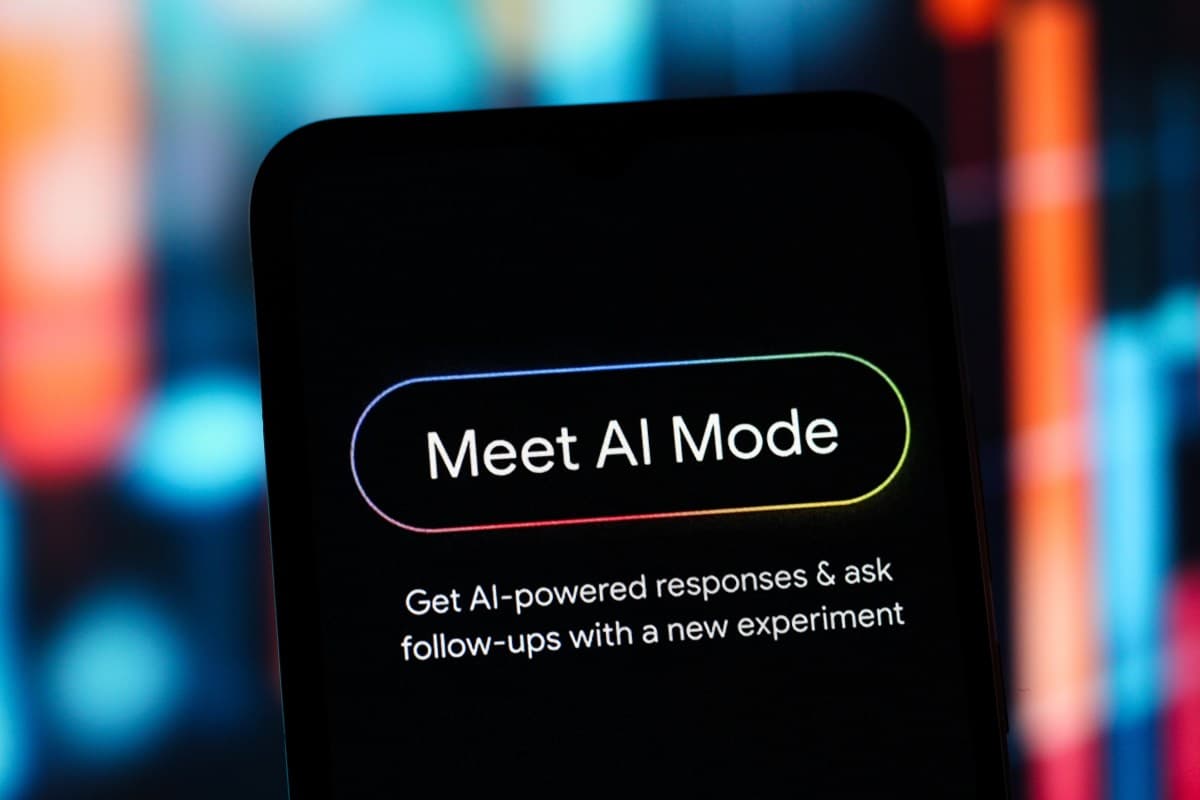
Google’s made some updates to AI Mode in Chrome for desktops. Now, when you click a search result, the webpage opens next to your AI conversation instead of taking over the whole screen. This change aims to reduce the annoying tab switching that disrupts your search flow.
What’s Changing
Currently, if you start a research session in Google’s AI Mode, which is the chatbot-like search tool built into Chrome, clicking a link takes you away from the AI conversation. You either end up opening a new tab and losing your thread or hit the back button to start again. It’s like dog-earing a book every few seconds.
The new side-by-side layout will keep AI Mode open on one side of your screen while the webpage loads on the other. According to Wired’s coverage of the update, the goal is for the AI assistant to stay “always around” during your search journey.
Imagine it like having a knowledgeable friend beside you while you browse. You can read the page, ask follow-up questions, and get context — all without ever leaving the conversation.
Why Google Is Making This Change
This update is part of a larger effort by Google to make AI Mode a more permanent feature of your browsing experience, rather than just an answer machine for quick queries. Since rolling out the feature to Labs users in the U.S. earlier this year, the company has been steadily expanding AI Mode’s presence in Chrome.
The timing is crucial. Google faces increasing competition from AI-native search tools like Perplexity and ChatGPT’s browsing features, which already provide a more conversational and continuous research experience. Keeping users engaged within an AI-assisted flow, instead of bouncing between tabs, directly counters how those tools operate.
This shift also reflects a new way for Google to view search itself. Instead of just offering ten blue links and sending users off to figure things out alone, Google wants to be the research partner that stays with you from question to answer and deeper reading.
| Ticker | GOOGL |
|---|---|
| Stock Price | $335.06 (-0.61%) |
| CEO | Sundar Pichai |
| Founded | 1998 |
| Headquarters | Mountain View, CA |
| Sector | Big Tech |
How to Access It
The feature is currently rolling out for Chrome on desktop. If you’re already using AI Mode through Google Labs (the opt-in testing program for experimental features), you might notice the side-by-side panel appearing automatically when you click links from AI Mode results. For those who haven’t enabled AI Mode yet, you can find it in Chrome’s Labs settings at chrome://labs.
There’s no word yet on when or if this layout will come to mobile. The limited screen space on mobile devices makes a true side-by-side view much trickier to implement.
What This Means for Everyday Users
If you’ve ever done serious online research — whether comparing products, investigating a health issue, or exploring a news story from various angles — you know how frustrating tab management can be. This update directly addresses that issue.
In practice, you could ask AI Mode “what should I look for in a budget laptop,” click through to a review, read it, and immediately ask a follow-up like “does this model have the fast storage you mentioned?” You won’t lose your place since the AI retains context from your earlier conversation and can apply it to whatever you’re currently reading.
For casual users, this change might feel subtle at first. But for anyone who relies on Chrome for research, it could greatly reduce the hassle of moving from a question to a confident answer.
Community Reactions
“This is actually the feature I didn’t know I needed. I hate losing my AI conversation the second I click anything. Finally.”
“Cool concept but I already run Chrome with like 40 tabs open. Now I’m supposed to have a split screen too? My laptop is going to cry.”
What To Watch
- Mobile rollout: Google hasn’t announced a timeline for bringing side-by-side AI Mode to Android or iOS. Keep an eye out for news at Google I/O, usually held in May.
- Full release from Labs: AI Mode remains in Google’s experimental Labs program. A wider public rollout beyond opted-in testers could happen as Google fine-tunes the experience.
- Competitor response: Perplexity and Microsoft’s Copilot in Edge both offer AI-assisted browsing. Expect those products to respond with similar or competing features in the coming months.
- Publisher concerns: If users read articles in a Chrome panel next to an AI that summarizes them, questions about web traffic and publisher revenue are likely to arise. That discussion is worth following.
Sources: TechCrunch | Wired | CNET

Daniel Park
Daniel Park covers AI, cloud infrastructure, and enterprise software for Explosion.com. A former software engineer who transitioned to technology journalism 5 years ago, Daniel brings technical depth to his reporting on artificial intelligence, startup funding rounds, and the companies building the future of computing. He breaks down complex AI developments and business strategies into clear, actionable insights for readers who want to understand how technology is reshaping industries.


