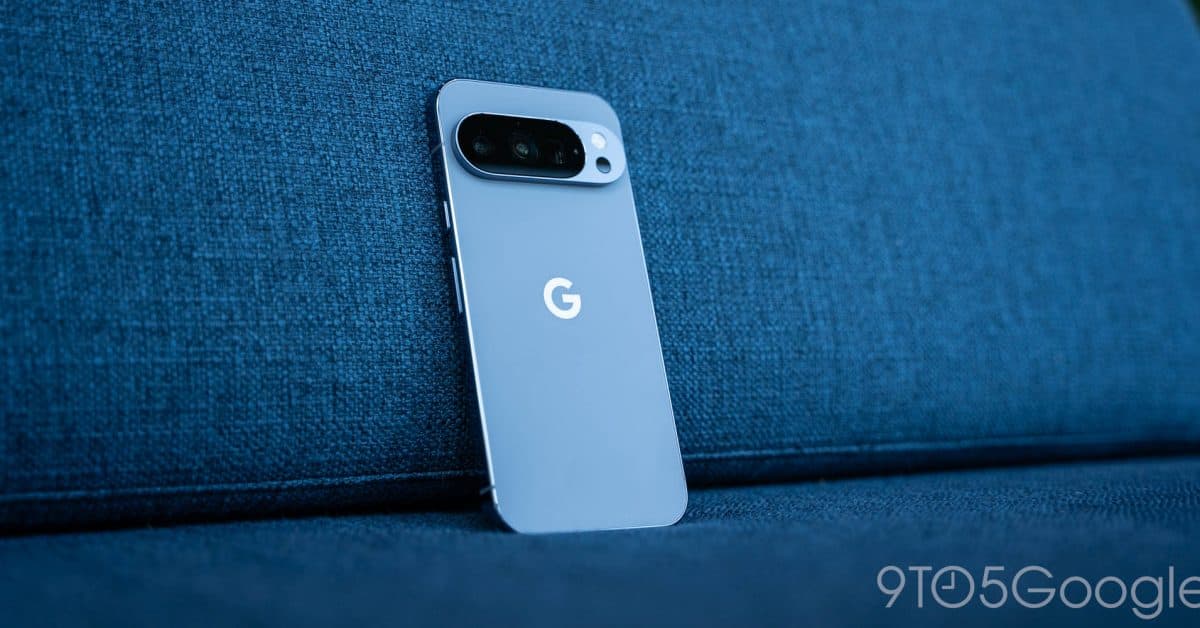
Google recently offered advice on how Android users can fix incorrect clocks as Canada adjusts its Daylight Saving Time rules, as reported by 9to5Google. This guidance aims to assist those whose phones show the wrong time following the change.
The excerpt we have doesn’t include all of Google’s instructions or the specific changes happening in Canada. So, this article will stick to what’s confirmed and explain the general mechanics. For detailed steps, check out Google’s support page linked by 9to5Google.
Why Time Zone Changes Can Break Your Phone’s Clock
Your phone doesn’t figure out the time on its own. It depends on a stored set of rules, often referred to as time zone data. This is a rulebook that outlines each region’s offset from universal time and when to switch to or from daylight time. It’s similar to a train timetable. If the railway updates its schedule but you have an outdated timetable, you’ll show up at the wrong time.
When a government alters Daylight Saving Time rules in a region, every device requires the updated rulebook. Phones that haven’t received it or have the wrong region selected may display a clock that’s off by an hour.
The Usual Fixes on Android
Google’s specific steps are detailed in its guidance. Generally, here are the settings Android users should check when the time appears incorrect. Menu names can differ depending on the phone brand and Android version.
1. Turn on automatic time and time zone
In Settings, find Date & time (usually located under System). Enable the options to set the time and time zone automatically. With these turned on, your phone will take cues from the mobile network and location instead of relying on a manual setting.
2. Check your location setting
Automatic time zone detection relies on location access. If your location is disabled, your phone might revert to less accurate information.
3. Install pending updates
Starting with Android 10, Google can deliver some core system components, including time zone data, separately from full Android upgrades. It’s smart to check for system and Google Play system updates in Settings if your clock is still incorrect.
4. Restart the phone
This may sound simple, but rebooting your phone can help it pick up fresh network time and apply newly installed data.
By The Numbers
| Alphabet / Google | |
|---|---|
| Ticker | GOOGL |
| Stock Price | $324.22 (-3.15%) |
| Sector | Big Tech |
| CEO | Sundar Pichai |
| Headquarters | Mountain View, CA |
| Founded | 1998 |
What This Means
If you live in Canada, are traveling there, or have family and coworkers in the area, a wrong clock can lead to missed meetings, late alarms, or calendar invites arriving at the wrong time. Your phone’s automatic settings should be your first line of defense. Google’s guidance provides a helpful reference if things go awry.
If you use your phone as an alarm clock, check it the night before any scheduled time change. Phones set manually are the most likely to be incorrect since they ignore the rules altogether.
Community Reaction
At the time of writing, we didn’t find any verified discussions on Reddit or YouTube about this specific guidance, and our sentiment tracking showed no signals. We’ll update with reactions if users start reporting incorrect clocks.
Also From Google This Week
In other news, Android Authority reports that Google Meet is expanding its real-time translation feature to detect and translate 63 languages. This isn’t related to the clock issue, but it highlights Google’s focus on improving everyday communication tools.
What To Watch
- Clock-change weekend: Under the standard schedule, areas of Canada observing Daylight Saving Time will set clocks back on Sunday, November 1, 2026. This will be the first real test for phones that may have missed the update.
- Google’s support page: Google could add more details or device-specific steps as users report issues.
- System updates: Keep an eye out for Google Play system updates and monthly Android patches, as these are the most likely ways for corrected time zone data to arrive.
- Google Meet translation: Follow updates on rollout timing and availability for the 63-language feature if you use Meet for work.

Maya Torres
Maya Torres is the Consumer Tech Editor at Explosion.com with 7 years covering product launches for major technology publications. She has reviewed over 300 devices across smartphones, laptops, wearables, and smart home products. Maya specializes in translating spec sheets into real-world buying advice and attends CES, MWC, and Apple keynotes as press. Her reviews focus on helping readers decide what to buy, not just what specs look good on paper.