Apple’s Image Playground, the app that transforms text descriptions into images, received some exciting updates this fall, as noted in Engadget’s explainer. If you haven’t tried it yet, here’s a quick overview of what it does and how to get started.
What Is Image Playground?
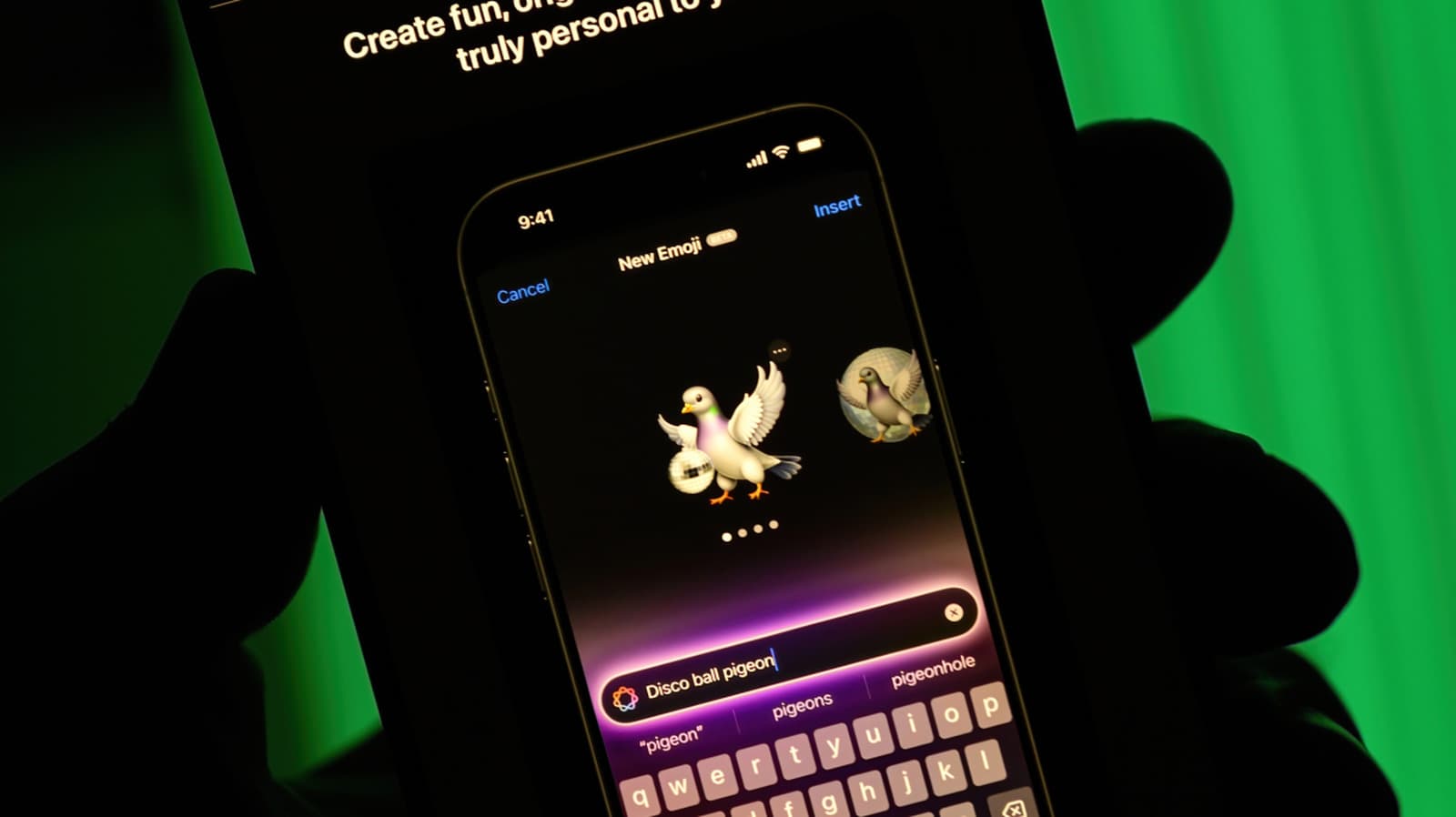
Image Playground is Apple’s image generator. You simply type a short description, like “a corgi astronaut riding a bicycle,” and the app creates a picture based on your input. Think of it as a speedy sketch artist who brings your ideas to life in various styles.
This app is part of Apple Intelligence, which encompasses all of Apple’s AI features on iPhone, iPad, and Mac. It’s designed for fun and casual images rather than realistic photos. Apple has focused on cartoonish and illustrated styles, making it perfect for custom stickers, party invitations, and playful messages to friends.
How to Use It
The interface might change a bit depending on your software version, but the overall process stays the same:
1. Open the app or find it in other apps
You can start Image Playground on its own. Apple has also integrated it into apps like Messages, Notes, and Freeform, so you can create images while working on other tasks.
2. Describe what you want
Type a clear and concise prompt. For example, “A watercolor-style lighthouse at sunset” generally yields better results than a vague prompt like “something nice.”
3. Add suggestions or people
The app provides tappable ideas, including themes, costumes, accessories, and locations that you can incorporate into your image. You can also use a person from your photo library, turning a friend or family member into a stylized character.
4. Pick a style
The original styles included Animation, Illustration, and Sketch. Later versions introduced additional styles powered by ChatGPT, asking for your permission before contacting OpenAI. Check which styles are available on your device, as this varies by software version.
5. Save or share
If you like the final image, you can save it to your Photos library or share it directly with a contact.
By The Numbers
| Item | Detail |
|---|---|
| Company | Apple (AAPL) |
| Stock Price | $343.46 (+0.43%) |
| Sector | Big Tech |
| CEO | Tim Cook |
| Headquarters | Cupertino, CA |
| Founded | 1976 |
| Image Playground default styles | 3 (Animation, Illustration, Sketch) |
What This Means
So, what does this mean for you? Image Playground is free, built into your device, and doesn’t require a separate account or subscription for its main features. For everyday users, it’s one of the easiest ways to experiment with AI image generation without having to download anything new.
Just keep your expectations in check. The images are stylized, and the app is made for fun, not for realistic photos or detailed commercial artwork. If you need a quirky birthday graphic or a custom sticker for your group chat, it’s perfect. But for high-quality, photo-realistic images, you might want to explore other options.
Remember, Apple Intelligence only works on newer devices. Currently, that includes the iPhone 15 Pro and later models, as well as iPads and Macs with M1 chips or newer. If you can’t find the app, check your device and software version first.
This update also fits into a larger trend. Apple continually enhances the apps you already have, as 9to5Mac highlighted in their look at improvements to the Phone app. Minor tweaks to built-in apps often reach more users than standalone releases.
Community Reaction
The community’s feedback on Apple’s AI features appears to be mixed. We didn’t find specific Reddit or YouTube posts about this Image Playground update in our sources, so we won’t be quoting any here. We’ll add verified reactions as they come in.
What To Watch
- Style options: Keep an eye out for new art styles or changes in how the ChatGPT-powered styles function.
- Device support: Since Apple Intelligence relies on newer chips, any updates to supported devices would impact many users.
- Apple’s broader software updates: Apple usually releases point updates through the fall and winter, often tweaking Apple Intelligence tools.
- User feedback: Watch for reviews and community discussions in the coming weeks to see if the updates shift people’s opinions about the app.
For now, the best advice is to open the app, try a few prompts, and see which styles resonate with you. It takes less than a minute to discover if Image Playground is useful for your needs.

Maya Torres
Maya Torres is the Consumer Tech Editor at Explosion.com with 7 years covering product launches for major technology publications. She has reviewed over 300 devices across smartphones, laptops, wearables, and smart home products. Maya specializes in translating spec sheets into real-world buying advice and attends CES, MWC, and Apple keynotes as press. Her reviews focus on helping readers decide what to buy, not just what specs look good on paper.