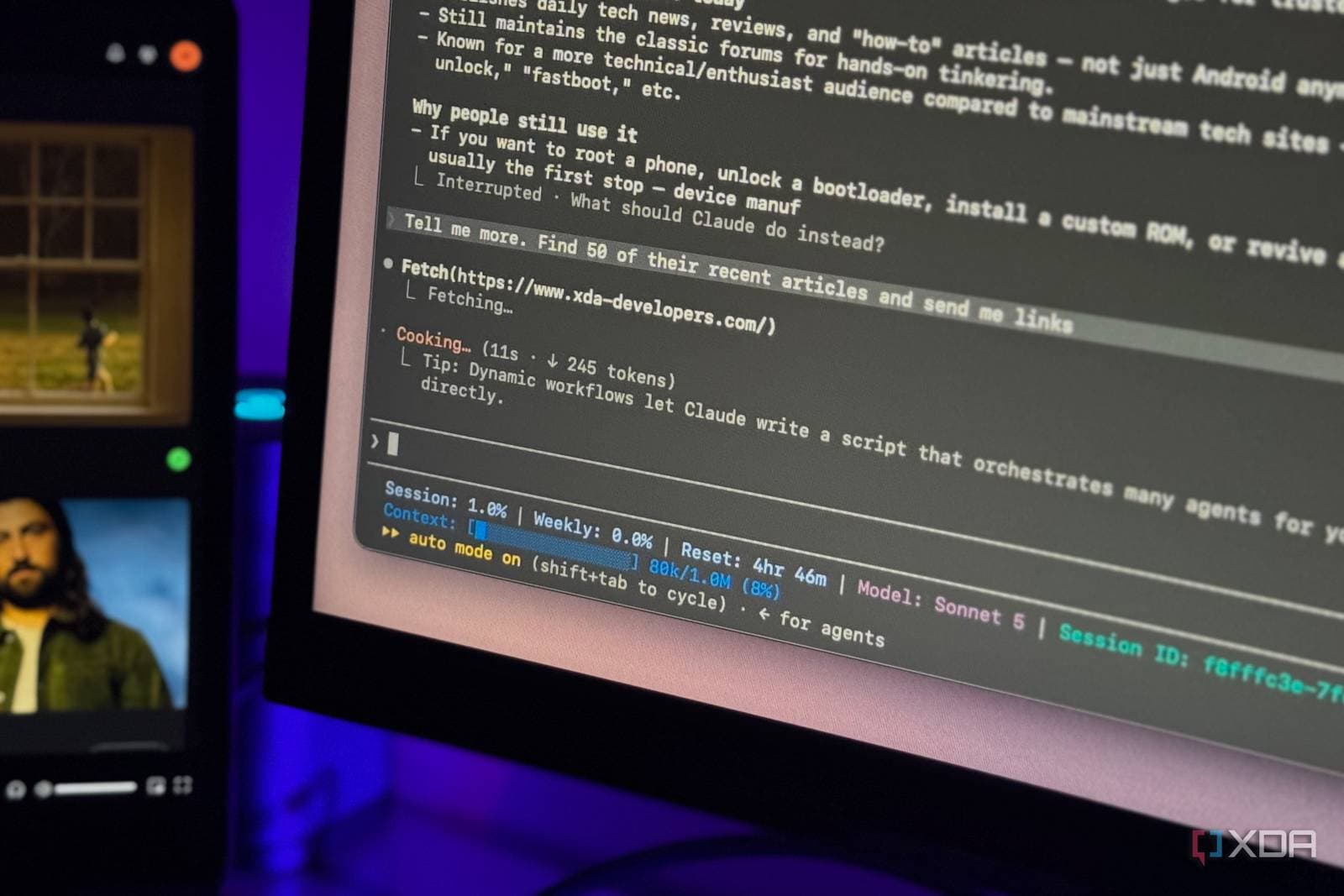
Claude, the AI assistant from Anthropic, can now transform raw data into live, interactive dashboards and animations. Its Docs, Slides, and Design tools have left beta and are available to free users, as reported by Android Authority.
If you’ve ever looked at a spreadsheet full of numbers and wished it could highlight what’s important, this update is for you.
What Claude Can Do Now
The standout feature is the dashboard. Think of a dashboard as a single screen displaying your key numbers and charts, updating as data changes. It works much like the dashboard in your car. You don’t read the engine’s raw output; you check the speedometer and fuel gauge. Claude can now create this type of view from your data instead of leaving you to sift through rows and columns.
According to XDA Developers, the whole process requires “just a few prompts.” A prompt is simply an instruction you provide in plain language, like “show me monthly sales by region.” You specify what you want, and Claude takes care of the rest.
The update also introduces animations, allowing visuals to move rather than remain static. This feature can be particularly useful when demonstrating changes over time, such as a trend increasing over a year.
Docs, Slides, and Design Leave Beta
Android Authority also notes that Claude Docs, Slides, and Design are out of beta. A beta version is a test release, and leaving beta means Anthropic believes these tools are ready for regular use.
Free users can access these tools as well. You won’t need a paid plan to try them out, although the sources we checked don’t specify whether free accounts have any usage limits.
By The Numbers
| Claude Update at a Glance | |
|---|---|
| Product | Claude (AI assistant) |
| Category | AI tool |
| New features | Live dashboards, animations |
| Out of beta | Claude Docs, Slides, Design |
| Free user access | Yes, for Docs, Slides, and Design |
| Setup effort | “Just a few prompts” (XDA Developers) |
| Pricing details | Not specified in sources |
What This Means
So, what does this mean for you? Creating a clear chart or a polished slide deck usually requires learning spreadsheet formulas, design software, or both. Claude aims to simplify that process. You provide the data, describe the desired outcome, and make adjustments with follow-up requests.
Here are a few everyday examples of how this might work:
- Small business owners could turn sales data into a visual representation of what’s selling and when.
- Students could create charts from survey results for a class presentation.
- Team leads could generate a status board without waiting on a data analyst.
The free access is also significant. Similar tools have typically been behind paywalls, so making Docs, Slides, and Design available to free users lowers the barrier to entry.
However, keep in mind that any AI-generated chart depends on the quality of the data and instructions you provide. It’s a good idea to double-check a few numbers before sharing a dashboard with others.
Community Reaction
At the time of writing, we couldn’t find any discussions on Reddit or YouTube about this update, so there aren’t any user reactions to share yet. Initial sentiment is too sparse to gauge. We’ll update the article once real-world users begin sharing their experiences.
What To Watch
- Free-tier limits: The sources didn’t clarify how much free users can do with these tools. Any usage caps will affect their day-to-day utility.
- Real-world accuracy: Keep an eye out for hands-on reviews testing how well Claude manages large or messy datasets.
- Live data connections: The term “live” implies dashboards that stay updated. Look for specifics on which data sources can connect.
- Competitor responses: Other AI assistants have their own document and presentation tools, so expect comparisons as more users try Claude’s features.
No specific rollout dates were mentioned in the reports we reviewed. We’ll update this article as soon as Anthropic shares more information.

Daniel Park
Daniel Park covers AI, cloud infrastructure, and enterprise software for Explosion.com. A former software engineer who transitioned to technology journalism 5 years ago, Daniel brings technical depth to his reporting on artificial intelligence, startup funding rounds, and the companies building the future of computing. He breaks down complex AI developments and business strategies into clear, actionable insights for readers who want to understand how technology is reshaping industries.