
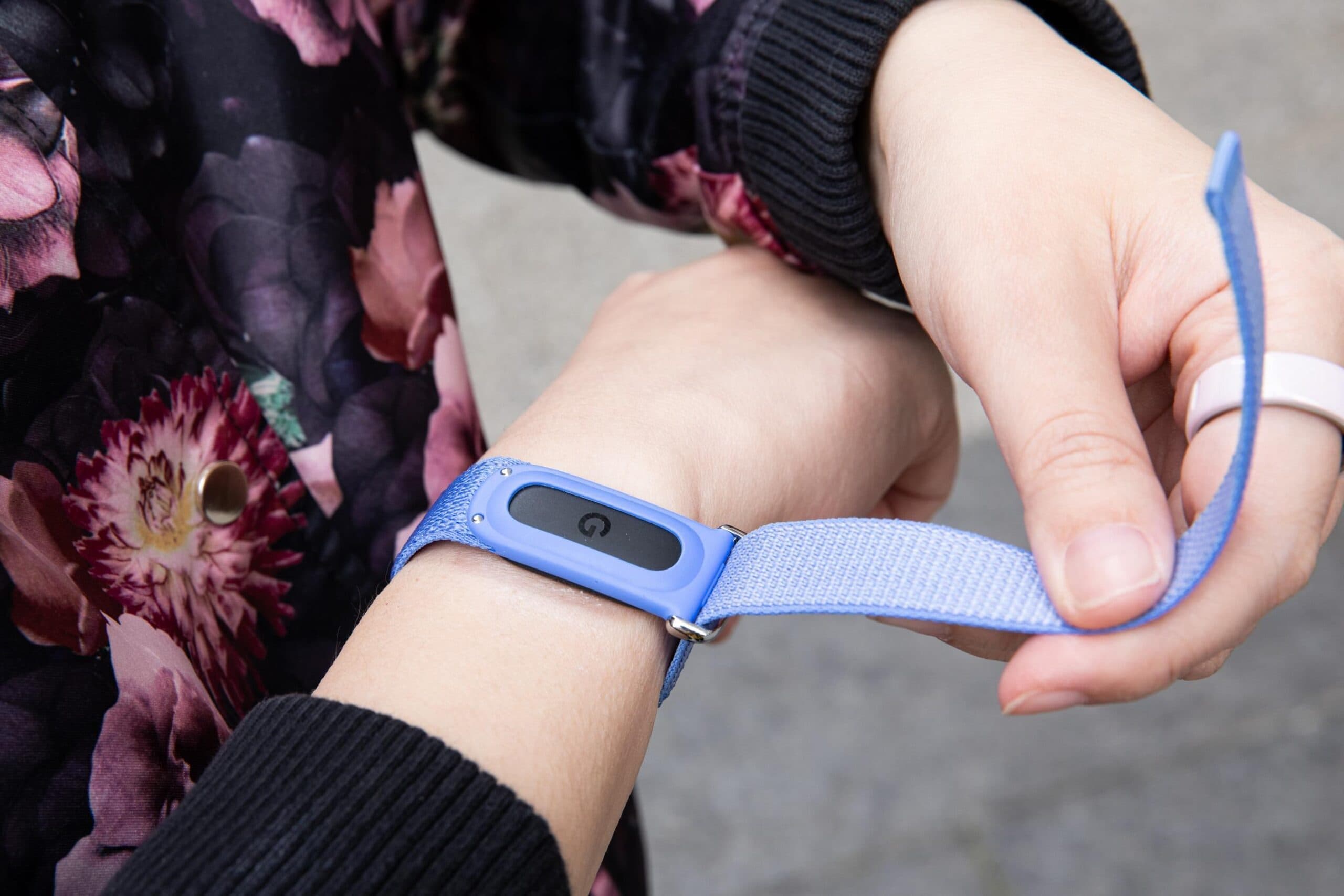
Google has addressed a major headache for Fitbit users with iPhones. Now, your workout history, step counts, heart rate readings, and other health data can sync directly into Apple Health without any complicated workarounds.
This update comes with version 5.05 of the Google Health app for iOS. After you update, linking the two platforms is easy. Just tap your profile icon in the app, select “Partner apps,” and then choose Apple Health. From there, your Fitbit tracker or Pixel Watch will automatically start sharing data with Apple’s Health app.
Why This Took So Long
If you’ve had both a Fitbit and an iPhone, you know the struggle. Apple Health, Apple’s central hub for fitness and wellness data, has always been the go-to place for iPhone users to track their sleep, exercise, and overall health. But Fitbit and Google Health were locked in their own separate world. Your Fitbit steps lived in one app, while your other health data resided in another. Merging them required third-party apps or manual exports, and even that syncing often failed.
Think of Apple Health as a filing cabinet for your health data. Each fitness app wants to add its own files to that cabinet. Until now, Fitbit had its own cabinet and refused to share.
Google acquired Fitbit in 2021 and has been integrating its features into the broader Google Health platform. This Apple Health connection seems to be part of that ongoing effort.
What Data Actually Syncs
According to The Verge, this integration covers the essential data that most users care about:
- Workouts and exercise sessions
- Step counts
- Vitals, like resting heart rate and heart rate during exercise
- Other health metrics tracked by Fitbit devices and the Pixel Watch
The important part here is “Google Health data.” The Google Health app serves as the hub for information from both Fitbit trackers and Google’s Pixel Watch lineup. So, this update benefits both Fitbit and Pixel Watch users who also use an iPhone—a small but real group of people who prefer Google hardware while being deep in Apple’s software ecosystem.
How to Set It Up
Setting it up is straightforward once you have the update:
- Update the Google Health app to version 5.05 or later from the App Store.
- Open the app and tap your profile icon at the top corner.
- Select “Partner apps.”
- Choose Apple Health and follow the prompts to grant permissions.
Apple’s permission system will ask you to confirm which data categories you want to share, so you remain in control of what moves between the two platforms.
| Apple — By The Numbers | |
|---|---|
| Ticker | AAPL |
| Stock Price | $305.93 (+0.22%) |
| CEO | Tim Cook |
| Headquarters | Cupertino, CA |
| Founded | 1976 |
| Sector | Big Tech |
What This Means
This update is a real improvement for Fitbit users with iPhones. Apple Health is where many iPhone apps—like third-party fitness apps and some doctors’ patient portals—pull their data. If your Fitbit steps and workouts weren’t appearing there, those apps were missing crucial information.
Now, your Fitbit-tracked morning run can be viewed alongside your sleep data, nutrition log, and Apple Watch workouts—all in one spot. For those wanting a comprehensive view of their health, that’s a big deal.
This change also subtly strengthens the argument for keeping a Fitbit if you use an iPhone. One common complaint about Fitbit on iOS has been the hassle of existing outside Apple’s ecosystem. This update reduces that hassle.
As MacRumors pointed out, the Google Health app acts as the connection here. Google is positioning the app as a bridge rather than a closed system, at least on iOS.
Community Reaction
Online responses have been mixed. Some users are thankful this feature finally exists, while others are annoyed it took so long.
“Finally. I’ve been manually exporting my Fitbit data every month like some kind of health data accountant. This is what should have shipped day one.”
“Cool but I switched to Apple Watch two years ago because of exactly this problem. Too little too late for me, but good for people still rocking a Fitbit.”
What To Watch
- Sync reliability: First-generation integrations like this can have issues. Watch for user reports in the coming weeks about whether data is syncing properly or showing up with gaps.
- Historical data: It’s still unclear if the integration will pull in older Fitbit data or only start syncing from the connection date forward. This could be a crucial detail for users with extensive fitness histories.
- Google Health expansion: Google is steadily enhancing the Health app’s capabilities. Expect more partner app integrations to follow as the company aims to make Google Health a central platform, not just a Fitbit companion.
- Apple’s response: Apple often changes its HealthKit permissions with each major iOS update. Details on iOS 20, expected later this fall, could influence how smoothly this integration works in the long run.

Daniel Park
Daniel Park covers AI, cloud infrastructure, and enterprise software for Explosion.com. A former software engineer who transitioned to technology journalism 5 years ago, Daniel brings technical depth to his reporting on artificial intelligence, startup funding rounds, and the companies building the future of computing. He breaks down complex AI developments and business strategies into clear, actionable insights for readers who want to understand how technology is reshaping industries.


