This week, Google added two new models to its Gemini AI lineup: Nano Banana 2 Lite and Gemini Omni Flash. These updates aim to provide faster image and video generation tools to a wider audience.
| Ticker | GOOGL |
| Stock Price | $354.80 (-1.14%) |
| CEO | Sundar Pichai |
| Headquarters | Mountain View, CA |
| Founded | 1998 |
| Sector | Big Tech |
What Are These New Models, Exactly?
Google’s AI model names can sound confusing, so let’s break it down. An AI model is like the engine that powers chatbot responses, image creation, and video generation. Each model has specific optimizations for different tasks and speeds.
Gemini Omni Flash is designed for speed. It generates responses and creative content faster than Google’s heavier models. Think of it as a sports car compared to an SUV: you sacrifice some capacity for speed. Historically, Flash-tier models from Google have been free or low-cost, making this release appealing for casual users and budget-conscious developers.
Nano Banana 2 Lite falls into a different category. The “Nano” label usually indicates models meant to run efficiently on your device, rather than relying on distant servers. The “Lite” version suggests an even smaller footprint, likely focusing on accessibility for a broader range of Android devices.
Image and Video Generation: The Main Event
According to Mashable, both models emphasize image and video generation. This puts Google in closer competition with tools like OpenAI’s DALL-E, Sora, Adobe Firefly, and Meta’s AI creative suite.
For everyday users, this means you can create custom images or short video clips directly through Google’s apps, without needing a separate tool. If you’ve used features like Google Photos’ “Magic Eraser” or “Best Take,” these new models aim to extend that AI-driven creativity to more open-ended tasks.
Google Drive Gets Smarter on Android
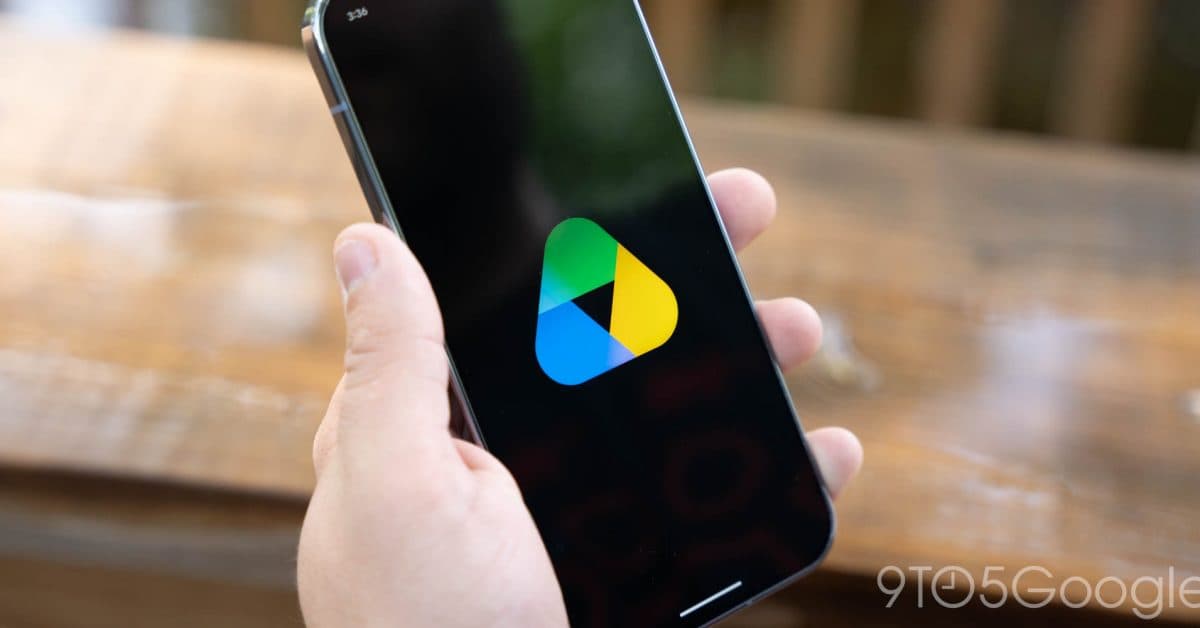
Along with the model launches, Google is rolling out AI enhancements for Google Drive on Android and iOS. Features that debuted on the web earlier this year, like “Ask Gemini” and AI Overviews, are now available on mobile, according to 9to5Google.
“Ask Gemini” in Drive allows you to query your files in plain English. For instance, you can open a folder of PDFs and ask, “Which of these documents mentions the Q3 budget?” You’ll get a direct answer without needing to open each file. AI Overviews offer quick summaries of a document’s key points before you even open it. These features connect to Google’s AI Pro subscription tier.
How to Try Them Now
If you want to check out the new releases, here’s how:
Gemini Omni Flash
- Access it via gemini.google.com and the Gemini mobile app.
- You might need to select it from the model picker menu (look for a dropdown near the top of the chat interface).
- Some features may require a Google One AI Pro subscription.
Nano Banana 2 Lite
- This model targets Android devices. Look for updates to Pixel-specific AI features or the Gemini app.
- On-device models usually activate automatically without needing a separate download.
Drive AI Features
- Update Google Drive on Android or iOS to the latest version.
- Find the Gemini star icon within Drive to access Ask Gemini.
- Requires an AI Pro subscription to unlock full functionality, according to Mashable.
Community Reactions
“Flash models are actually underrated. I use Gemini Flash for 90% of my work tasks because it’s just faster. Don’t sleep on ‘lite’ versions.”
“Google keeps dropping models but the branding is genuinely confusing. Nano, Flash, Omni, Lite… I just want to know which one makes better images.”
What This Means
For most users, these launches mean two things: quicker AI responses in Google’s apps and more creative tools integrated into products you already use. You’ll no longer need to sign up for a separate image generator or video tool if Google nails this. However, the best features stay behind the AI Pro paywall, creating pressure on Google to justify that subscription cost against free or cheaper alternatives from competitors.
The Drive upgrades might be the most immediately useful for everyday users. If you keep work documents, school files, or research in Google Drive, being able to search and summarize them using plain English is a genuine time-saver.
What To Watch
- Wider rollout timeline: Google typically releases features by region and account type. If you don’t see these features yet, check back in a few weeks.
- On-device performance benchmarks: Expect independent tests comparing Nano Banana 2 Lite to its predecessor and competing models from Apple and Samsung as developers start using it.
- Pricing changes: With more features moving behind AI Pro, keep an eye on updates regarding what’s included in the free Gemini tier versus paid plans.
- iOS parity: The Drive AI features are rolling out to both Android and iOS, but full Gemini integration on Apple devices has lagged historically. That gap might close further this year.

Daniel Park
Daniel Park covers AI, cloud infrastructure, and enterprise software for Explosion.com. A former software engineer who transitioned to technology journalism 5 years ago, Daniel brings technical depth to his reporting on artificial intelligence, startup funding rounds, and the companies building the future of computing. He breaks down complex AI developments and business strategies into clear, actionable insights for readers who want to understand how technology is reshaping industries.