
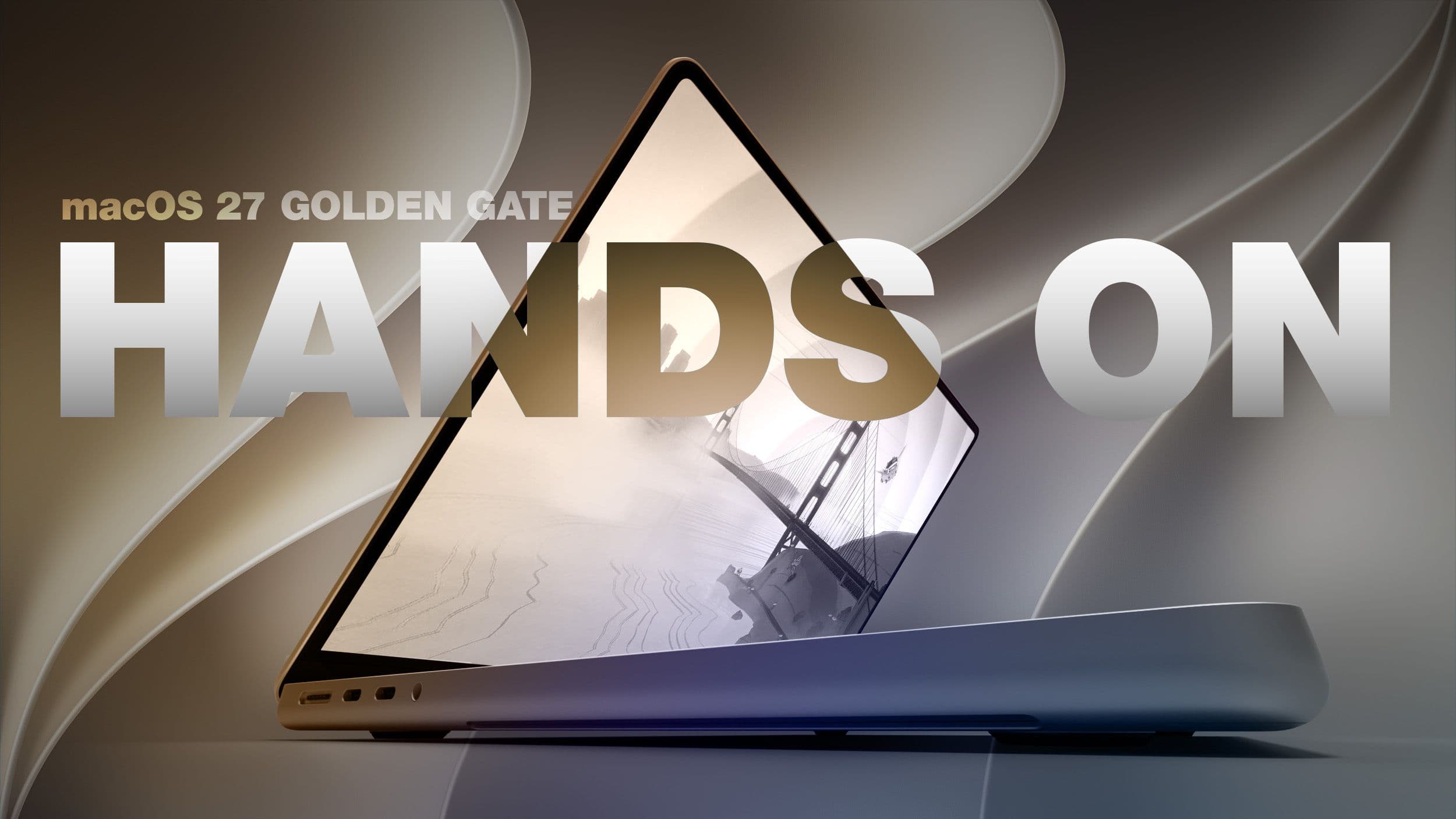
For the first time, Apple’s upcoming macOS 27 Golden Gate update lets you control a Mac using your fingers — no need for a touchscreen MacBook. The new expansion of Sidecar (Apple’s feature that allows an iPad to act as a second display for your Mac) enables you to use touch gestures on your iPad to directly interact with macOS. This gives everyday users a real taste of how touch-based Mac computing might feel.
What’s Actually New Here
Sidecar has been around since macOS Catalina in 2019, mainly functioning as a mirror or extension of your Mac’s display. You could use an Apple Pencil with it, but navigating macOS by tapping the screen with your finger? That wasn’t an option. macOS 27 changes that.
With Golden Gate, when you connect your iPad to your Mac via Sidecar, your touch input now directly corresponds to macOS actions. You can tap an app icon, scroll through Safari, or drag a file — all using your fingers on the iPad’s glass. It’s like a live demonstration of what using a touchscreen MacBook could feel like, running actual macOS, not some simulation.
Apple hasn’t announced any plans for a touchscreen MacBook yet. However, with macOS 27 expanding the touch infrastructure, it’s clear the operating system is gearing up for one.
The Bigger Picture: What Else Is in macOS 27
The touch-enabled Sidecar is just one feature in a larger update. macOS 27 Golden Gate is currently in beta (a pre-release version available to developers and adventurous users before the official fall launch) and it includes several other notable additions.
Siri Gets a Serious AI Upgrade
Apple is integrating deeper AI capabilities into Siri on the Mac. The updated Siri can now handle more complex, multi-step requests. Imagine asking, “find the email from my accountant last month and summarize it” instead of just setting timers. This builds on the Apple Intelligence rollout that began with iOS 18.
Drawing Tools Come to More Apps
iOS 27 and macOS 27 are expanding built-in drawing tools beyond just Notes. According to MacRumors, apps like Messages now support freehand drawing, allowing you to sketch directly in conversations. On Mac, this pairs perfectly with the new touch input support via Sidecar — draw in Messages with your finger on the iPad glass, and it shows up on the Mac.
Design Refresh
Golden Gate also brings a visual update to macOS, continuing Apple’s trend of making the Mac interface look more like iOS and iPadOS. Expect rounder elements, updated system icons, and tweaked window controls.
| macOS 27 Golden Gate — By The Numbers | |
|---|---|
| Current status | Beta (developer and public beta) |
| Expected release | Fall 2026 |
| Sidecar introduced | macOS Catalina, 2019 |
| Apps gaining drawing tools | Messages + additional built-in apps |
| Named after | Golden Gate Bridge, San Francisco |
What This Means for You
If you have both an iPad and a Mac, you can already download the beta and try it out yourself. Just keep in mind that betas can be buggy, so it might be better to wait for the fall release if your Mac is your work machine and you can’t afford any hiccups.
For everyone else, here’s the key takeaway: Apple is quietly preparing its operating system to understand touch. Every Mac user who taps through macOS on their iPad is effectively testing an interface that could come with a touchscreen MacBook. When that hardware arrives — if it ever does — macOS will already know how to manage it.
The drawing tools expansion in Messages is useful even without touch. If you have a Mac and an Apple Pencil-connected iPad in Sidecar, you can sketch something and drop it straight into a message. This workflow used to require switching between apps or devices.
What People Are Saying
“The Sidecar touch thing is genuinely impressive. Used it for 20 minutes and it actually felt natural scrolling through Safari. Now I really want a touchscreen MacBook.”
— u/pacific_rim_guy, r/apple
“Drawing in Messages is the feature I didn’t know I needed. My kids are going to go wild with this.”
— YouTube commenter on MacRumors’ Golden Gate hands-on video
Further Reading
- macOS 27 Golden Gate Hands-On: Every Major New Feature — MacRumors
- iOS 27 and macOS 27 Golden Gate Expand Drawing Tools to Three Apps — MacRumors
- Try Before You Buy: macOS 27 Golden Gate Lets You Give a Touchscreen MacBook a Go — CNET
What To Watch
- Fall 2026: Expect the official release of macOS 27 Golden Gate, likely alongside new iPhone and Mac hardware announcements.
- Hardware rumors: Keep an ear out for any leaks regarding MacBook Pro or MacBook Air touch display components. The software groundwork being laid now would need to come before hardware by at least one product cycle.
- Beta updates: Apple usually rolls out new developer betas every two to three weeks through summer. Each update could refine touch input behavior, giving a clearer picture of the direction this is heading.
- iPadOS 27: The companion update to macOS 27 might add even more Sidecar capabilities on the iPad side — so keep an eye on Apple’s developer release notes.

Ava Mitchell
Ava Mitchell is a digital culture journalist at Explosion.com covering social media platforms, streaming services, and the creator economy. With 4 years reporting on TikTok, Instagram, YouTube, and the apps that shape daily life, Ava specializes in explaining platform policy changes and their impact on everyday users. She previously managed social media strategy for a tech startup, giving her firsthand experience with the platforms she now covers.


