
Google Photos is gearing up to enhance its collage-making feature, which many users might not have explored yet. Early code findings suggest there’s also a potential AI video feature on the horizon, as revealed by a teardown from Android Authority.
| Ticker | GOOGL |
|---|---|
| Stock Price | $356.38 (-2.16%) |
| CEO | Sundar Pichai |
| Headquarters | Mountain View, CA |
| Founded | 1998 |
| Sector | Big Tech |
What’s Actually Changing
Currently, Google Photos allows users to create collages, which are essentially grid-style arrangements of multiple images combined into one. This feature is tucked away in the “Library” tab, making it easy to overlook. The upcoming upgrade will introduce AI-powered categories that automatically sort your photos into groups such as “people,” “places,” or “pets” before you start crafting a collage.
Imagine having someone help you sort through a shoebox of pictures before you lay them out on a table. Instead of scrolling through hundreds of images, the app will highlight relevant clusters based on the content of your photos.
Android Authority discovered this through an APK teardown, a technique where developers analyze an app’s installation file to uncover hidden or unreleased features. The text strings found suggest that this category-based collage organization is in the works, though Google hasn’t officially confirmed it or provided a release date.
The Hidden Video Feature
The teardown also revealed early hints of what appears to be an AI video creation tool within Google Photos. Details are limited, as code references can be vague and may never see the light of day. However, the language suggests that this feature could create short video clips automatically from your photo library, similar to Apple’s Memories feature on iPhones.
Currently, Google Photos has a “Movies” feature that combines photos into slideshows. An AI-powered version could be more dynamic, automatically selecting photos, adding transitions, and syncing to music. But again, this is unconfirmed and based solely on early code findings — it might not reach users in its current form.
Why the Collage Tool Gets Overlooked
Google Photos often buries useful tools under menus that many users never check out. The collage feature is a prime example. It’s great for creating shareable grids for social media or printing, but users have to manually search for photos and arrange them. Without a reason to seek it out, most people won’t find it.
Introducing smart categories could change that dynamic. If Google Photos can suggest, “Here are 12 great shots of your dog from last year — want to make a collage?” the tool shifts from something you have to search for to something that actively finds you.
What This Means
For everyday users, this update is more about improving convenience than introducing a major new feature. If the category function rolls out as indicated, creating a collage from a recent trip, birthday, or pet will take seconds instead of minutes spent browsing. You’ll select a category, let Google’s AI pull up the relevant photos, and arrange them from there.
The potential AI video feature is a bigger deal if it actually gets released. Short, auto-generated highlight reels from your photo library are already available to iPhone users through Apple and to Amazon Photos users via its “Memories” tool. If Google enters this space, Android users could enjoy a similar experience without relying on third-party apps.
Neither feature will cost extra — both will be part of the standard Google Photos app, which is free to use (with 15GB of storage shared across your Google account before you need to pay for additional space).
What About Google’s Paid AI Plans?
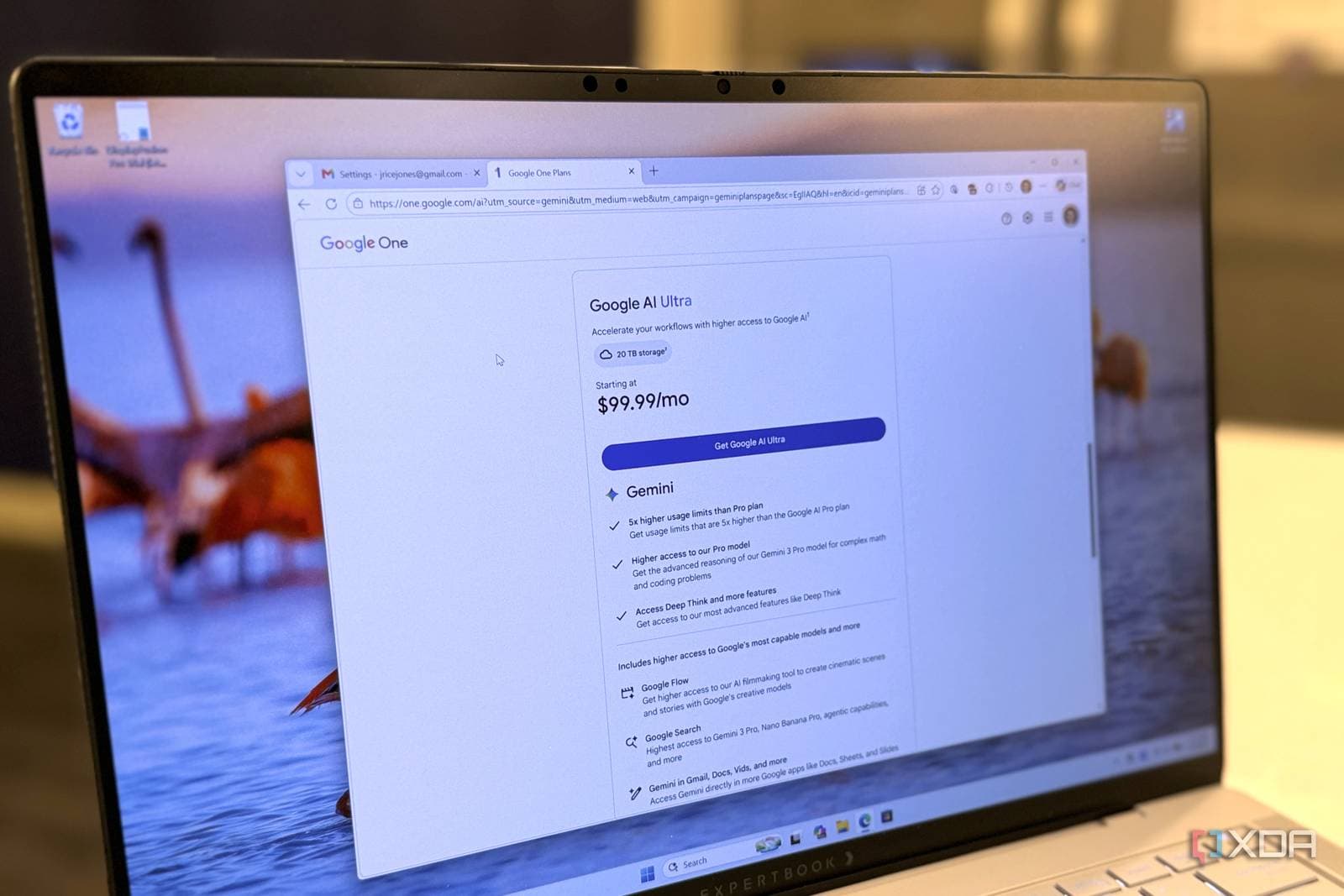
Google recently launched its $19.99/month Google One AI Premium and a new $99.99/month Google AI Ultra subscription. XDA Developers points out that the Ultra plan is hard to justify for most users since many useful AI photo features are available for free or through the more affordable standard Google One storage plans.
The collage upgrade seems to be aimed at the free tier of Google Photos, which follows a common pattern: Google generally rolls out core photo organization features to all users while keeping advanced AI editing tools, like Magic Eraser at full quality, for paying subscribers.
Community Reaction
“I didn’t even know Google Photos had a collage feature until like six months ago. If they surface it better, I might actually use it.”
What To Watch
- Official announcement: Google hasn’t confirmed either feature yet. Keep an eye out for a Google Photos changelog update or a Made by Google blog post, which usually accompanies new app features.
- Pixel feature drops: Google often releases new Photos capabilities alongside its quarterly Pixel Feature Drops. The next drop is likely coming in late summer or fall 2026.
- AI video competition: Apple’s iOS 27 (currently in beta) is expected to enhance Memories and photo features on iPhone. If Google wants to stay competitive, rolling out any AI video tool before Apple’s fall release would make sense.
- Pricing shifts: As Google expands its free offerings in Photos, watch for any reshuffling of premium features to justify the $100/month price tag of the AI Ultra subscription.
Sources: Android Authority — Google Photos collage categories teardown | XDA Developers — Google AI Ultra pricing breakdown

Maya Torres
Maya Torres is the Consumer Tech Editor at Explosion.com with 7 years covering product launches for major technology publications. She has reviewed over 300 devices across smartphones, laptops, wearables, and smart home products. Maya specializes in translating spec sheets into real-world buying advice and attends CES, MWC, and Apple keynotes as press. Her reviews focus on helping readers decide what to buy, not just what specs look good on paper.


