
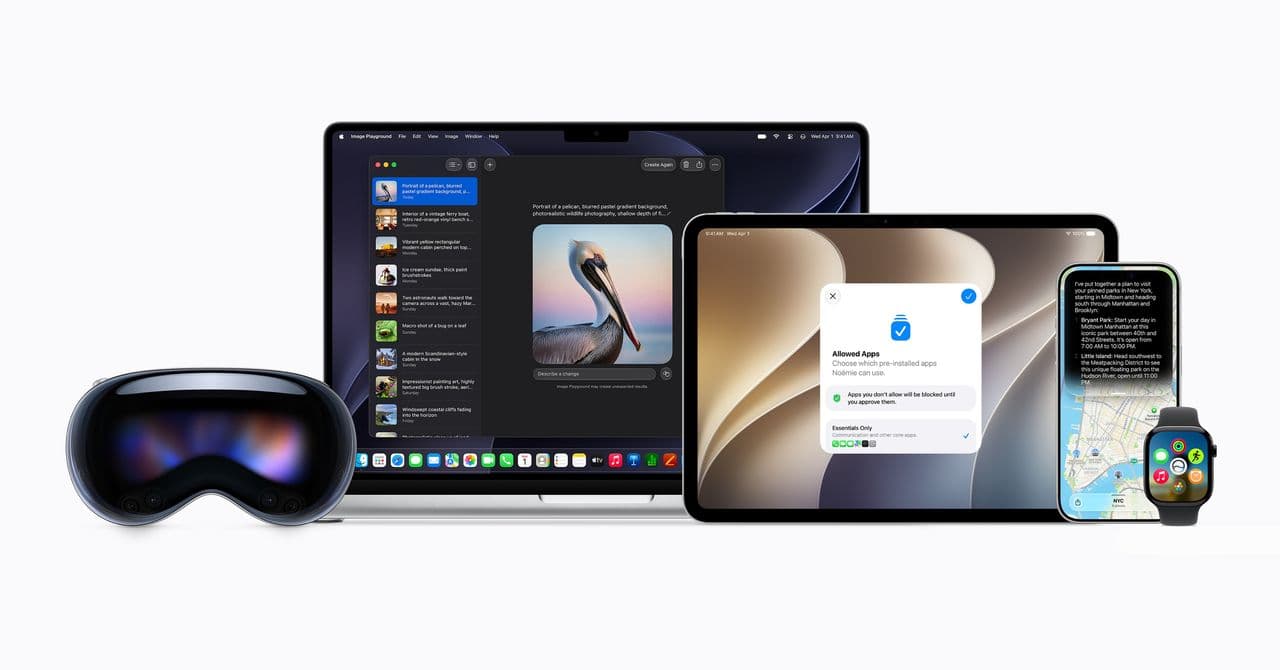
Apple’s macOS 27 Golden Gate, announced at WWDC 2026, includes a simple yet much-needed fix: your Mac will now clearly show when an app is running in the background without your knowledge. No more guessing why your battery is draining or why your fan is working hard for no reason.
The Background App Problem, Explained
On a Mac, apps can keep running even after you close their window. It’s like turning off your TV but not unplugging it. The window disappears, but the software stays active, using memory and battery. With macOS 27 Golden Gate, this behavior is now more visible. You can easily see which apps are quietly running in the background and decide if you want them to.
This is especially important for apps like Google Gemini for macOS, which was recently updated to run as a permanent background process. Other productivity and AI tools also benefit from staying active. Before this update, a small dot under an app’s icon in the Dock was the only sign, and many users overlooked it.
What Else Is New in macOS 27 Golden Gate
Siri Returns — Everywhere
The standout feature of macOS 27, according to Wired, is a revamped Siri that you can access from anywhere on the desktop. Apple has reintroduced Siri as a key feature on the Mac after years of it feeling like an afterthought. You can now invoke Siri without having to navigate to a specific corner of the screen or remember a tricky keyboard shortcut.
Touch Your iPad Like a Touchscreen (Sort Of)
Sidecar, which lets you use an iPad as a second monitor for your Mac, gets a significant upgrade. macOS 27 introduces direct touch input to Sidecar, allowing you to tap and interact with Mac interface elements directly on your iPad’s screen using your finger. Previously, your iPad only worked as a display extension, responding to Apple Pencil input or your Mac’s trackpad. Now it acts more like a touchscreen when connected to your Mac, according to MacRumors.
Pull-to-Refresh Comes to Mac
If you’ve ever tried to pull down on a web page or list on your Mac to refresh it — a gesture that’s completely natural on iPhone and iPad — macOS 27 finally makes that possible. Pull-to-refresh is one of those small changes that seems minor but will feel immediately satisfying to anyone who frequently switches between Apple devices.
| Detail | Info |
|---|---|
| Official Name | macOS 27 Golden Gate |
| Announced | WWDC 2026 |
| Beta Available | Yes, as of June 9, 2026 |
| Headline Feature | Rebuilt Siri, accessible from anywhere on desktop |
| Background App Visibility | New system-level indicators for background processes |
| Sidecar Touch Input | Direct finger touch support added (requires iPadOS 27) |
| Older Device Support | Some older Macs cut off from OS 27 updates |
What This Means for You
If your Mac battery drains faster than it should or your machine runs warm even when you’re not doing much, background apps are often the issue. Thanks to macOS 27’s clearer indicators, you can spot the problem and close troublesome apps without diving into Activity Monitor (a built-in tool that shows everything running on your Mac, similar to Windows Task Manager). For everyday users, that’s a real win that requires no technical know-how to enjoy.
The Sidecar touch input is a bigger deal than it seems for anyone who owns both a Mac and an iPad. It starts to blur the line between the two devices in a useful way. You get the power of macOS with some of the tactile convenience of iPadOS. While it won’t turn your Mac into a touchscreen computer, it adds flexibility for drawing, annotating, or navigating a second screen without grabbing a mouse.
Pull-to-refresh is one of those features that’ll feel seamless the moment it works since your muscle memory has been waiting for it for years.
Community Reactions
“Finally. I can’t tell you how many times I’ve closed an app, walked away for an hour, come back, and the fan is screaming. Now at least I’ll know why.”
— u/plaidmacbook, Reddit r/apple
“The Sidecar touch input is lowkey the feature I’m most excited about. I use my iPad as a second screen every day, and having to grab the trackpad to interact with it has always felt clunky.”
— YouTube comment on 9to5Mac’s macOS 27 overview video
Further Reading
- 9to5Mac: macOS 27 Golden Gate makes it clear when apps are sneakily running in background
- MacRumors: macOS 27 Finally Brings Direct Touch Control to Sidecar
- Wired: MacOS 27 Golden Gate Top New Features
What To Watch
- Public beta: The developer beta is available now. A public beta for everyday users typically follows a few weeks after WWDC, so expect that in late June or early July 2026.
- Full release: Apple usually ships final macOS versions in September or October, alongside new Mac hardware.
- Compatibility list: Apple has already cut off some older devices from OS 27 updates. If you have an older Mac, check Apple’s official compatibility list before counting on these features.
- Third-party app updates: The background app visibility feature will be most useful once app developers update their software to work with the new system indicators. Keep an eye out for app updates throughout the fall.

Maya Torres
Maya Torres is the Consumer Tech Editor at Explosion.com with 7 years covering product launches for major technology publications. She has reviewed over 300 devices across smartphones, laptops, wearables, and smart home products. Maya specializes in translating spec sheets into real-world buying advice and attends CES, MWC, and Apple keynotes as press. Her reviews focus on helping readers decide what to buy, not just what specs look good on paper.


