
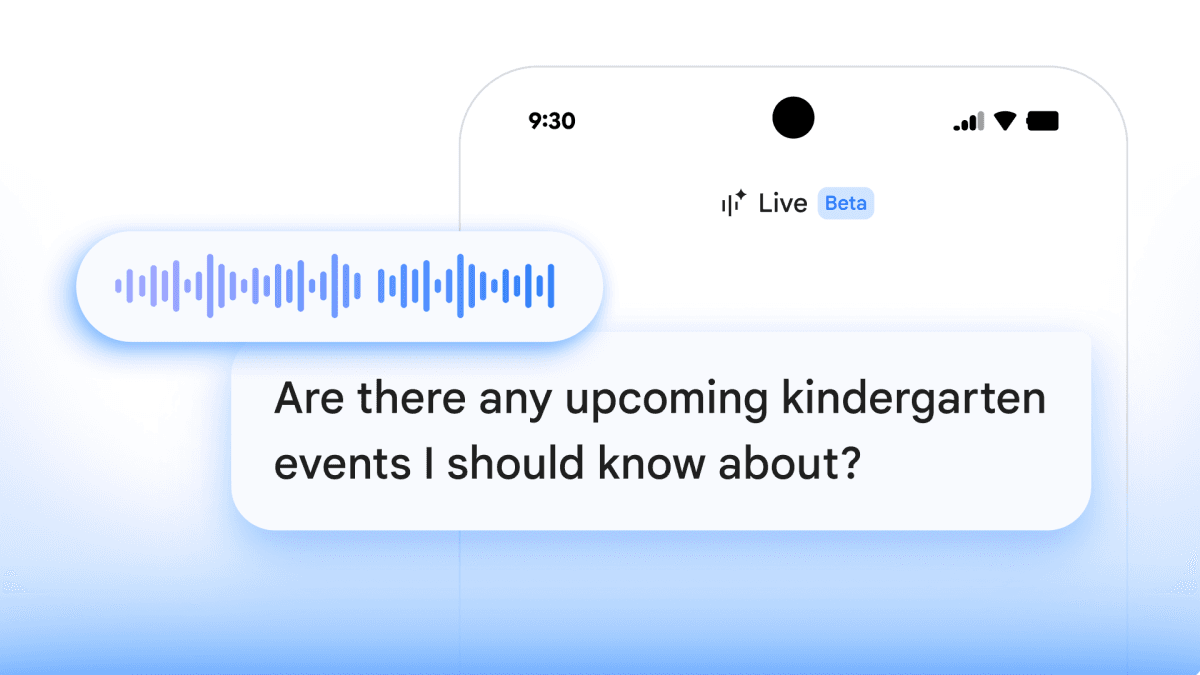
At its annual I/O developer conference, Google unveiled three exciting new features for Google Workspace: an AI-powered email organizer named AI Inbox, a photo integration tool called Google Pics, and live voice capabilities for Gmail and Google Docs.
| By The Numbers: Alphabet / Google | |
|---|---|
| Ticker | GOOGL |
| Stock Price | $386.01 (-0.43%) |
| CEO | Sundar Pichai |
| Headquarters | Mountain View, CA |
| Founded | 1998 |
| Sector | Big Tech |
What Google Just Announced
Google Workspace, which includes Gmail, Google Docs, Drive, and Meet, is set for a major AI upgrade across three key areas. Here’s a straightforward breakdown of each feature.
AI Inbox
AI Inbox acts like a smart filter for Gmail. Imagine having an assistant who reads your emails, identifies what’s truly important, and puts those messages front and center. Google’s AI will sort incoming emails, highlight action items, and can even summarize lengthy email threads, so you won’t have to sift through every reply in a 40-message chain. This capability is similar to what tools like Superhuman and SaneBox have offered, but now it’s integrated directly into Gmail.
Google Pics
Google Pics adds photo integration right into Workspace apps. This means if you’re drafting a document in Google Docs, you can easily pull in a photo from your Google Photos library without needing to switch apps or download anything. This feature effectively resolves a common hassle for those creating presentations or documents with personal photos stored in Google’s ecosystem. It seems to use AI to suggest relevant images based on your current work.
Gmail and Docs Live (Voice Capabilities)
The third feature introduces real-time voice functionality to both Gmail and Google Docs. While voice-to-text isn’t a new concept, Google is pushing the envelope by enabling users to dictate, edit, and interact with documents and emails through natural conversation. Think less about just repeating what you said and more about giving commands like “move that paragraph to the end and make the tone more formal.”
Why Google Is Doing This Now
Google Workspace directly competes with Microsoft 365, which has aggressively integrated its Copilot AI assistant across Word, Outlook, Excel, and Teams. Google is catching up in some areas while striving to stay ahead in others. Its Gemini AI model, which is similar to OpenAI’s GPT-4, powers these new features.
These announcements also come amid scrutiny on several fronts. AI-driven changes across Google’s products have raised concerns from publishers and creators who fear that AI summaries reduce the incentive to engage with original content. Improvements in Workspace give Google a chance to demonstrate that AI can enhance value instead of merely displacing it.
Additionally, Google showcased an expanding hardware lineup at I/O 2026. Various smart glasses from Samsung, Warby Parker, Gentle Monster, and Xreal were featured, all leveraging Google’s Gemini AI. The Workspace announcements suggest Google wants Gemini to be integrated into all your work, not just wearable tech.
What This Means for Everyday Users
If you use Gmail for work or personal email, AI Inbox could save you a lot of time. Most people deal with a mix of newsletters, automated notifications, and genuinely important messages. Manually sorting through them can be a daily hassle. An AI that automates that sorting is a feature that becomes seamless once you adapt to it.
Google Pics will be particularly helpful for small business owners, teachers, or anyone who often creates documents or presentations with personal photos. The annoyance of switching between apps is real, and eliminating that frustration is crucial.
The voice features are tougher to assess without trying them out. Voice dictation has often looked better in demos than in everyday use. Correcting mistakes verbally can take longer than just typing the changes. How well Google’s implementation handles editing commands will be key to whether people actually use it.
Details on availability and pricing for these features aren’t fully confirmed yet. Some AI features in Workspace are currently limited to paid tiers, so not every Gmail user may have access from the get-go.
Community Reaction
“AI Inbox is interesting but I already use filters and labels religiously. Curious if this actually learns or if it’s just another Priority Inbox reboot.”
“The voice stuff in Docs could be huge for people with accessibility needs. That’s the angle I wish they talked more about.”
What To Watch
- Rollout timeline: Google hasn’t provided specific release dates for all three features. Keep an eye on the Workspace updates blog in the coming weeks.
- Pricing tiers: More information on which Workspace plans will include AI Inbox and Google Pics access is expected soon. Free Gmail users may face some restrictions.
- Microsoft’s response: Microsoft usually responds to Google I/O announcements with updates to its own Copilot features. Expect a counter-announcement from the Microsoft 365 team within the next 30 to 60 days.
- Developer access: Google generally opens Workspace APIs to third-party developers after I/O, which means these features could eventually integrate into tools like Slack, Notion, or Zapier.

Daniel Park
Daniel Park covers AI, cloud infrastructure, and enterprise software for Explosion.com. A former software engineer who transitioned to technology journalism 5 years ago, Daniel brings technical depth to his reporting on artificial intelligence, startup funding rounds, and the companies building the future of computing. He breaks down complex AI developments and business strategies into clear, actionable insights for readers who want to understand how technology is reshaping industries.


