
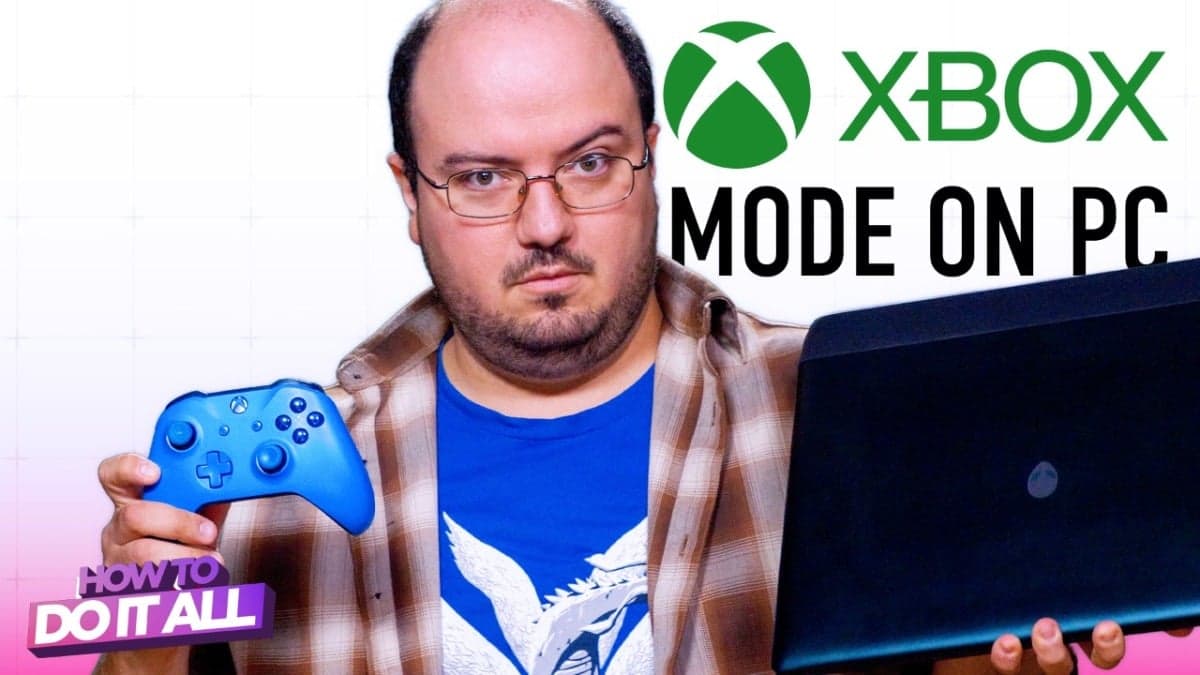
Microsoft has connected PC and console gaming with a feature called Xbox Mode. This transforms a standard Windows gaming PC into an experience similar to using an Xbox.
This feature, discussed in guides from both CNET and Mashable, targets PC gamers who want the ease of couch gaming without losing their current setup.
What Is Xbox Mode, Exactly?
Xbox Mode offers a controller-centric interface that overlays Windows. It replaces your usual mouse-and-keyboard desktop with a large-screen layout tailored for gamepads. Imagine switching your car from manual to automatic — the engine stays the same, but the driving experience changes entirely.
When you activate Xbox Mode, your PC launches a unified game library. This library pulls together titles from Xbox Game Pass (Microsoft’s subscription gaming service, similar to Netflix for games), the Microsoft Store, and any games you already own. Instead of sifting through folders or multiple storefronts, everything appears in one spot.
How to Enable It
Getting Xbox Mode up and running doesn’t require new hardware or complex installations. Here’s how to do it:
- Open the Xbox app on your Windows PC (it’s pre-installed on most modern Windows 11 devices).
- Go to the settings menu and find the “Xbox Mode” or “Console Mode” option.
- Turn it on and connect a controller — a standard Xbox wireless controller connects easily via Bluetooth or USB.
- Restart or let the app reload, and the console-style interface will take over your screen.
You can switch back to the regular desktop whenever you want, so you’re not locked into this mode.
What’s Actually Different Under the Hood
Xbox Mode isn’t just a visual change; it enhances performance too. CNET explains that the mode prioritizes gaming processes over background applications. This means your PC allocates more processing power to the game you’re playing instead of sharing it with browser tabs and system notifications. It works similarly to how a dedicated game console functions — focusing on one task at a time.
The navigation for controllers has been completely redesigned. Menus, settings, and game launches are all tailored for a gamepad’s button layout, so you won’t struggle to click tiny checkboxes with an analog stick.
By The Numbers
| Feature | Detail |
|---|---|
| Compatible OS | Windows 10 and Windows 11 |
| Required hardware | Xbox app + any compatible gamepad |
| Library integration | Xbox Game Pass, Microsoft Store, existing PC library |
| Cost to enable | Free (Game Pass subscription optional) |
| Controller support | Xbox wireless controllers, USB gamepads |
What This Means for Everyday Users
If you’ve ever tried gaming on a PC from your couch, you know how frustrating it can be to squint at small menus or fight with a mouse on your coffee table. Xbox Mode offers a straightforward solution to that hassle. It eliminates the main obstacles that have kept PC gaming feeling desk-bound.
For families using a shared living room PC, it allows younger or less tech-savvy users to jump into games easily. Just hand someone a controller, and they’ll see the game library — they can start playing in seconds.
Plus, if you already own a Windows PC and a controller, this feature doesn’t cost anything extra. The Xbox app is free. If you want the entire Game Pass catalog, a subscription costs around $15 per month for PC Game Pass. However, many games you already own will show up in the unified library without needing a subscription.
What People Are Saying
“Finally tried Xbox Mode last night on my desktop hooked up to the TV. I honestly forgot I wasn’t on a console for like two hours. The interface is clean, and the controller just works.”
“I’ve been waiting for Microsoft to do this properly for years. The unified library alone is worth it — I had games scattered across Steam, the MS Store, and Game Pass and could never remember where anything was.”
What To Watch
- Game Pass expansion: Microsoft continues to add day-one releases to Game Pass. More first-party Xbox titles would enhance the value of the unified Xbox Mode library.
- Third-party store integration: Currently, Steam titles need a separate workaround to show up in the Xbox Mode library. Keep an eye out to see if Microsoft deepens integration with Steam or the Epic Games Store in future Xbox app updates.
- Windows 12 and beyond: Microsoft’s next major Windows update could integrate Xbox Mode more directly into the operating system, making the console experience even smoother.

Ava Mitchell
Ava Mitchell is a digital culture journalist at Explosion.com covering social media platforms, streaming services, and the creator economy. With 4 years reporting on TikTok, Instagram, YouTube, and the apps that shape daily life, Ava specializes in explaining platform policy changes and their impact on everyday users. She previously managed social media strategy for a tech startup, giving her firsthand experience with the platforms she now covers.


