
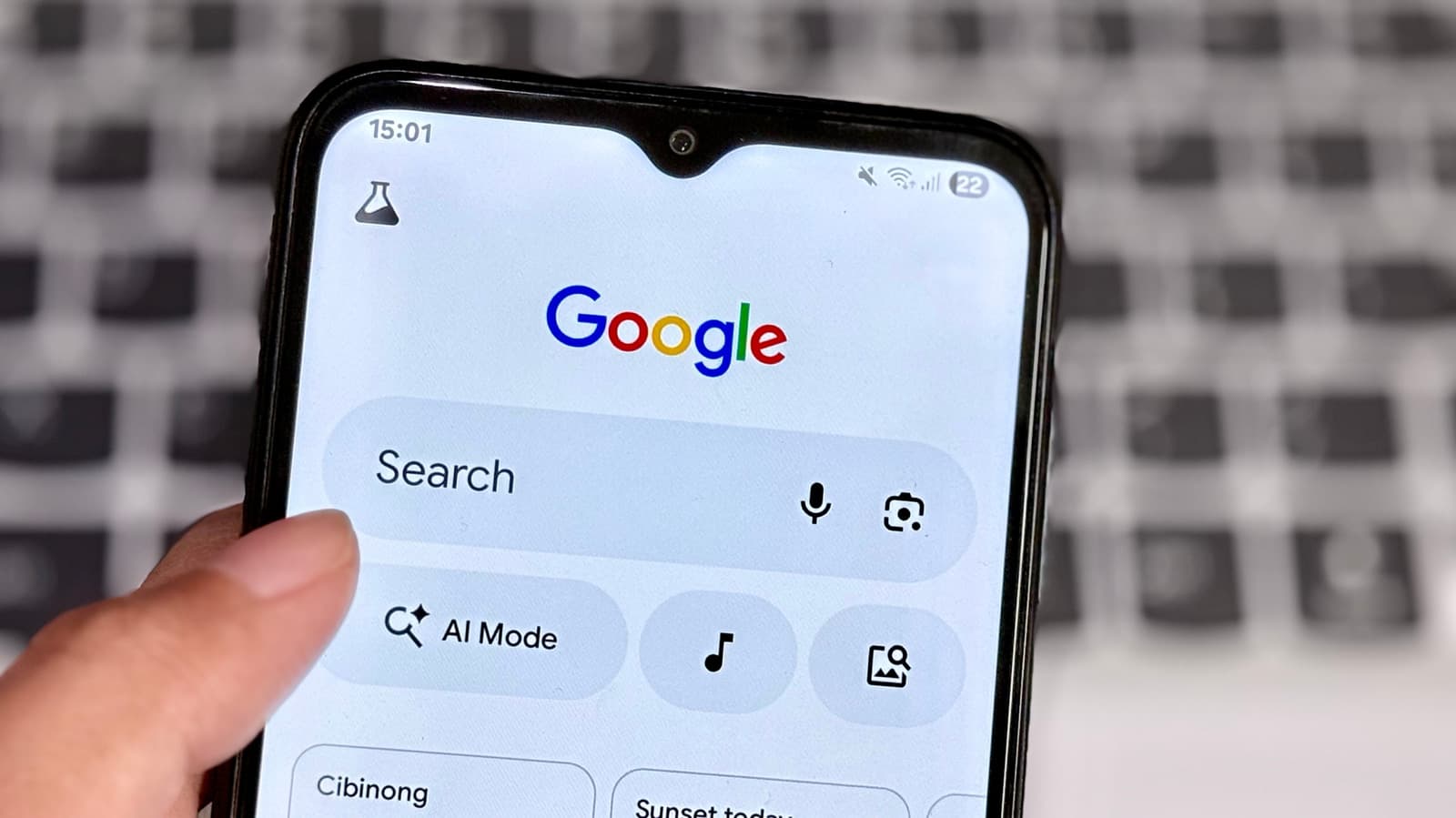
Google is launching a privacy upgrade for Chrome on Android that allows you to share your approximate location with websites instead of your exact GPS coordinates. While Android apps have included this feature for years, Chrome browsers have finally caught up.
What’s Actually Changing
Now, when a website requests your location in Chrome on Android, you’ll notice a new option next to the standard Allow and Deny buttons: share approximate location. This option provides websites with a rough idea of your area—typically within a few miles—without revealing your exact address. This way, sites can recommend nearby restaurants or local weather without pinpointing your exact spot.
Think of it as saying you’re “in downtown Chicago” instead of giving out your apartment number. Websites that need your general location, like weather apps and local news sites, will still work well. But those trying to get your precise position will have much less information to work with.
This update aligns with a feature Android already offers for regular apps. When you install an app that requests location access, you can choose between precise and approximate. Chrome on Android has been a holdout, but that gap is closing.
How It Works in Practice
The implementation is simple. When a site asks for your location via Chrome, the permission prompt will show the approximate option. You can change this choice later through Chrome’s site settings if needed.
Google has also confirmed that this feature will come to Chrome on desktop computers, although they haven’t announced a specific launch date for that version yet.
| Detail | Info |
|---|---|
| Chrome’s global browser market share | ~65% |
| Android’s share of mobile OS market | ~72% worldwide |
| Approximate location radius | Roughly 1–3 miles from your actual position |
| Desktop rollout | Coming soon, date unconfirmed |
Why This Took So Long
Android introduced the approximate location permission for third-party apps back in Android 12, released in 2021. It’s odd that Chrome, one of the world’s most popular apps, didn’t offer the same flexibility as a simple flashlight app. Browsers handle location requests differently than native apps because they send data to websites, not installed applications. But the privacy concerns remain the same.
Websites can use precise location data in ways you might not expect, such as logging it, sharing it with advertisers, or creating profiles based on your movements over time. While approximate location isn’t a complete fix, it does limit how useful that data is to anyone trying to track you.
What This Means
For most users, this change won’t affect functionality much. Whether you’re checking the weather, looking for a nearby gas station, or browsing local news, approximate location works just as well as precise. You lose very little convenience while gaining a significant layer of privacy against unnecessary data collection.
The main shift here is about control. You no longer have to pick between giving a website your exact location or sharing nothing at all. Now, you have a middle ground that fits most everyday browsing needs.
What People Are Saying
“Finally. I’ve been manually denying location on every site and then scrambling when something actually needs it. Approximate is the obvious answer that should’ve existed years ago.”
“Good update but honestly I’m surprised this wasn’t there from day one when Android already had it for apps. Better late than never I guess.”
Further Reading
- Chrome for Android will let you just share approximate location — 9to5Google
- Chrome on Android will now let you share your approximate location — Engadget
What To Watch
- Desktop rollout: Google confirmed this feature is coming to Chrome on Windows, Mac, and Linux, but hasn’t specified a date. Expect it in a Chrome stable update in the coming months.
- Site compatibility: Some older or poorly designed websites might behave unexpectedly with approximate instead of precise location data. Early user reports will reveal if this becomes an issue.
- Broader browser adoption: If Chrome’s rollout goes smoothly, it could encourage Firefox and Safari to offer similar approximate location options to their users.

Daniel Park
Daniel Park covers AI, cloud infrastructure, and enterprise software for Explosion.com. A former software engineer who transitioned to technology journalism 5 years ago, Daniel brings technical depth to his reporting on artificial intelligence, startup funding rounds, and the companies building the future of computing. He breaks down complex AI developments and business strategies into clear, actionable insights for readers who want to understand how technology is reshaping industries.


