
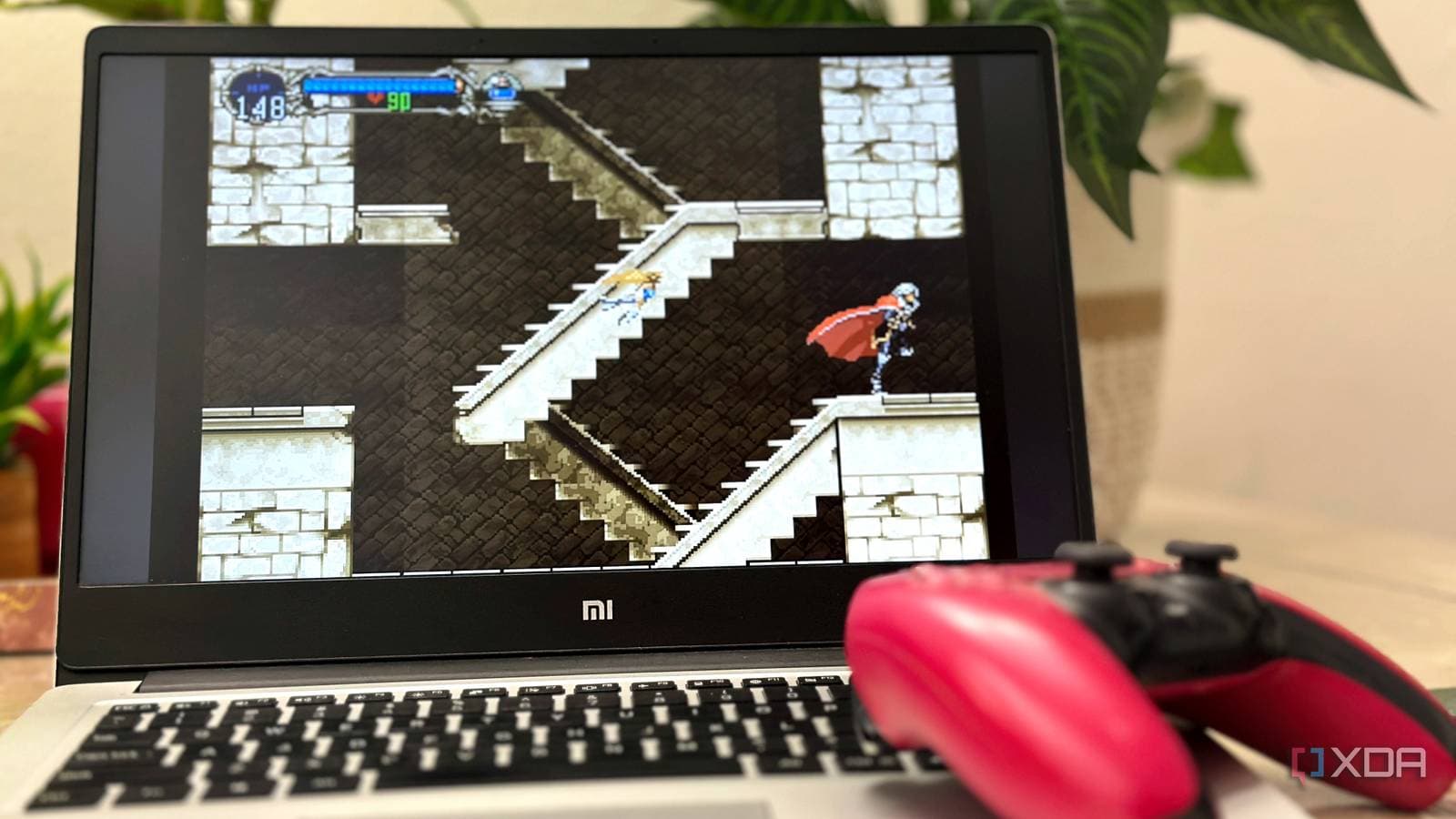
You can easily turn an old, unused laptop into a fully functional retro gaming console without spending a dime. The results can be surprisingly impressive. A detailed write-up from XDA Developers shows how one person accomplished this, using free software to create a curated library of classic games for their partner, who didn’t grow up gaming.
Why This Is Worth Your Time
Most homes have at least one old laptop collecting dust in a closet. It might struggle with modern apps or feel outdated compared to newer devices. But for retro gaming—think Super Nintendo, PlayStation 1, Nintendo 64—that same slow machine is actually quite capable. Games from the 1990s and early 2000s were designed for hardware that was much less powerful than what we have today.
Emulation, which allows your computer to mimic old gaming hardware, has advanced a lot in recent years. What used to require careful setup now often works right out of the box.
The Software Doing the Heavy Lifting
The key software for this setup is typically EmulationStation or a front-end like Batocera. Batocera is a complete operating system built around retro gaming that you can boot from a USB drive. You can think of it as replacing your laptop’s brain while it’s running and then restoring it when you’re done.
Batocera is especially beginner-friendly since it automates almost everything. It organizes your game library, downloads box art and descriptions, and maps controller buttons without you needing to touch any config files. Just plug in a USB game controller, and it’s ready to go.
The XDA Developers article emphasizes how the setup was customized for someone with no gaming experience—a curated selection of accessible classics instead of overwhelming them with every game ever made. That curation is more important than it might seem. Handing a non-gamer a library of 5,000 ROMs (the digital files containing game data) can quickly discourage them from ever trying it.
What You Actually Need
The shopping list is short:
- An old laptop (even a 10-year-old budget model works for most classic systems)
- A USB drive, at least 32GB for a solid game library
- A USB or Bluetooth game controller—a cheap $15 option works fine
- Free software: Batocera Linux, available at batocera.linux.gg
One legal gray area to note: the emulator software is completely legal. The ROM files—the actual game data—exist in a complicated legal space. Technically, you should own a physical copy of the game to have the ROM. In practice, ROMs for games that are decades out of print are widely available online, though downloading them without owning the original is against copyright law in most countries. Many classic games are now also officially accessible through services like Nintendo Switch Online, which is a legal alternative for some titles.
What This Means
This project offers a way to recycle entertainment for everyday users. That old laptop you’ve been meaning to donate could become a dedicated gaming machine for the couch, a setup for kids, or, as the XDA article describes, a means to share gaming history with someone who missed it the first time around.
The setup also avoids the rising costs of retro gaming. Original Super Nintendo cartridges often sell for $30 to $80 each on eBay. A well-configured emulation machine can cover entire console libraries at once.
| By The Numbers: Retro Emulation at a Glance | |
|---|---|
| Minimum laptop age that still works well | ~10 years old |
| Cost of Batocera Linux | Free |
| Minimum USB drive size recommended | 32GB |
| Consoles Batocera supports | 100+ |
| Average eBay price for a working SNES | $60–$100 |
| Cost of a basic USB controller | ~$15 |
What the Community Is Saying
“Batocera changed everything for me. I set it up on an old ThinkPad for my kids, and they’ve been playing SNES and GBA games for months. The scraper that pulls in all the cover art automatically is a game changer—it looks like a real storefront.”
“The curation point is so real. I made the mistake of giving my girlfriend access to like 3,000 games. She played for 20 minutes, got overwhelmed, and never opened it again. 30 hand-picked games would have been so much better.”
What To Watch
- Batocera updates regularly—version 40 added improvements to PlayStation 2 emulation. Future updates are expected to enhance Steam Deck compatibility and wireless controller support even more.
- Nintendo’s legal stance on ROMs has become increasingly aggressive since 2018, when they shut down the popular ROM site RomUniverse. The legal environment around fan-preserved games is worth keeping an eye on, especially as more classic libraries transition to official subscription services.
- If you want an even simpler route, consider MiSTer FPGA (hardware that recreates old consoles at a circuit level, rather than through software). Prices have been dropping, and the project is growing fast, although it isn’t free like the software approach described here.

Maya Torres
Maya Torres is the Consumer Tech Editor at Explosion.com with 7 years covering product launches for major technology publications. She has reviewed over 300 devices across smartphones, laptops, wearables, and smart home products. Maya specializes in translating spec sheets into real-world buying advice and attends CES, MWC, and Apple keynotes as press. Her reviews focus on helping readers decide what to buy, not just what specs look good on paper.


