
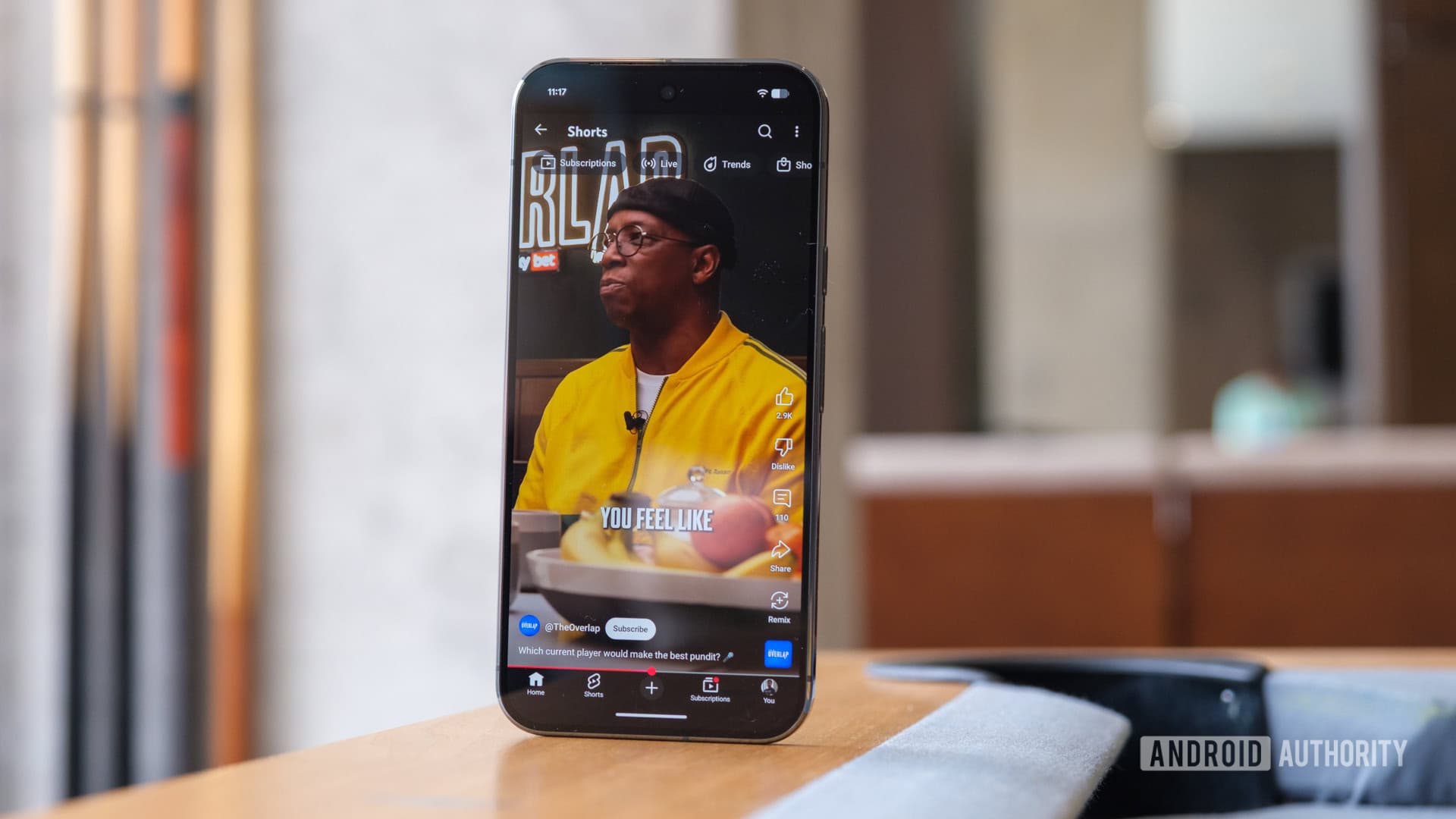
YouTube has quietly introduced a new setting that allows you to limit your Shorts feed to zero minutes. This effectively hides short-form videos from your feed entirely, without needing a third-party workaround.
What Changed
For years, YouTube Shorts, which are videos lasting 60 seconds or less, became a part of the main YouTube experience with no clear way to remove them. You could scroll past the Shorts shelf on the homepage, but it just wouldn’t go away. That’s changed now.
YouTube previously had a “Shorts feed limit” setting to help you cap your time spent on Shorts. It worked like a screen time limiter, but just for that section of the app. Now, you can set that limit to zero minutes, effectively telling YouTube to stop showing the Shorts shelf altogether.
This doesn’t completely remove Shorts from the app. They still exist and you can find them via search, but your homepage and feed won’t display them automatically. For many users who find the format distracting or simply prefer longer content, this is a welcome change.
How To Turn It On
You can find this setting in YouTube’s general settings menu. Here’s how to access it:
- Open the YouTube app on your phone
- Tap your profile picture in the top right
- Go to Settings
- Select General
- Locate Shorts feed limit and slide it down to zero
This feature is rolling out gradually, so if you don’t see it yet, keep an eye out. YouTube plans to push the update to more accounts in the coming days.
Why YouTube Is Doing This Now
Understanding this move in context is important. Since launching Shorts in 2021, YouTube has aggressively promoted the format to compete with TikTok. Currently, Shorts generates over 70 billion views daily worldwide, according to Google’s figures. So why give users the choice to turn it off?
The likely reason revolves around user trust and retention. If users feel cornered into a format they dislike, they may resort to ad blockers, switch to competitors, or simply use YouTube less. Providing users with a control option, even a limited one, generally boosts satisfaction with a product. This mirrors how Spotify allows users to hide podcast recommendations, despite podcasts being a major revenue source for them.
| Metric | Figure |
|---|---|
| Daily Shorts views globally | 70 billion+ |
| Shorts launch year | 2021 |
| Max Shorts video length | 60 seconds (standard) / 3 minutes (extended) |
| New minimum feed limit | 0 minutes (effectively hidden) |
What This Means
This change offers a real quality-of-life improvement for everyday YouTube users. If you mainly use YouTube for long-form content, tutorials, or music, Shorts can be a constant annoyance. Those horizontal scrolls of Shorts thumbnails often sit right in the middle of your recommended videos, disrupting the experience you came for.
Setting the limit to zero won’t erase Shorts from YouTube or stop creators from making them. Your favorite creators can still post Shorts, and you can still find them if you look. You’re just asking YouTube to stop pushing them at you without your consent. It’s like opting out of a mailing list instead of canceling your account.
This feature may also help parents managing YouTube accounts for kids who want to encourage younger viewers to focus on longer, more thoughtful content rather than the rapid-fire format.
Community Reaction
“Finally. Shorts on desktop are already hidden with extensions but on mobile it’s been impossible. Setting to zero is actually a solid solution.”
“I’ll believe it when I see it stay gone. YouTube has a history of ‘respecting’ your preferences and then slowly reintroducing stuff after a few updates.”
What To Watch
- Rollout completion: The feature is still being made available to users, so expect full access across Android and iOS in the next few weeks.
- Desktop support: It’s unclear if a similar control will come to YouTube’s browser version, where Shorts are easier to avoid but still show up on the homepage.
- Whether it sticks: Settings like this sometimes get quietly changed or overridden after major updates. It’s a good idea to check your settings a few months from now to see if your preference holds.
- Creator response: If many users choose to limit their Shorts exposure, it could impact Shorts view counts and ad revenue, which might lead YouTube to adjust how aggressively it promotes the format to users who haven’t changed their settings.
Sources: Android Authority | Engadget

Maya Torres
Maya Torres is the Consumer Tech Editor at Explosion.com with 7 years covering product launches for major technology publications. She has reviewed over 300 devices across smartphones, laptops, wearables, and smart home products. Maya specializes in translating spec sheets into real-world buying advice and attends CES, MWC, and Apple keynotes as press. Her reviews focus on helping readers decide what to buy, not just what specs look good on paper.


