
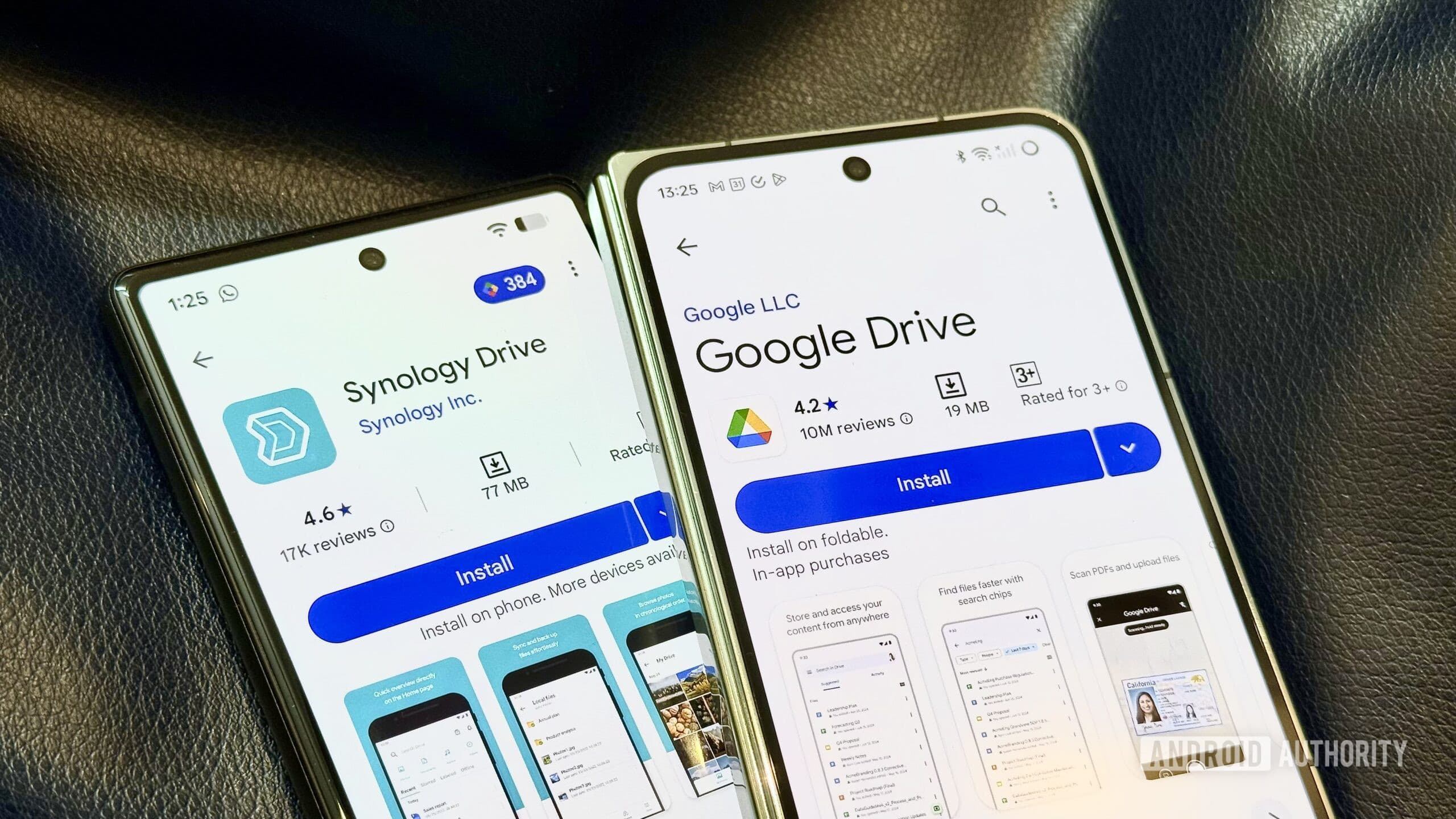
A hands-on experiment by Android Authority discovered that swapping out a NAS (Network Attached Storage—a personal hard drive on your home network that streams files to devices) for Google Drive and a portable SSD created almost no disruption to a daily routine. This raises a real question: is a NAS overkill for most people?
What Happened During the Experiment
The tester unplugged their Synology NAS—the brand that pretty much defines the home server market—and spent 30 days relying solely on Google Drive for cloud storage and a portable SSD for local backup. The outcome? It barely caused a hiccup. Files were accessible from every device, sharing went off without a hitch, and nothing critical went wrong.
This is important information, considering NAS setups can be pricey and complicated. A basic two-bay Synology unit runs between $300 and $500 before you even add hard drives. Setup takes an afternoon, and maintenance involves keeping drives healthy, managing software updates, and occasionally troubleshooting network issues. In comparison, Google Drive is straightforward—you log in, and your files are there.
According to the Android Authority report, the experiment highlighted a reality many home server enthusiasts know but seldom voice: most everyday file access occurs through a few folders, not a massive terabyte archive.
The Hidden Costs on Both Sides
This is where things get tricky. Google Drive offers 15GB for free—shared across Gmail, Google Photos, and Drive itself. That fills up quickly if you’re storing photos from a modern smartphone, which typically takes 10MB-plus images. Once you hit the limit, you’ll need Google One subscriptions: $3/month for 100GB, $10/month for 2TB.
A NAS, once you buy it, can store as much as you want for the cost of hard drives—roughly $20-$25 per terabyte for basic spinning drives. With 10TB of storage, you’d pay Google about $10/month indefinitely versus a one-time hardware investment that pays off in two to three years.
But there’s another side to this: cloud storage ensures your files survive a house fire, theft, or drive failure. A NAS sitting in your living room doesn’t guarantee that unless you set up a separate off-site backup, which adds more cost and complexity.
CNET’s guide on maximizing Google Drive storage suggests a few ways to delay reaching that free limit. For example, converting documents to Google’s native formats (Docs, Sheets, Slides) doesn’t count against your quota, and regularly clearing your Gmail trash and Google Photos bin can recover more space than you might expect.
By The Numbers
| Data Point | Detail |
|---|---|
| Google Drive free storage | 15GB (shared with Gmail and Photos) |
| Google One 100GB plan | $2.99/month |
| Google One 2TB plan | $9.99/month |
| Basic Synology NAS (hardware only) | ~$300–$500 |
| HDD cost per terabyte | ~$20–$25 |
| Alphabet (GOOGL) stock price | $321.31 (+1.28%) |
| Alphabet CEO | Sundar Pichai |
| Alphabet founded | 1998, Mountain View, CA |
Who Should Keep Their NAS
The experiment doesn’t mean NAS devices are pointless—they’re just solving a different issue than most people realize. If you’re doing any of the following, a NAS still makes sense:
- Running a media server — streaming your own movie and TV library through software like Plex or Jellyfin to every screen at home requires local hardware.
- Storing 10TB or more — at that scale, monthly cloud fees add up more quickly than hardware costs.
- Working with large files offline — video editors, photographers shooting RAW (uncompressed, high-quality image files), and audio engineers often need fast local access that cloud sync can’t provide on a slow connection.
- Privacy-first households — some people simply don’t want their files stored on Google’s servers, end of story.
What This Means for Everyday Users
If you’ve been considering a NAS because you heard it was the “right” way to store files at home, this experiment suggests you take a step back. For most people—those storing documents, photos, and a few videos, accessing files from a phone, laptop, and maybe a tablet—Google Drive, iCloud, or OneDrive does the job at a lower price than home server hardware, at least for the first few years.
The best approach might be a hybrid one: keep active working files in cloud storage for easy access everywhere, and use a simple external drive (not a full NAS) for local backups. This gives you the convenience of cloud storage and the safety of local storage, without the $400 hardware investment and the weekend you’d spend setting it up.
Community Reactions
“NAS makes sense when you have a lot of data. But if you’re just storing family photos and a few docs, you’re paying $400 upfront plus drive costs to replace $3/month in Google One. The math doesn’t work for casual users.”
“The moment your internet goes down for a day, you’ll remember why local storage exists. Cloud is convenient until it isn’t.”
What To Watch
- Google One pricing: Google has adjusted its storage plans before, and any price increase could change the NAS-vs-cloud math for long-term users. Keep an eye out for announcements at Google I/O, typically held in May.
- Synology’s next hardware cycle: Synology refreshes its consumer NAS lineup periodically—new hardware with lower entry prices could shift the cost comparison again.
- Google Photos compression policies: Google changed its “free unlimited” Photos policy in 2021. Any future tweaks to how media storage is counted would directly impact those using Drive as a NAS replacement.

Ava Mitchell
Ava Mitchell is a digital culture journalist at Explosion.com covering social media platforms, streaming services, and the creator economy. With 4 years reporting on TikTok, Instagram, YouTube, and the apps that shape daily life, Ava specializes in explaining platform policy changes and their impact on everyday users. She previously managed social media strategy for a tech startup, giving her firsthand experience with the platforms she now covers.


