Google’s working on a new Android feature that backs up your phone’s photos, videos, and audio directly to your PC — and you won’t need a cloud subscription. Android Authority uncovered this feature in Android’s code, which could be a big relief for the millions of Android users who’ve faced that annoying “Storage Full” message at the worst times.
What Google Is Building
This feature, called “Automatic backup,” creates a direct connection between your Android phone and a Windows or Mac computer on the same Wi-Fi network. When your phone’s storage runs low, it can automatically transfer photos, videos, and audio files to your PC in the background. Best of all, it won’t upload anything to Google Photos or any cloud service.
Imagine a garden hose connecting your phone to your computer. Instead of water, it transfers your media files automatically, preventing your phone from getting cluttered while keeping your files local and within your control.
This differs from Google Photos, which uploads your content to Google’s servers and counts against your Google account storage after 15GB. The new feature keeps everything on hardware you own.
Why This Matters Now
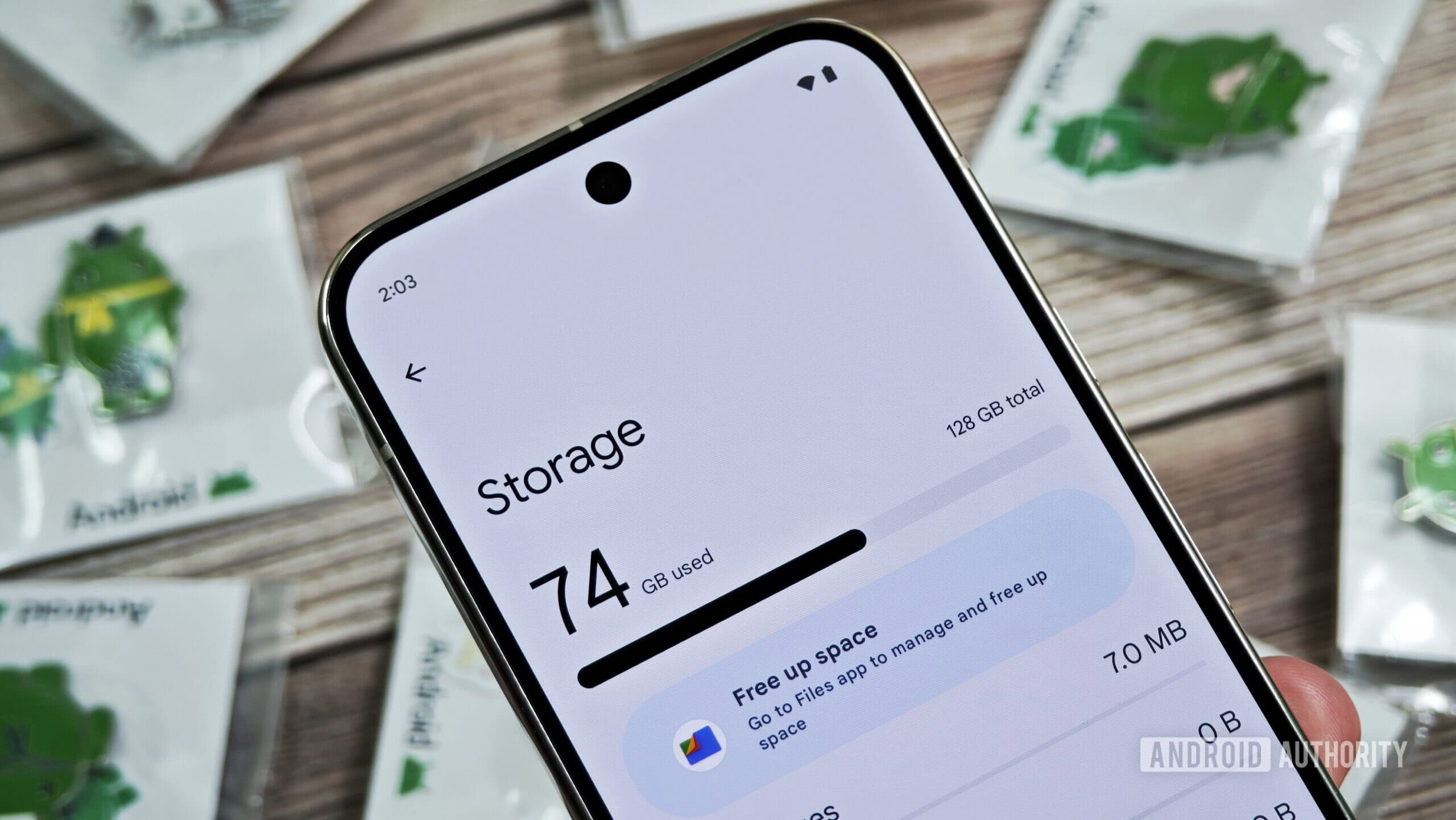
Smartphone cameras have improved dramatically over the last five years. That’s great, but a single 4K video can consume 400MB or more of storage. Most entry-level and mid-range Android phones come with just 64GB or 128GB of storage, which fills up faster than many users expect.
In 2021, Google ended its free unlimited photo storage, pushing users toward its Google One subscription, starting at $2.99/month for 100GB. For those who want to avoid that monthly charge, backing up to a local PC could be a valuable alternative.
How It Would Work
Code strings found in Android suggest this feature relies on the “Phone Link” ecosystem that Google has been developing over recent years. Your phone and PC will need to be connected to the same Wi-Fi, and you’ll likely need to give permission for the feature to access your media library.
This backup will focus on three types of files: photos, videos, and audio recordings, which are the ones most likely to fill up your storage over time.
There’s no confirmed release date yet. Google hasn’t officially announced this feature, and since details came from early-stage code, the final product could change or be delayed.
| By The Numbers: Alphabet/Google | |
|---|---|
| Stock (GOOGL) | $317.24 (-0.39%) |
| CEO | Sundar Pichai |
| Headquarters | Mountain View, CA |
| Founded | 1998 |
| Google One Free Storage | 15GB per account |
| Google One Paid Tier (entry) | $2.99/month for 100GB |
| Year Google ended free unlimited photos | 2021 |
What This Means For You
If you often get the “Storage Full” notification during a vacation photo session, this feature is designed with you in mind. Instead of frantically deleting old screenshots or paying for more cloud storage, your phone could automatically transfer older media to your home PC.
Privacy-conscious users will appreciate the local-only approach. Your photos stay on your home network, so there’s no worry about what Google or anyone else might do with your files on their servers.
The downside? You’ll need a PC that’s usually powered on and connected to the same Wi-Fi as your phone. If you only have a laptop that you take with you, the backup window may be limited. Plus, if your PC’s hard drive is nearly full, you’ve just moved the problem instead of solving it.
Community Reaction
“Finally. I’ve been manually dragging files from my phone to my PC every few months like it’s 2009. Automate this already.”
“This is cool but I feel like most people who need this don’t have a PC sitting on all the time. It’ll be useful for maybe 30% of people who actually need it.”
What To Watch
- Google I/O 2026 is likely when we’ll see an official announcement, usually held in May. This is when Google typically unveils major Android features.
- Keep an eye out for updates to the Google Phone Link app on Windows and Mac, which will probably be the PC-side component of this feature.
- If Google announces this, watch which Android versions it supports. Features like this sometimes launch only on Android 14 or 15, leaving older phones behind.
- Watch to see if Google bundles this with a Google One subscription or offers it free to all users — that distinction will impact how useful it really is.

Maya Torres
Maya Torres is the Consumer Tech Editor at Explosion.com with 7 years covering product launches for major technology publications. She has reviewed over 300 devices across smartphones, laptops, wearables, and smart home products. Maya specializes in translating spec sheets into real-world buying advice and attends CES, MWC, and Apple keynotes as press. Her reviews focus on helping readers decide what to buy, not just what specs look good on paper.