Google Photos is removing some of its quick-access editing shortcuts on Android, aiming for speed reduction to prevent accidental changes to your photos.
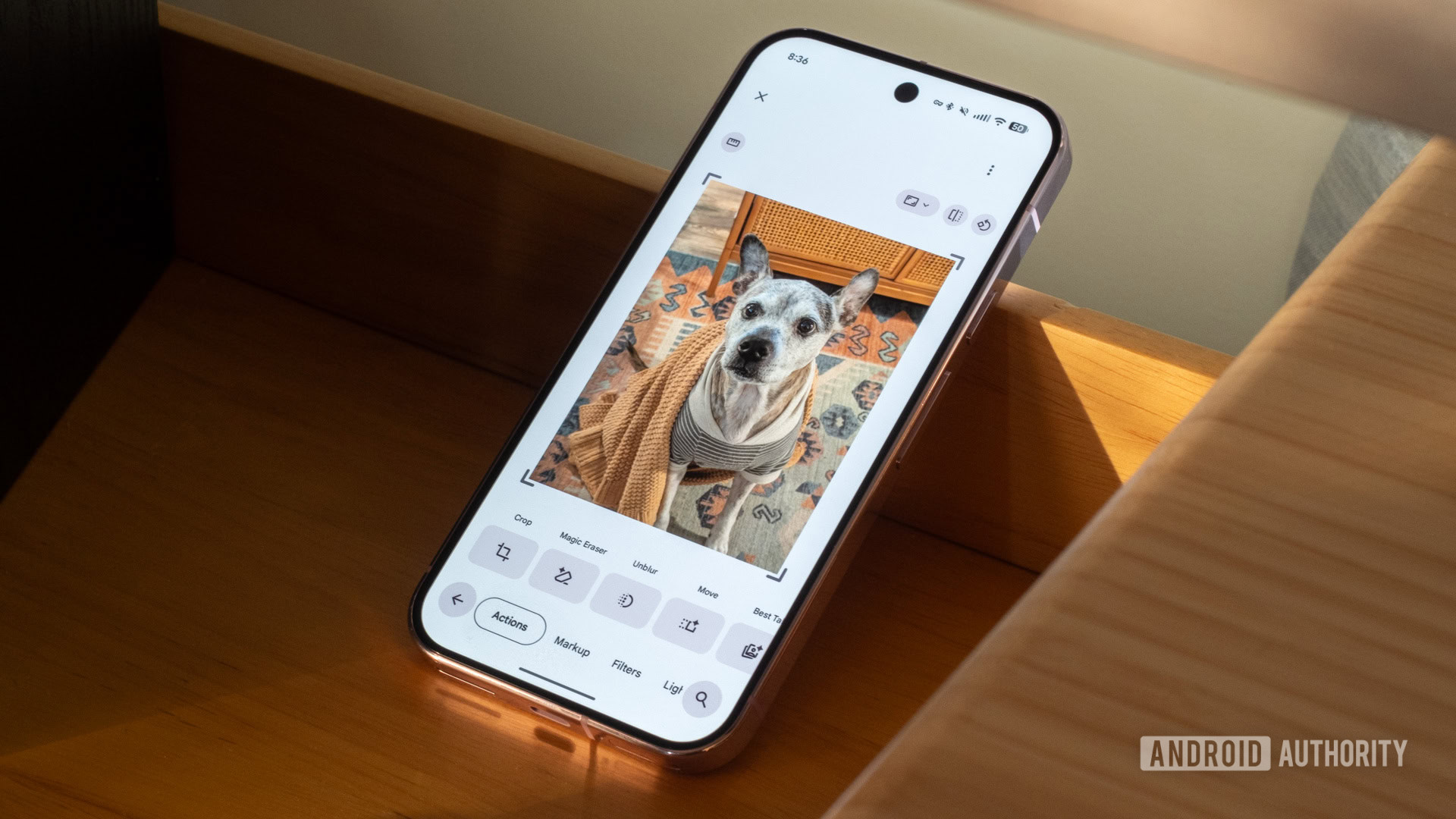
The update shifts tools like Magic Eraser (Google’s AI-driven object removal feature) away from gesture-based shortcuts and into standard menus. Google explains that this change is meant to “reduce accidental triggers” — the kind that happen when you mistakenly swipe or tap, causing your photo to look different.
What’s Actually Changing
Currently, Google Photos allows users to access certain editing tools through quick gestures directly on a photo. It’s a handy shortcut, but it’s also easy to trigger by mistake. With the new setup, those same tools will still be available, but they’ll require a step or two deeper within the app’s editing menus instead of just a swipe or tap.
Think of it like moving a powerful button off the front of a TV remote and placing it in a submenu. You can still reach it, but you won’t accidentally hit it while trying to do something else.
This change impacts Android users and is rolling out now. There’s no update yet on whether iOS will see the same adjustments.
Why Google Made This Call
Accidental edits have long been a common complaint among Google Photos users. Magic Eraser and similar AI tools are quite powerful, but they feel permanent. If you don’t notice the change and it syncs to your library, you might not realize your original photo has been altered until much later.
By moving these features behind an extra menu tap, designers introduce what they call “friction” — a deliberate slowdown that encourages users to think before acting. It’s the same reason your phone asks, “Are you sure?” before deleting an entire camera roll. A little inconvenience now can save you from a bigger headache later.
Over the past two years, Google Photos has aggressively expanded its AI editing features, adding tools like Magic Editor, Photo Unblur, and sky replacements. As the toolkit grows more powerful, the risk of accidentally triggering one of those tools increases.
| By The Numbers: Alphabet / Google | |
|---|---|
| Stock (GOOGL) | $295.77 (-0.54%) |
| CEO | Sundar Pichai |
| Headquarters | Mountain View, CA |
| Founded | 1998 |
| Sector | Big Tech |
What This Means for You
If you’ve regularly used Google Photos editing shortcuts, get ready for a change. The tools you once accessed with a quick gesture will now require you to navigate into the editing menu to find them.
For most users, this is likely a positive shift. Accidental edits that sync across your Google account, especially irreversible AI changes, can be tough to undo if you don’t catch them quickly. An extra tap to confirm you really want to use Magic Eraser is a small price to pay for keeping your photo library intact.
The tradeoff is real: power users who often edit photos will notice the slowdown. But casual users who’ve accidentally altered a photo without realizing it will probably appreciate this change.
Community Reaction
Reactions to the change have varied. Some users feel frustrated about losing the speed of direct shortcuts, while others are glad Google is tackling a real usability problem.
“I’ve accidentally triggered Magic Eraser probably a dozen times. Didn’t even know until I looked at the photo later and something was missing. This is overdue.”
“Why do they keep making things slower? Power users exist. Give us an option to keep the shortcuts instead of removing them entirely.”
Sources
- Android Authority: Google Photos tries to save you from accidental edits in its latest shakeup
- 9to5Google: Google Photos is losing some of its editing shortcuts to ‘reduce accidental triggers’
What To Watch
- iOS rollout: Google hasn’t confirmed if the same shortcut changes are coming to Google Photos on iPhone. Look out for an update soon.
- User backlash: If power users voice strong objections, Google might introduce a settings toggle to restore the old shortcut behavior — something it has done before when changes weren’t well received.
- Broader editing UI changes: This tweak hints that Google may be rethinking how its AI editing tools are organized within the app. More menu reorganization could follow as the feature set expands.