Millions of people are running home networks without understanding what’s really happening, and one feature in the open-source router software OPNsense makes that clear.
A detailed article from XDA Developers shows how switching to OPNsense, a free firewall and routing platform, exposes a significant gap in what standard ISP-provided routers reveal about your network. The key capability is real-time traffic visibility, and once you experience it, going back feels like driving without a dashboard.
What Is OPNsense, Exactly?
OPNsense is free software that you can install on a small dedicated PC or mini computer, replacing your standard home router or ISP-supplied device. Imagine swapping a basic car radio for a high-end audio system with equalizers, a display, and Bluetooth. The underlying hardware remains the same, but your control and visibility change dramatically.
It falls under a broader category known as “open-source firewall distributions,” which includes competitors like pfSense. Although these platforms are popular in business IT settings, they’re increasingly attracting home users who want more control over their networks.
The Feature That Changes Everything: Live Traffic Visibility
The standout feature from the XDA article is OPNsense’s ability to show you, in real time, which device on your network is communicating, how much data it’s sending, and where that data is going.
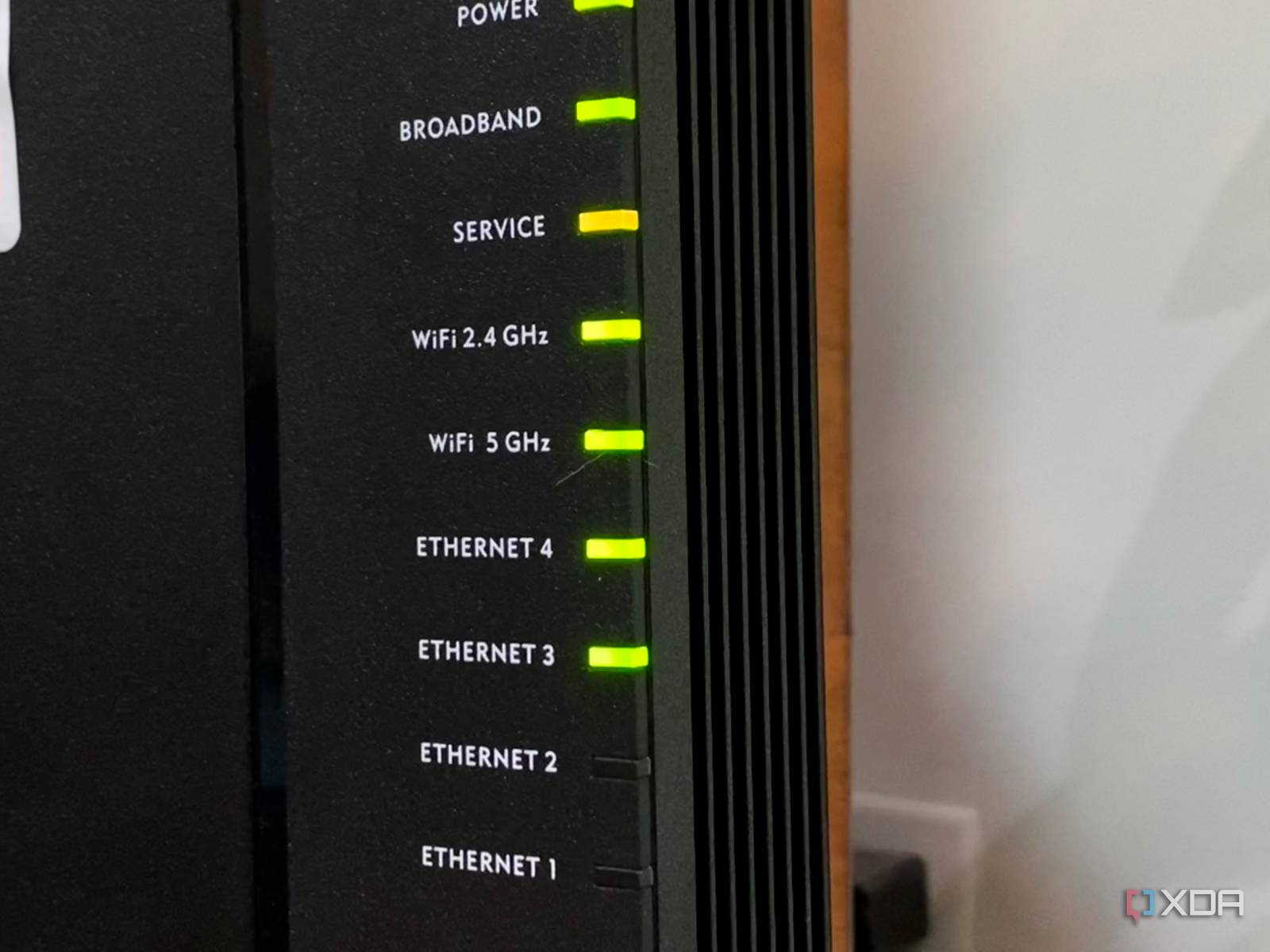
Most ISP routers, like BT’s popular Smart Hub series in the UK, provide minimal information. You might see a list of connected devices and a blinking light indicating “something is using the internet.” That’s about it. OPNsense, on the other hand, can break down traffic by device, protocol (the method used by computers to communicate), destination IP address, and application type.
This means you can answer questions like: Why is my internet slow at 9 PM? Which device is consuming my data cap? Is anything on my network making unauthorized connections? With a standard ISP router, these questions are nearly impossible to answer without pricey third-party tools.
Why ISP Routers Don’t Do This
ISP-provided routers focus on cost and simplicity rather than power. Manufacturers design them to handle basic routing tasks without overwhelming customer support. Deep traffic inspection needs more processing power and storage, which raises costs. Plus, it gives users visibility that ISPs might prefer they didn’t have.
The XDA article specifically mentions that BT routers lack any way to replicate this feature, a frustration shared across various online networking communities.
| OPNsense vs. Typical ISP Router: At a Glance | |
|---|---|
| OPNsense License | Free and open-source (BSD license) |
| Real-time per-device traffic monitoring | Yes (built-in) |
| BT Smart Hub traffic visibility | No per-device breakdown |
| Firewall rule customization | Granular control vs. basic on/off |
| Minimum hardware to run OPNsense | ~$100-$150 used mini PC |
| Setup difficulty | Moderate (not beginner-friendly) |
What This Means for Everyday Users
If you’ve noticed your broadband slowing down and couldn’t figure out why, this is the gap being discussed. Without traffic visibility, your home network is pretty much a black box. Devices connect, data flows, and you’re left hoping everything works as it should.
That trust isn’t always justified. Smart home devices, older laptops, and some streaming sticks have been known to make unexpected outbound connections. With OPNsense, those connections are immediately visible. But with a standard ISP router, they remain hidden.
There’s a real trade-off, though. Setting up OPNsense means buying separate hardware, getting comfortable with networking concepts like DHCP (which assigns IP addresses) and VLANs (which segment your devices), and dealing with an interface aimed at IT professionals, not casual users. It’s not a weekend project for most people.
Community Reaction
“I set up OPNsense six months ago and within 48 hours discovered my smart TV was phoning home to about 40 different ad servers every hour. My ISP router showed nothing.”
— u/netblock_nerd, Reddit r/homelab
“The problem is BT locks everything down and there’s no bridge mode option that actually works cleanly. You end up doing double NAT which causes its own headaches.”
— YouTube comment on Crosstalk Solutions OPNsense setup guide
(Note: NAT, or Network Address Translation, lets multiple devices share a single internet connection. Double NAT means two routers are managing this job, which can lead to slowdowns and connection issues.)
What To Watch
- OPNsense releases: The platform follows a regular update cycle, with major versions typically released twice a year. Version 25.1 is the current stable release as of early 2026.
- ISP router improvements: Some UK and EU ISPs are under pressure to provide better transparency tools following new data regulation discussions. Whether that leads to improved consumer router features in 2026 remains to be seen.
- Plug-and-play alternatives: Products like Firewalla and GL.iNet routers aim to bridge the gap, offering OPNsense-style visibility without the complexity of setup. Look for new models from both brands in mid-2026.
- If you use BT: The ability to set your BT Hub to proper modem-only mode, allowing a separate OPNsense device to handle all routing, is limited on current hardware. Community workarounds exist but aren’t officially supported.