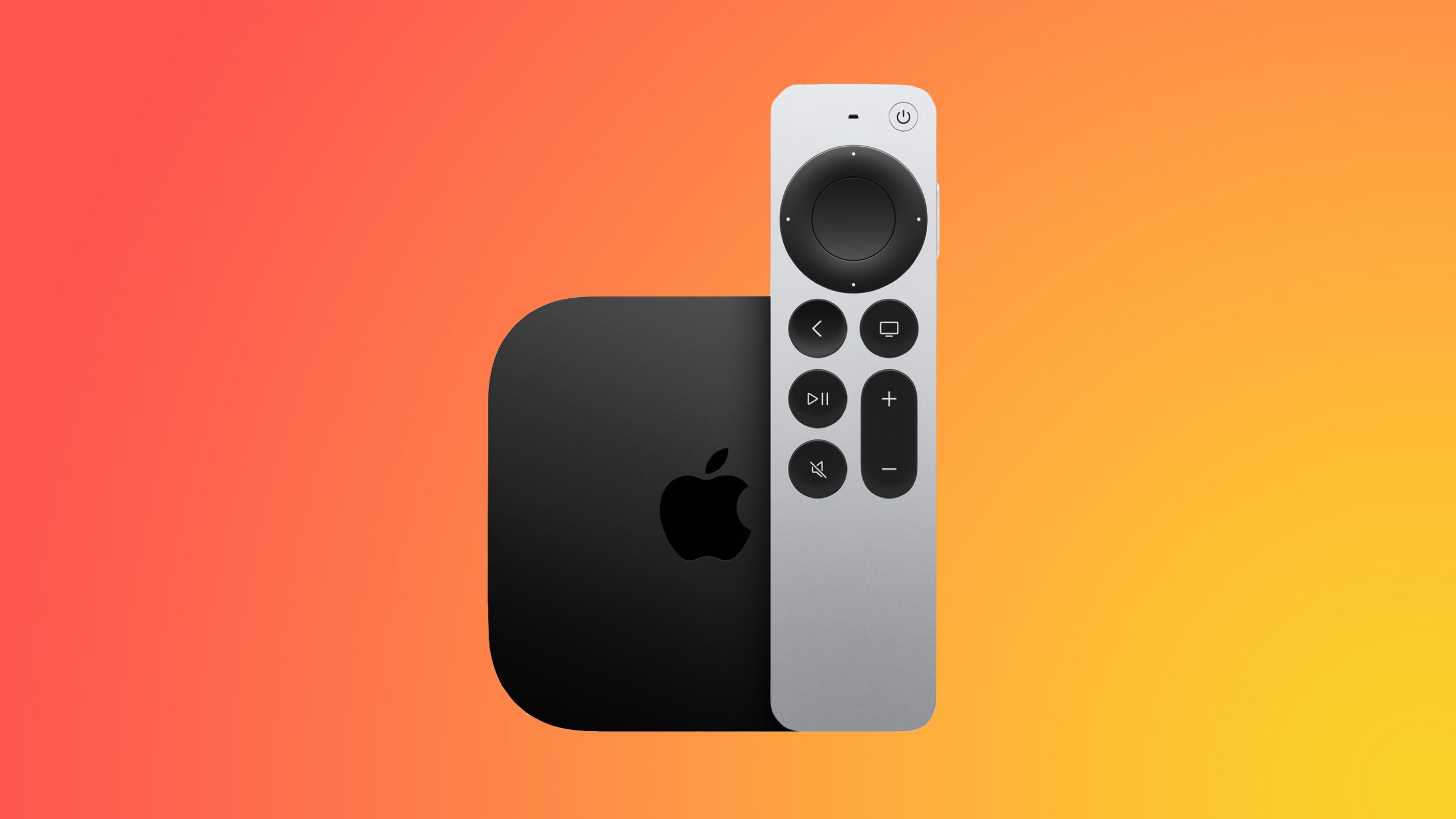
Apple has rolled out tvOS 26.4 for the Apple TV 4K, addressing a frustrating audio bug that’s disrupted users’ home theater experiences. This update, released this week, also brings several new features along with the fix.
| By The Numbers: Apple | |
|---|---|
| Ticker | AAPL |
| Stock Price | $252.89 (+0.11%) |
| CEO | Tim Cook |
| Headquarters | Cupertino, CA |
| Founded | 1976 |
| Sector | Big Tech |
What Was the Audio Problem?
Owners of the Apple TV 4K reported an annoying audio issue where sound would drop out, desync, or act unpredictably when connected to certain home theater receivers and soundbars. For those who invested in high-quality audio setups, this glitch felt like having a flat tire on a sports car. Everything looks great, but something ruins the ride.
While Apple hasn’t detailed the exact cause of the bug, the fix appears in the release notes for tvOS 26.4. According to 9to5Mac, this audio repair stands out as a key change in this update, especially since users had faced the issue for a while.
What Else Is New in tvOS 26.4?
The audio fix isn’t the only reason to grab the update. As reported by MacRumors, tvOS 26.4 includes several additional features and changes for Apple TV. However, Apple kept the details pretty brief in the official release notes, which is typical for these smaller updates that come between major releases.
Apple TV 4K connects to your television and runs apps like Apple TV+, Netflix, and Disney+. It competes with devices like Roku and the Amazon Fire TV Stick, but it aims at users seeking tight integration with other Apple products like iPhones, iPads, and HomePod speakers.
How to Get the Update
If you have an Apple TV 4K, getting tvOS 26.4 is easy. Just open the Settings app, go to System, then Software Updates, and select Update Software. The download happens automatically and usually takes just a few minutes, depending on your internet speed.
Apple TV generally handles updates quietly in the background while the device is idle. So, some users might find they already have the update installed without realizing it.
Community Reactions
“Finally. I’ve been battling this audio dropout issue for weeks. Every time I switched inputs and came back, the sound was just gone until I restarted the whole thing.”
— Reddit user in r/appletv (paraphrased from community discussion)
“Glad they patched this but kind of wild it took this long for a bug that affects basic audio output. Still love the box overall.”
— YouTube comment on an Apple TV review thread
What This Means
For most Apple TV 4K users, this update offers a real improvement in user experience. Audio issues on a streaming device can be especially frustrating because they often pop up at the worst times—just when you’re ready to watch something. If you’ve been dealing with sound problems, installing tvOS 26.4 should help fix that.
More broadly, this release signals that Apple is committed to maintaining the Apple TV platform with bug fixes rather than waiting for major software launches. That’s a positive sign for the product’s future, especially since it sometimes feels like it gets less attention compared to iPhones and Macs.
If you connect your Apple TV to a soundbar or AV receiver (a device that processes audio from multiple sources to your speakers), this fix is particularly important, as those setups seemed to be the most impacted.
What To Watch
- Apple’s broader software cadence: Apple usually follows point releases like tvOS 26.4 with more updates in the coming weeks if new bugs arise. It’s a good idea to keep auto-updates enabled.
- WWDC 2026: The annual developer conference is expected later this year, where Apple typically previews the next major version of tvOS. This is where they announce bigger features.
- Apple TV hardware: The latest Apple TV 4K came out in 2022. There’s no confirmed news on new Apple TV hardware yet, so keep an eye out for any updates from Apple as the product ages.